Delivery is temporarily limited to a 5‑mile radius until winter. Pickup and dine‑in remain available.
Running Smooth · ≈ 16 min
What to expect?Real Food.
Real Good.
Smiths Grove's favorite burger restaurant, just off I-65 near Bowling Green. Fresh, never-frozen hand-patted burgers, thick milkshakes, and hot sides — made fresh every day. Order online for pickup or delivery, or dine in with us.
How busy are we?
Typical Saturday traffic — the current hour is highlighted.
Bars show our typical orders by hour. Live status compares this hour to the usual.
Express Pickup: Ready in 10–15 mins. Order on your phone, pull into Curbside, and we bring it out hot.
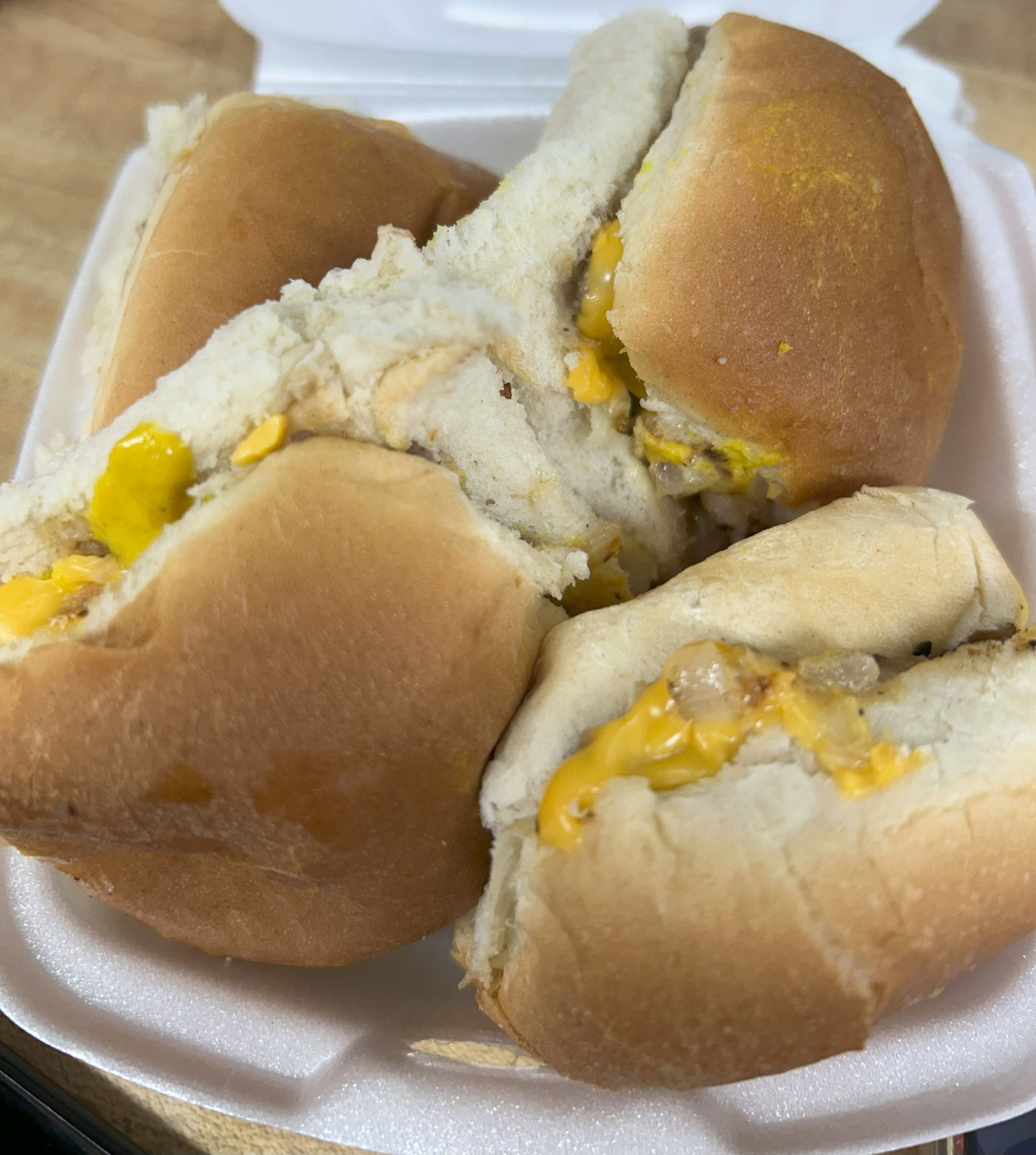
Mini Cheeseburger
$1.46Snack‑size patty topped with cheese — small bite, big flavor.
3 customizations available

Cheeseburger
$5.25A Flavor Isle original — hand‑patted fresh beef, never frozen, topped with melty American cheese. Craveable comfort.
3 customizations available
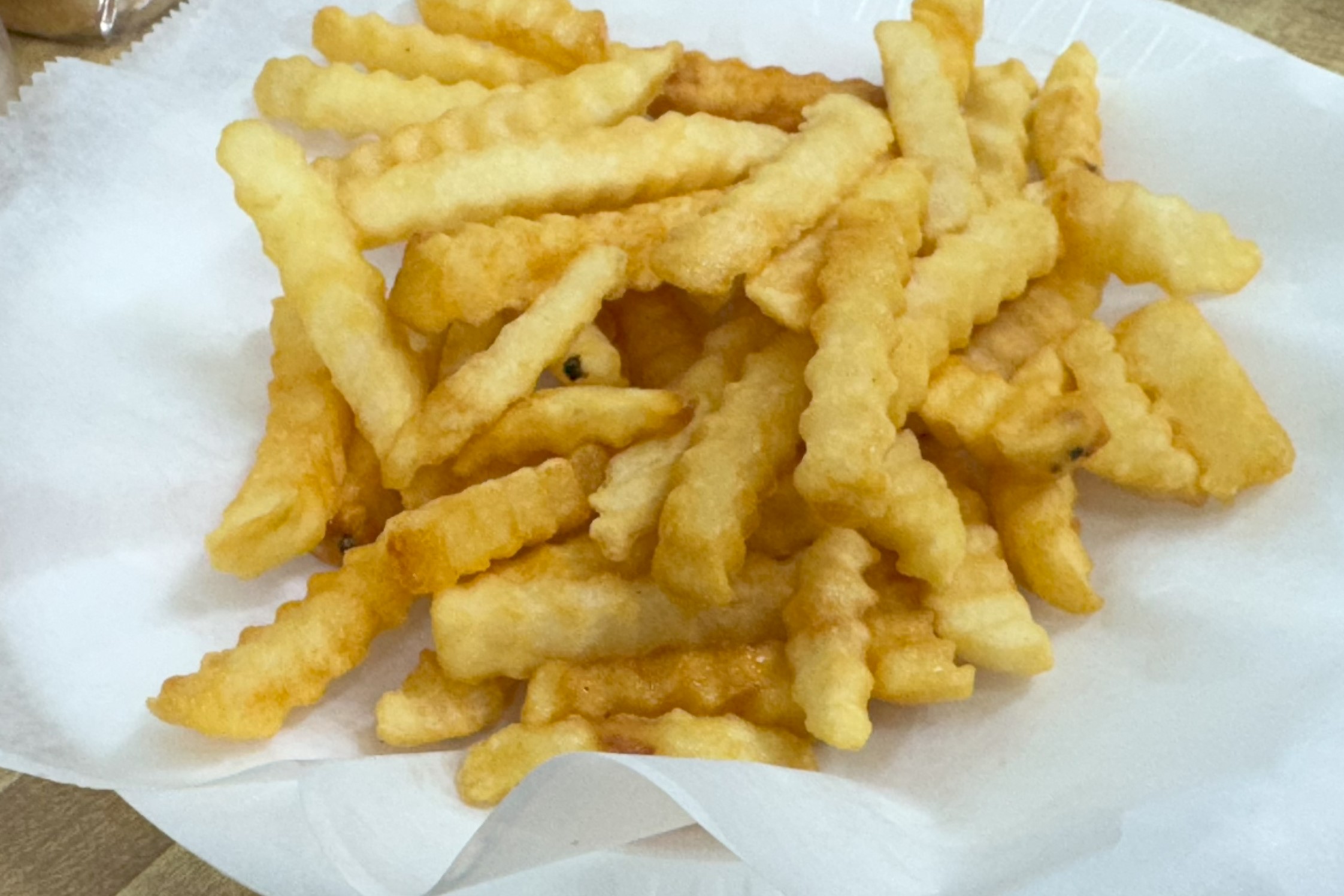
French Fries
$3.25(Crinkle‑Cut) — Crisp crinkle edges with a fluffy center — the classic fry bite. (Original 1964)
2 customizations available
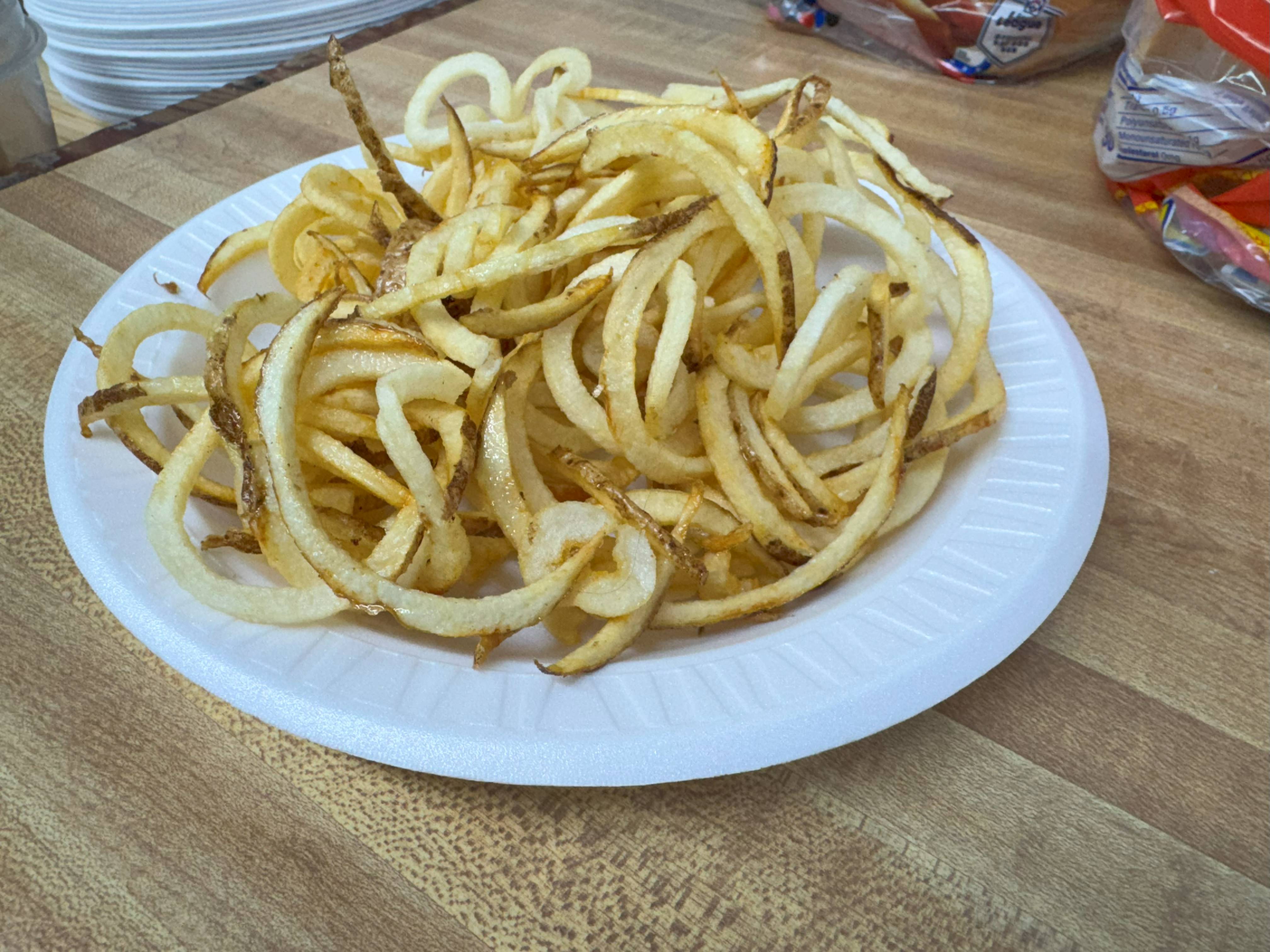
Curly Fries
$3.25Golden-fried to perfection, these spiral-cut potatoes are freshly spun when you order, delivering peak crispiness and mouthwatering flavor!
2 customizations available
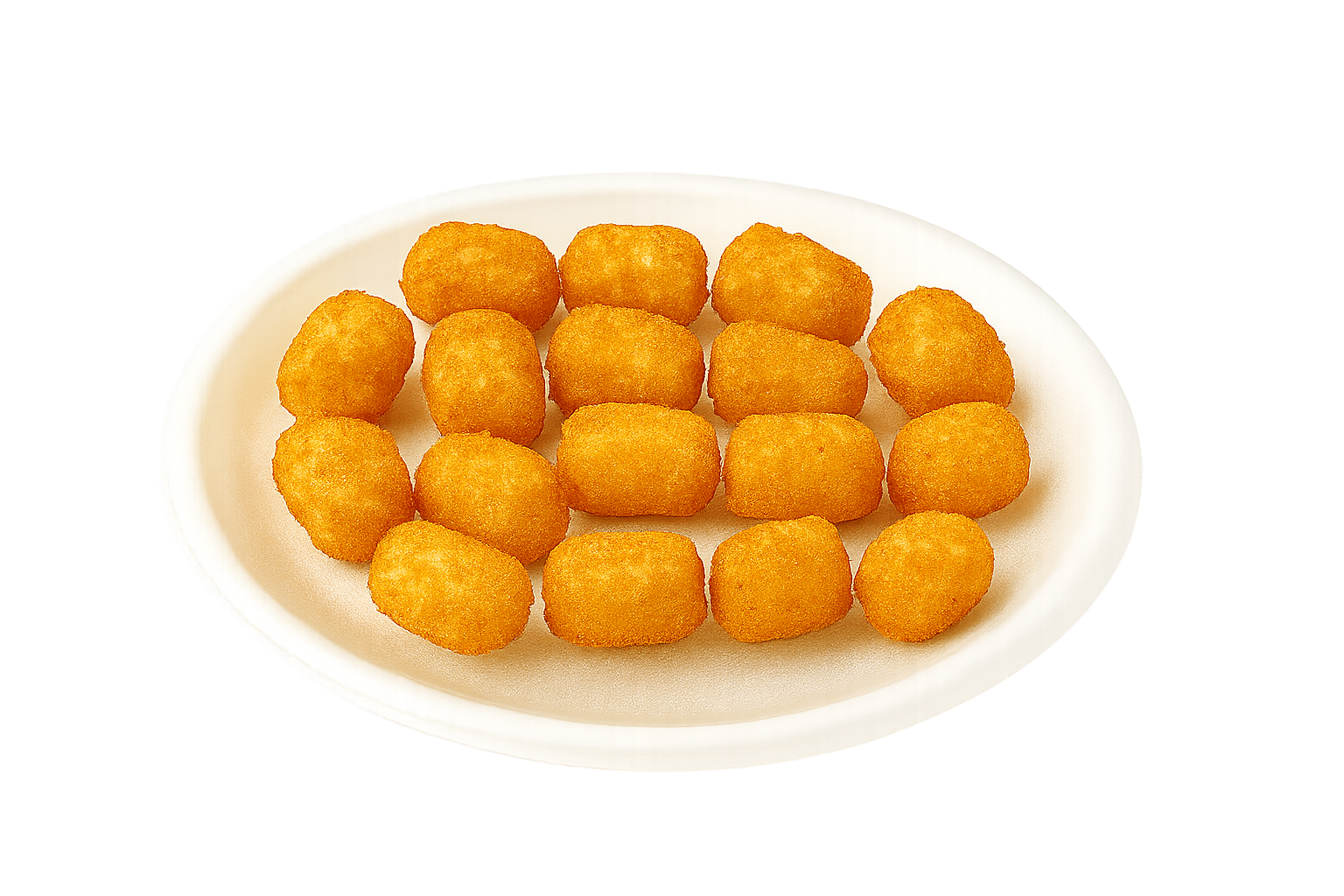
Tater Tots
$3.25Golden potato bites — crisp outside, soft inside.
2 customizations available
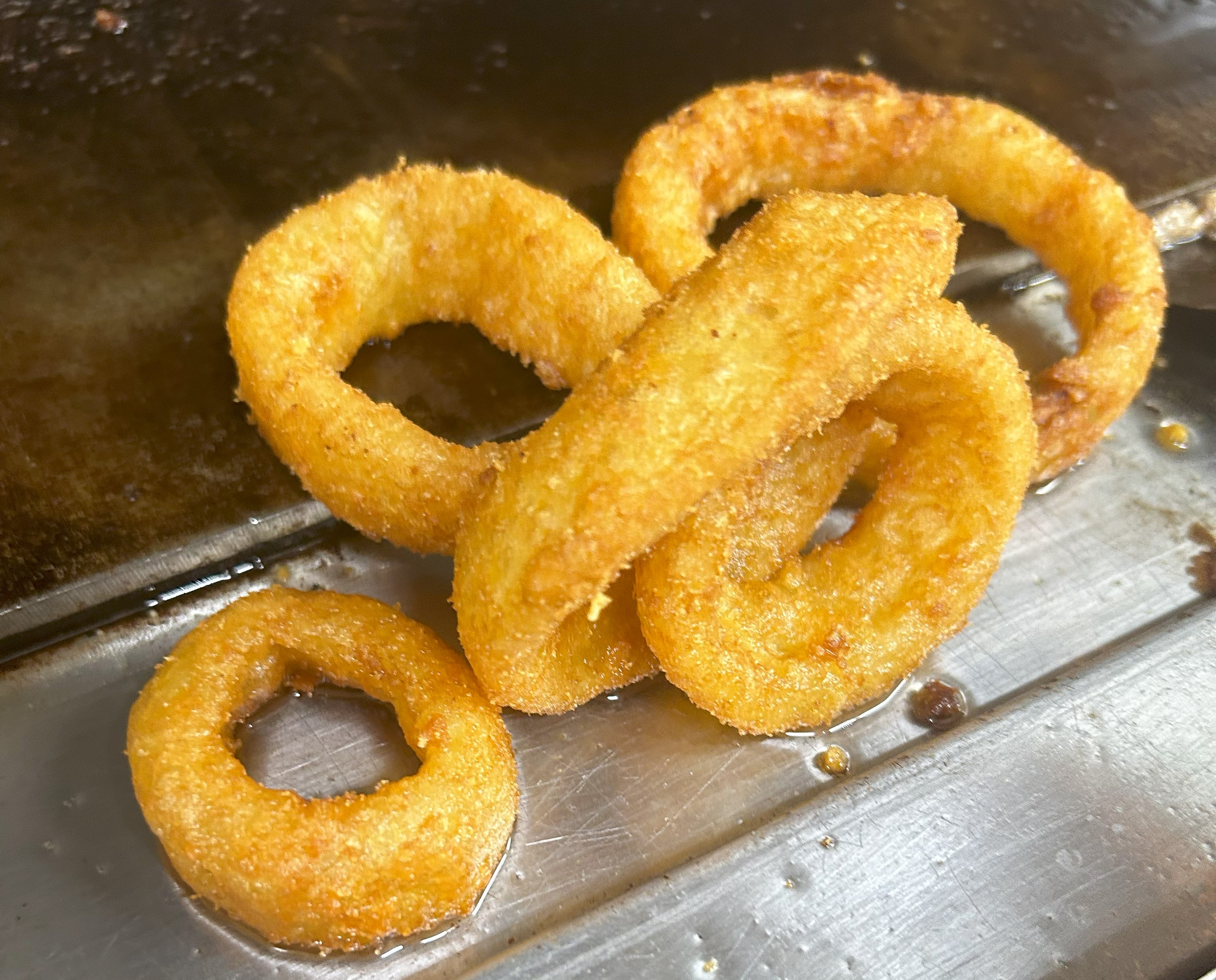
Onion Rings
$3.25Thick‑cut rings fried golden — sweet onion, big crunch.
1 customization available
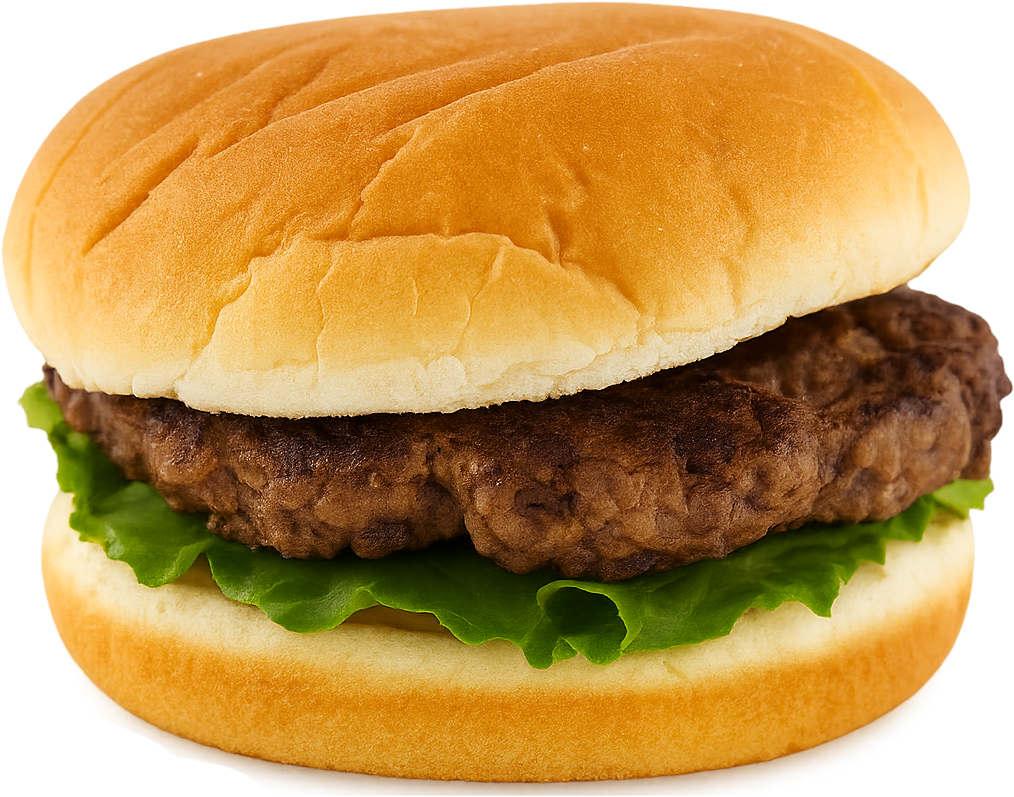
Hamburger
$4.25Hand‑patted fresh, never frozen — simple, honest, and satisfying.
3 customizations available
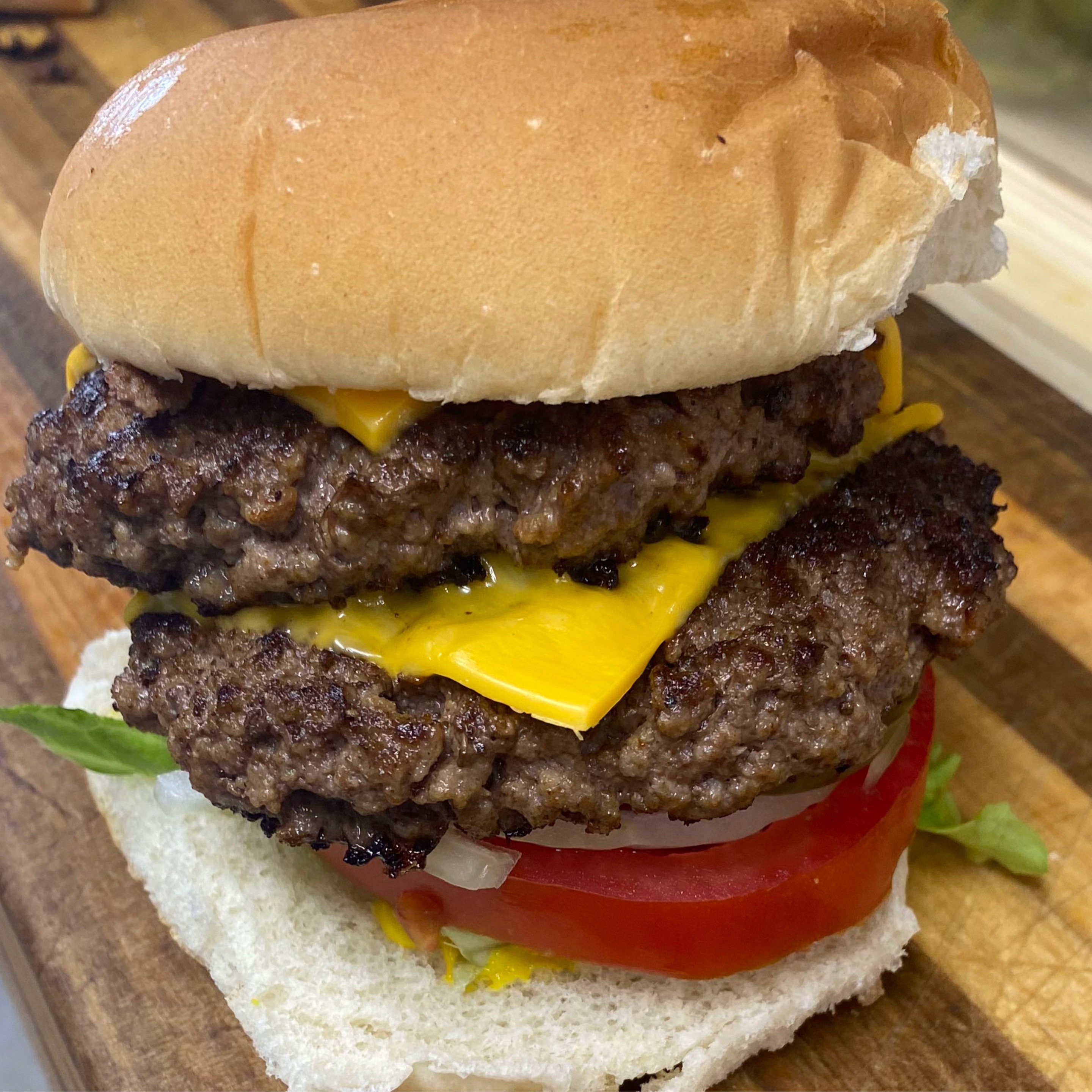
Double Cheeseburger
$9.50Twice the patties, twice the cheese. Built fresh by hand, stacked high with big burger energy.
3 customizations available
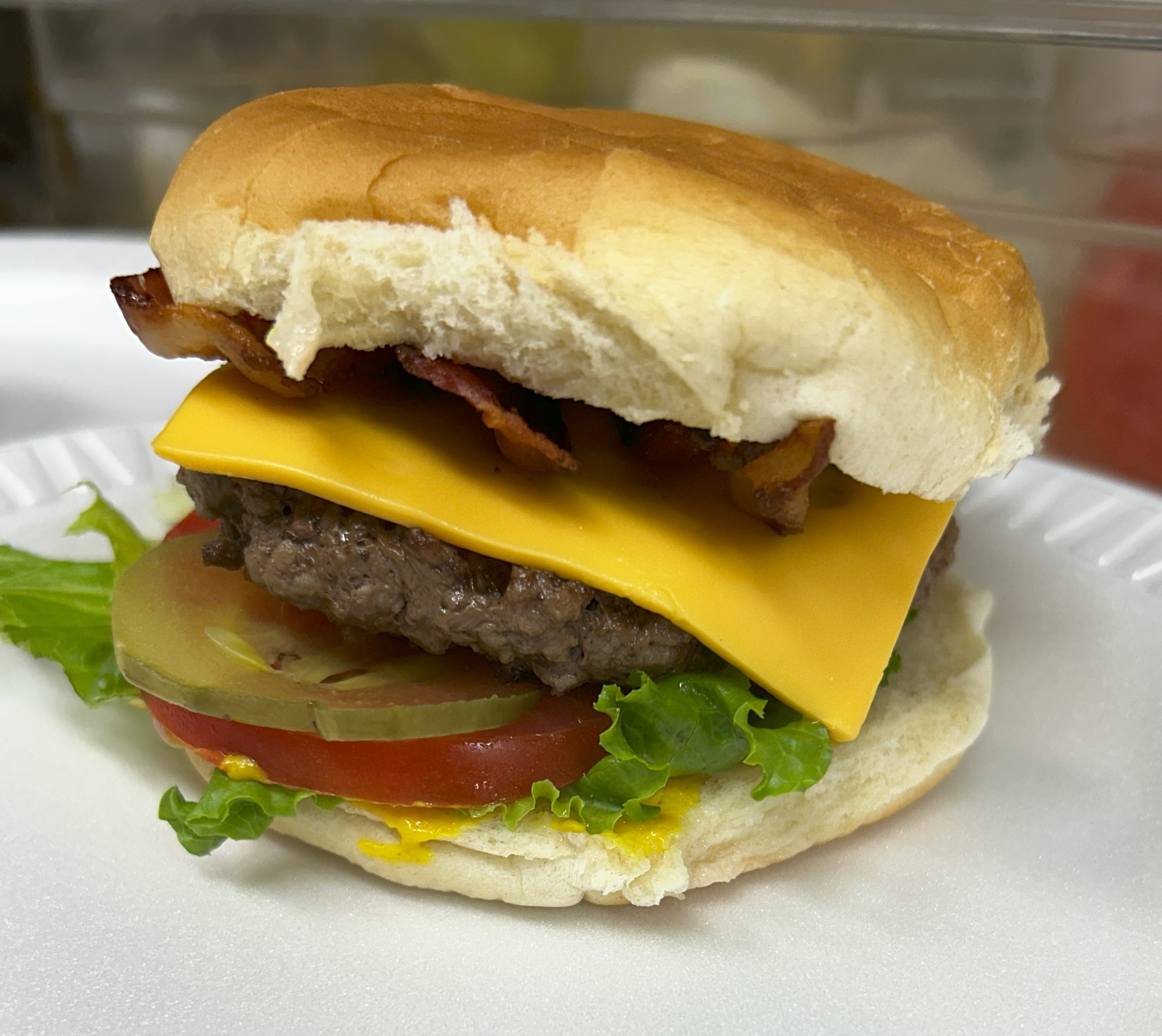
Bacon Cheeseburger
$6.25Bacon and melty cheese over a fresh burger — bold flavor.
3 customizations available
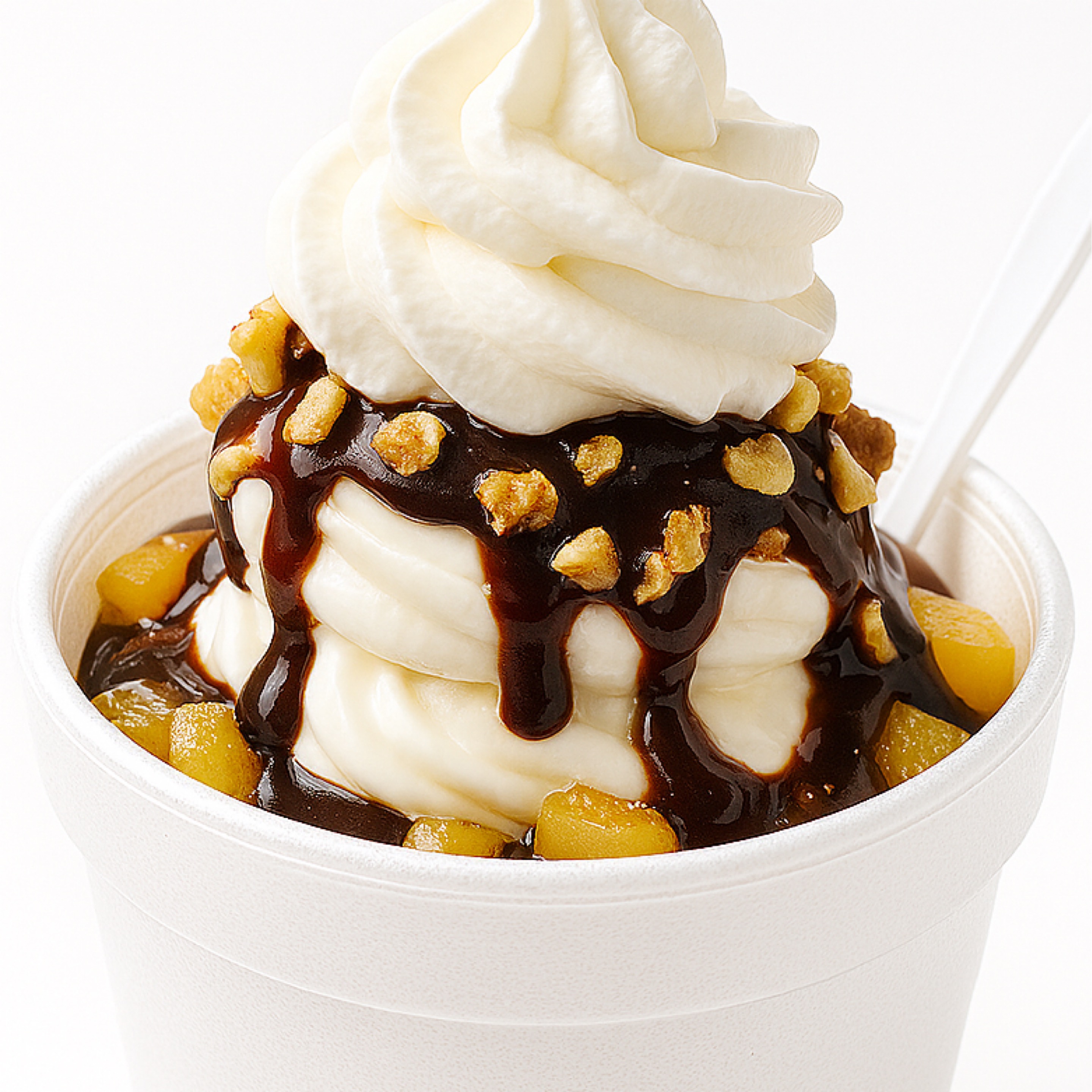
Sundae
$3.74Classic ice cream sundae topped with syrup and whipped cream. A heritage treat, still delighting customers for only 25¢ in 1964.
3 customizations available
Happy Hour — Unbeatable Value on Drinks
HAPPENING NOWUnbeatable value on Classic Drinks when you order online — Coke, Coke Zero, Dr Pepper, Sprite, Root Beer & Sweet Tea. 2 PM – 6 PM daily, online orders only.
Smiths Grove Loves Flavor Isle
What Our Neighbors Are Saying
"Best burger I've had in Kentucky, hands down. The Deluxe was cooked to perfection and the staff treated us like family. This little diner is a hidden gem right off I-65."
— Amanda R. — Trustpilot
"Stopped in on a road trip and wow — fresh, never-frozen patties, thick milkshake, and the friendliest crew around. We'll be making this a regular stop every time we pass through Smiths Grove."
— Marcus T. — Google Reviews
"Hand-patted burgers that taste like home. The caramel apple shake is unreal and the dining room is cozy. Support local — this place is worth the detour."
— Brenda K. — Google Reviews
"Ordered online and pickup was seamless — came inside, order was ready on the counter just like they said. Food was hot, fresh, and loaded. Five stars all day."
— Derek S. — Google Reviews
"Small-town diner with big-city flavor. The crew remembers your name and your order. Star Rewards makes it even sweeter — already earned a free shake. Love this place!"
— Lauren M. — Google Reviews
"We come to Glasgow every year and it was well worth the trip. The peanut butter milkshake was 10/10 and the strawberry shake is literally in my top five best I've ever had! Would definitely visit again!"
— Leslie E. — Louisville, KY
"Just found this little gem on our way up through Kentucky and so glad that we did! They take their time making your meal, but man is it worth it — everything was perfect from the presentation to the temperature to the taste. 10 out of 10, Flavor Isle!"
— Christina C. — Lexington, TN
"Great little shop! The food was delicious and the ice cream was the perfect treat after driving 10 hours. The staff was patient while my kiddos decided what to order and the food came out pretty fast."
— Family from West Bend, WI
"Very small quaint spot. Had the hot ham and cheese — delicious! Real ham, not deli meat. Per the reviews I had to have the onion rings. They really are great!"
— Local guest
"I loved the double hamburger. Fresh beef patties and it tasted wonderful! The steak burgers are great and the hot fudge sundae is a must."
— TripAdvisor guest
"The milkshakes are smooth and absolutely delicious! The burgers are huge and the Hobo burger is my personal favorite. The onion rings and fried pickles hit every time."
— Kentucky road trip guest
"The food is really good and the staff were nice. Truly a hidden gem. The burgers gave me a nostalgic feeling & the milkshakes are like no other. I will be back!"
— Yelp guest
"Food was fantastic as always! Excellent customer service as well. "
— Rebecca
← Swipe for more reviews →
Why Flavor Isle?
Made Different. Tasted Better.
We love seeing you walk through the door.
Fresh Every Day
We never freeze our beef. Every patty is hand-patted fresh before it hits the grill — real quality in every bite.
Made to Order
Nothing sits under a heat lamp here. Your food is cooked fresh when you order it — every single time.
Community Roots
A neighborhood burger restaurant that knows its regulars by name — good food, fair prices, friendly faces.
Hot & Fast
Order online, pick up in minutes. We don't make you wait — we make you hungry.
Support Local
When you order direct, every dollar stays right here in Smiths Grove.
Earn Loyalty Rewards
Every direct order earns Flavor Isle loyalty points toward free food — and your first order starts earning right away. Create a free account, order your favorites, and cash points in for shakes, sides, and more. Orders placed through delivery apps don't earn you a thing.
Earn points.
Eat for free.
- ✅ Points on every order
- ✅ Redeem for shakes, sides & more
- ✅ Free to join — no coupon needed
Hand-Smashed Kentucky Beef
Fresh, never frozen
Real Ice Cream Shakes
Hand spun, thick & creamy
Smiths Grove Heritage
Proudly serving Warren County and I-65 travelers
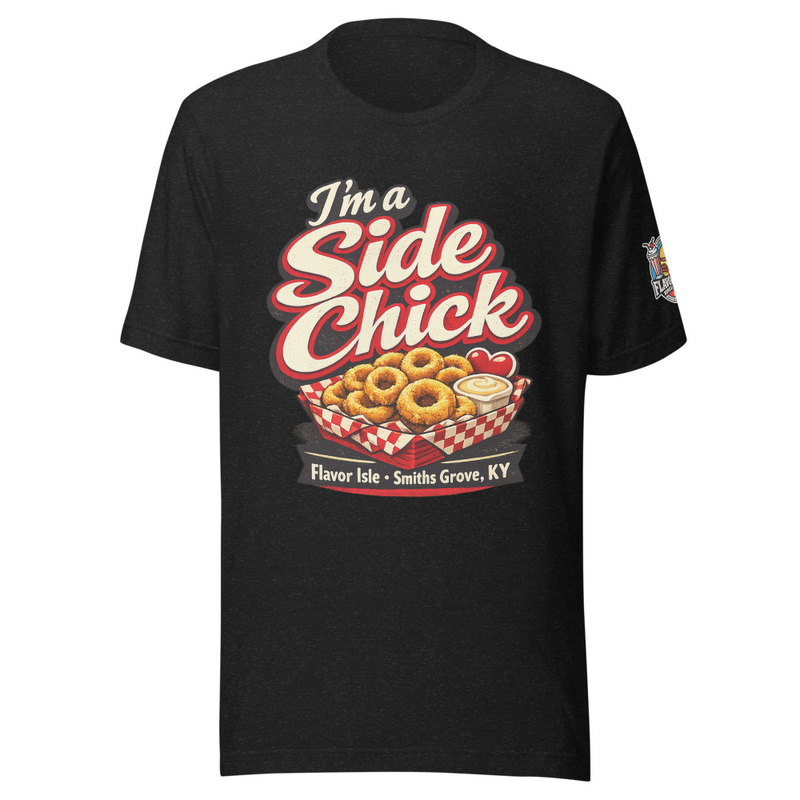

FLAVOR ISLE MERCH
Tasty Threads
Rep the flavor with tees, cups, and gear — printed on demand and shipped to your door.
Made to order · ships in 4–12 business days
I'm a side chickfrom $19.99
Smiths Grove Landmark Teefrom $24.99
Fresh From the Isle
Banana Pudding Milkshake
Banana Pudding Bliss Milkshake
$5.99
Find Us
Right in the Heart
of Smiths Grove
103 N Main St, Smiths Grove
Kentucky, KY 42171
Hours
Mon–Sat: 10:30AM – 8PM · Sun: 11AM – 8PM
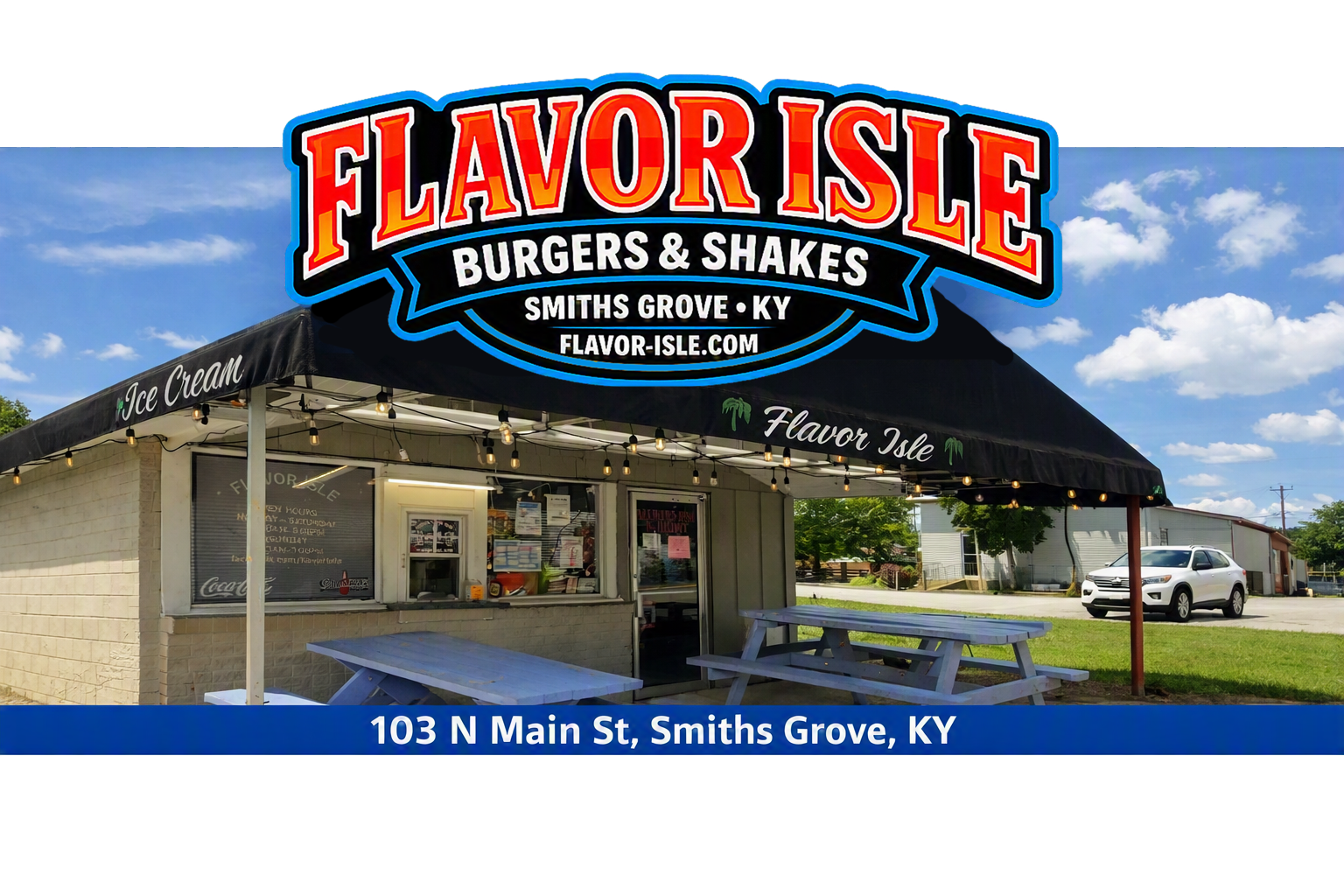
You're Closer Than You Think
Whether you're a local craving a hand-patted burger or an I-65 traveler heading to Mammoth Cave or the Corvette Museum, we're right off the interstate — 0.7 mi, about 2 minutes from Exit 38.
Plan Your StopFrequently Asked Questions
Hours, allergens, ordering, pickup & delivery — answers to the things folks ask us most.
103 N Main St, Smiths Grove
Kentucky, KY 42171 · 0.7 mi / ~2 min from I-65
Get the Flavor Isle App
Order faster, track in real time, and stack up Star Rewards. Launching soon on the App Store & Google Play.
Delivery is temporarily limited to a 5‑mile radius until winter. Pickup and dine‑in remain available.
Running Smooth · ≈ 16 min
What to expect?ORDER ONLINE
The Flavor Isle Menu
Happy Hour — Unbeatable Value on Drinks
HAPPENING NOWUnbeatable value on Classic Drinks when you order online — Coke, Coke Zero, Dr Pepper, Sprite, Root Beer & Sweet Tea. 2 PM – 6 PM daily, online orders only.
Earn Star Rewards! Create an account to save orders & reorder fast.
Old-Fashioned Burgers
11 itemsHamburger
$4.25Hand‑patted fresh, never frozen — simple, honest, and satisfying.
3 customizations available
Bacon Hamburger
$6.32Crispy bacon meets a fresh patty — smoky and savory.
3 customizations available
Cheeseburger
$5.25A Flavor Isle original — hand‑patted fresh beef, never frozen, topped with melty American cheese. Craveable comfort.
3 customizations available
Bacon Cheeseburger
$6.25Bacon and melty cheese over a fresh burger — bold flavor.
3 customizations available
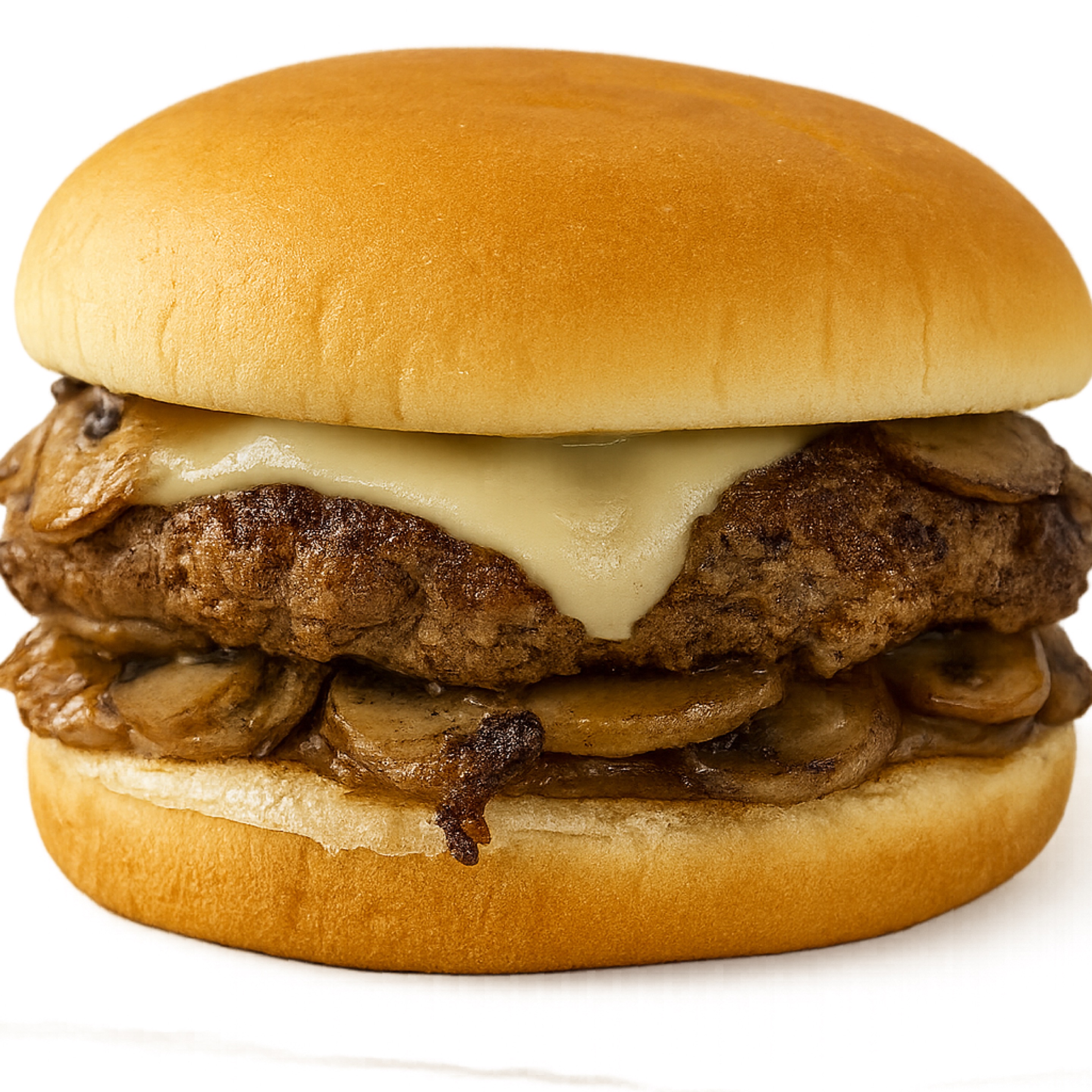
Mushroom Swiss Burger
$6.50Savory mushrooms and creamy Swiss melt over a hand‑patted burger — authentic comfort with Flavor Isle flavor.
3 customizations available
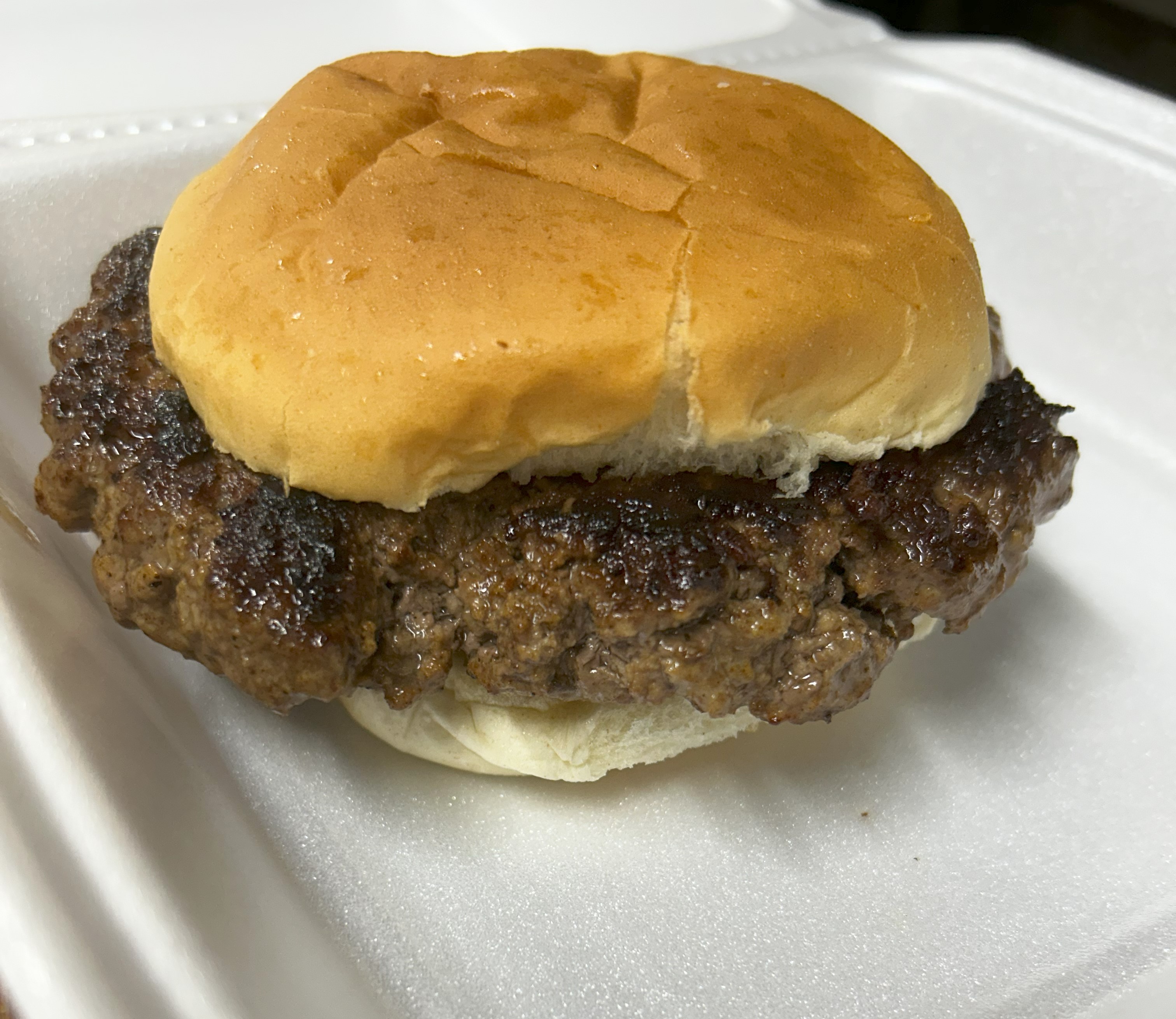
Hamburger Steak
$9.50Seasoned ground beef grilled hot on a toasted bun — hearty and straightforward.
4 customizations available
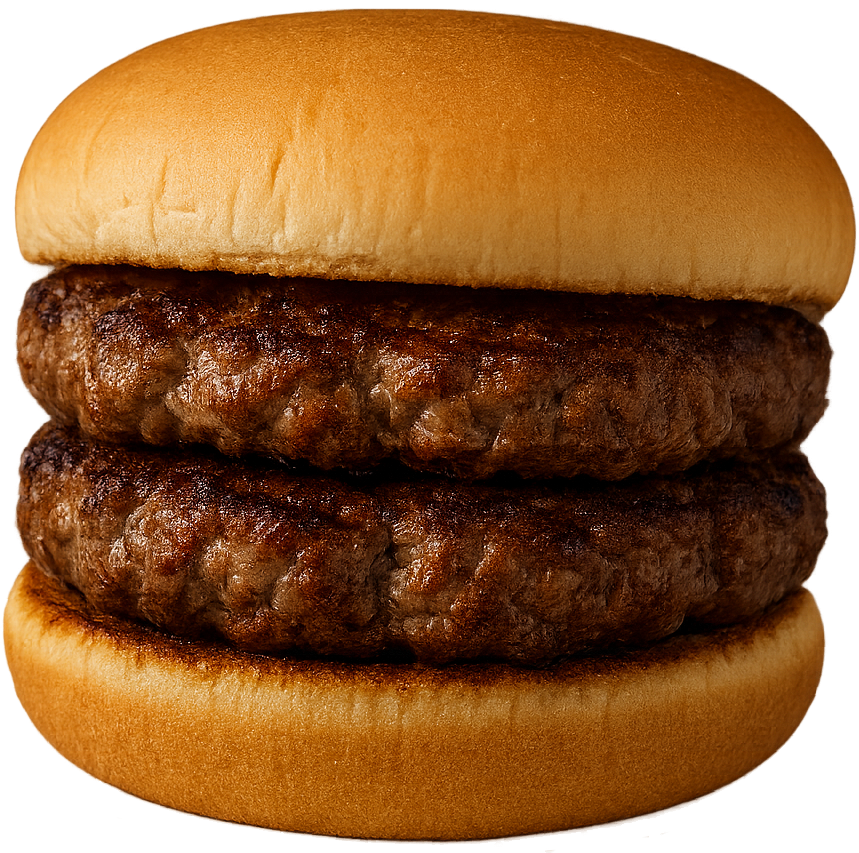
Double Hamburger
$8.50Two patties stacked high for a bigger, beefier bite.
3 customizations available
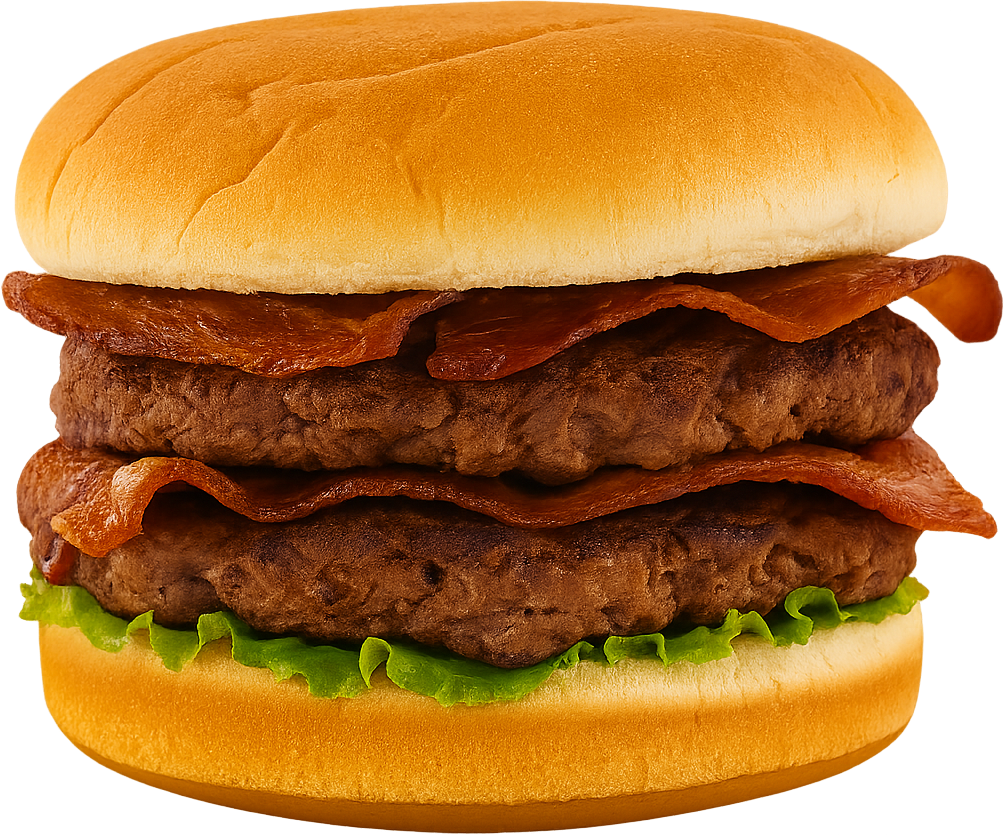
Double Bacon Hamburger
$9.50Two patties, plenty of bacon — indulgent and hearty.
3 customizations available
Double Cheeseburger
$9.50Twice the patties, twice the cheese. Built fresh by hand, stacked high with big burger energy.
3 customizations available
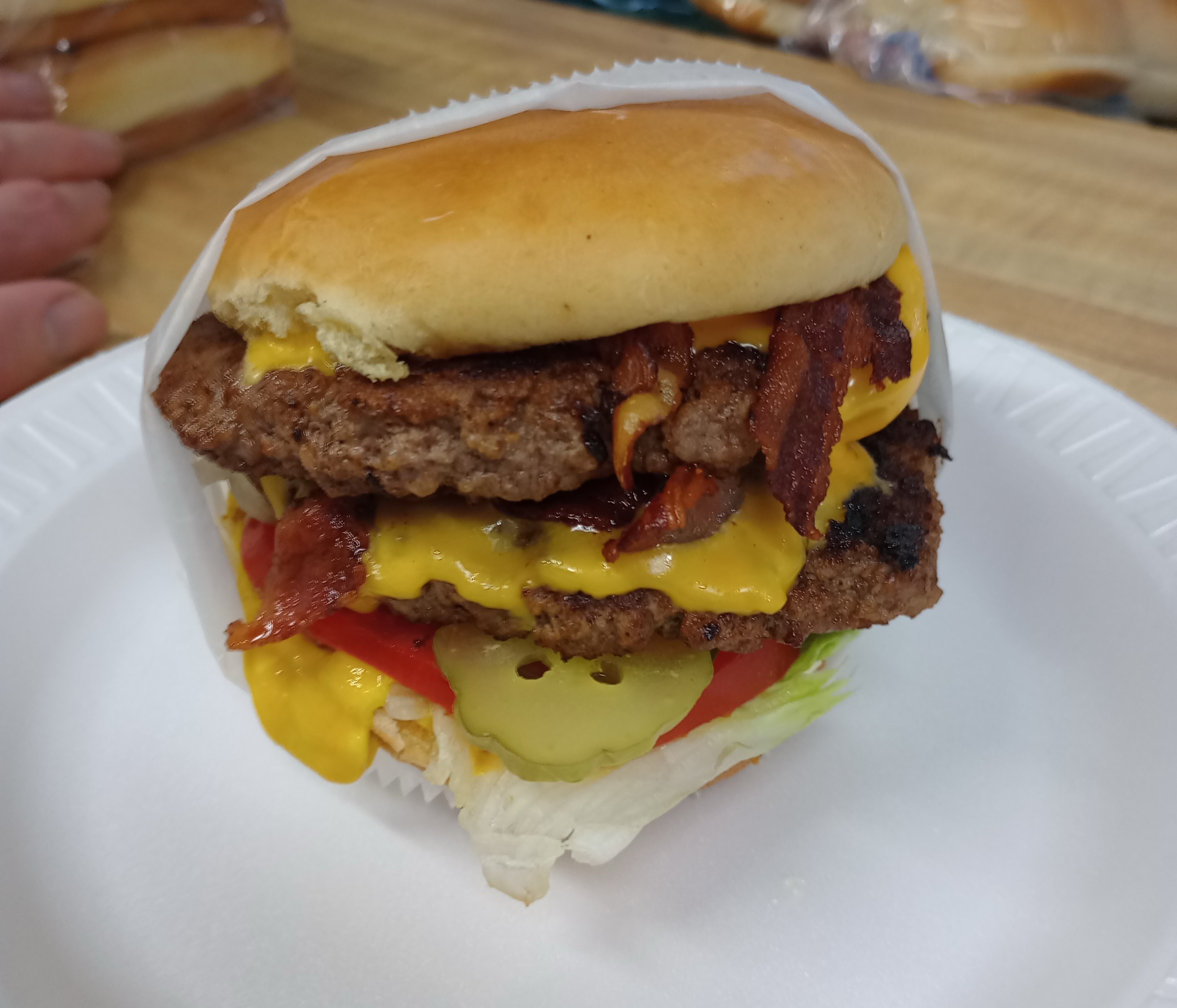
Double Bacon Cheeseburger
$10.50Stacked patties, crispy bacon, gooey cheese — big appetite energy.
3 customizations available
Double Mushroom Swiss Burger
$11.50Two patties layered with mushrooms and Swiss — rich, hearty, and smooth.
4 customizations available
Handheld Classics
3 items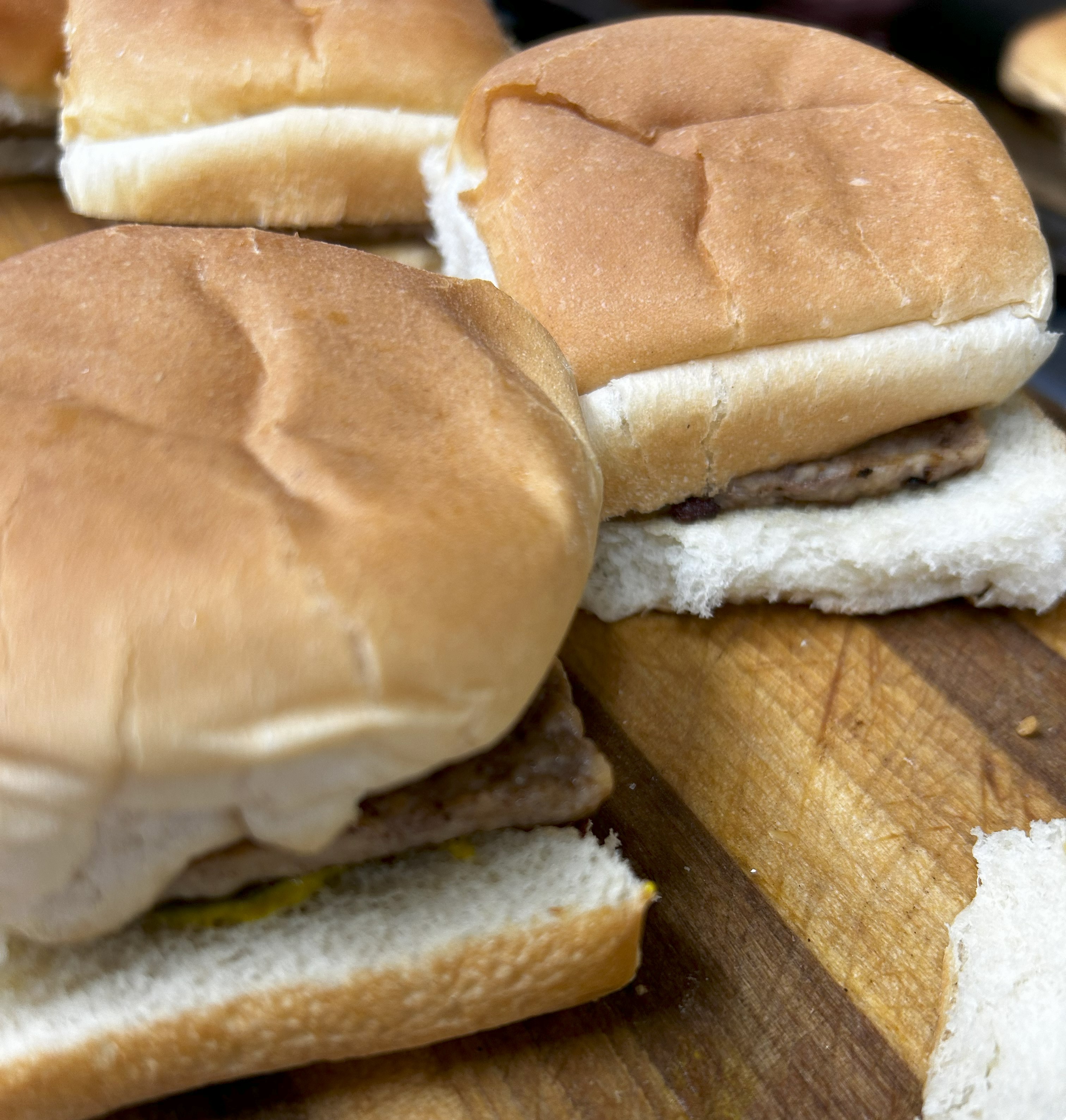
Mini Burger
$1.13Snack‑size patty - proof that even the smallest bite carries Flavor Isle flavor
2 customizations available
Mini Cheeseburger
$1.46Snack‑size patty topped with cheese — small bite, big flavor.
3 customizations available
BBQ Sandwich
$4.99Tender pulled pork slathered in a smoky sauce, topped with tangy pickles, all served on a toasted bun.
Crisp & Cluck
5 items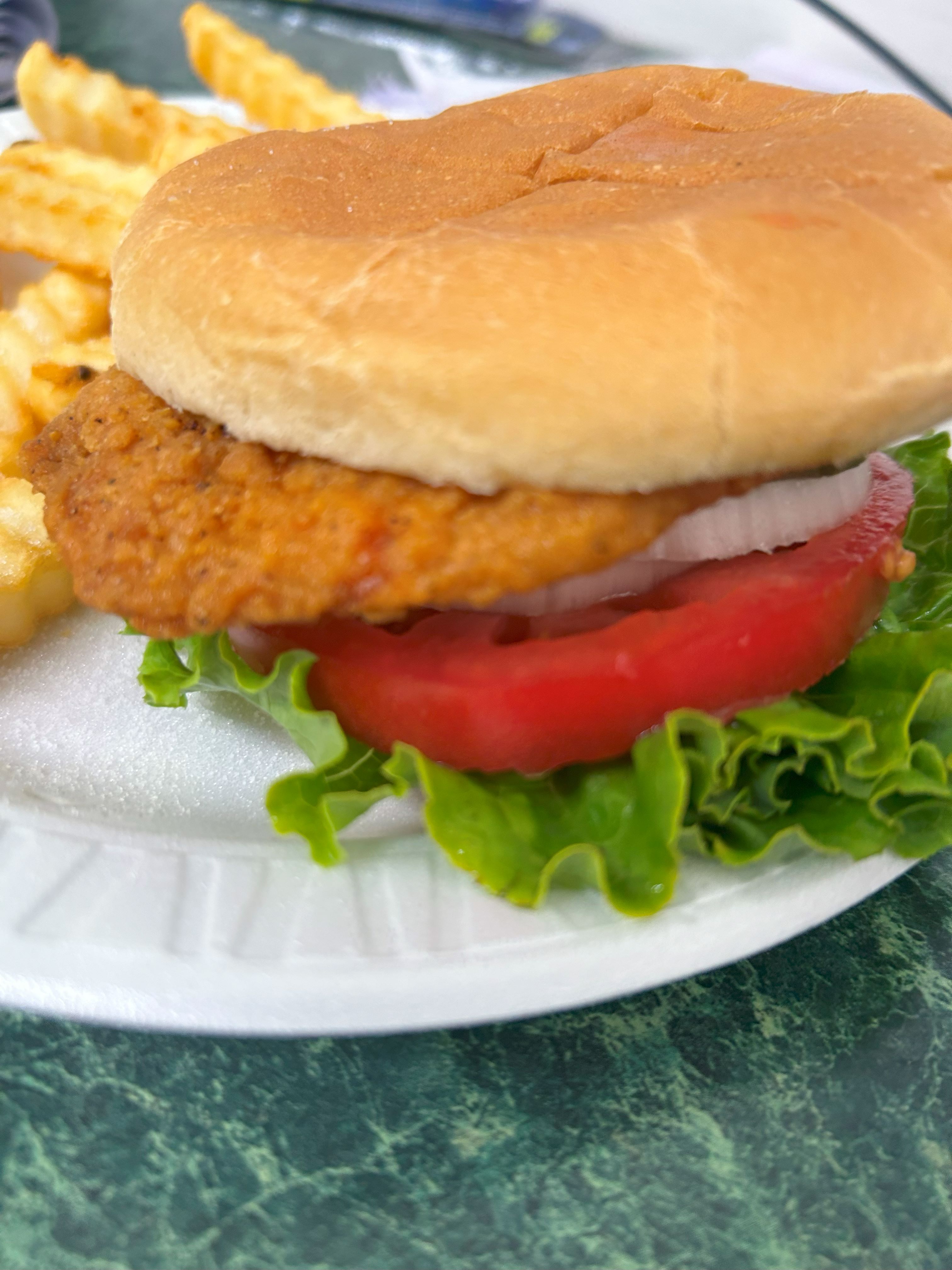
Crispy Chicken Sandwich
$5.99Hand‑breaded crunch with a tender center — the go‑to chicken bite.
3 customizations available
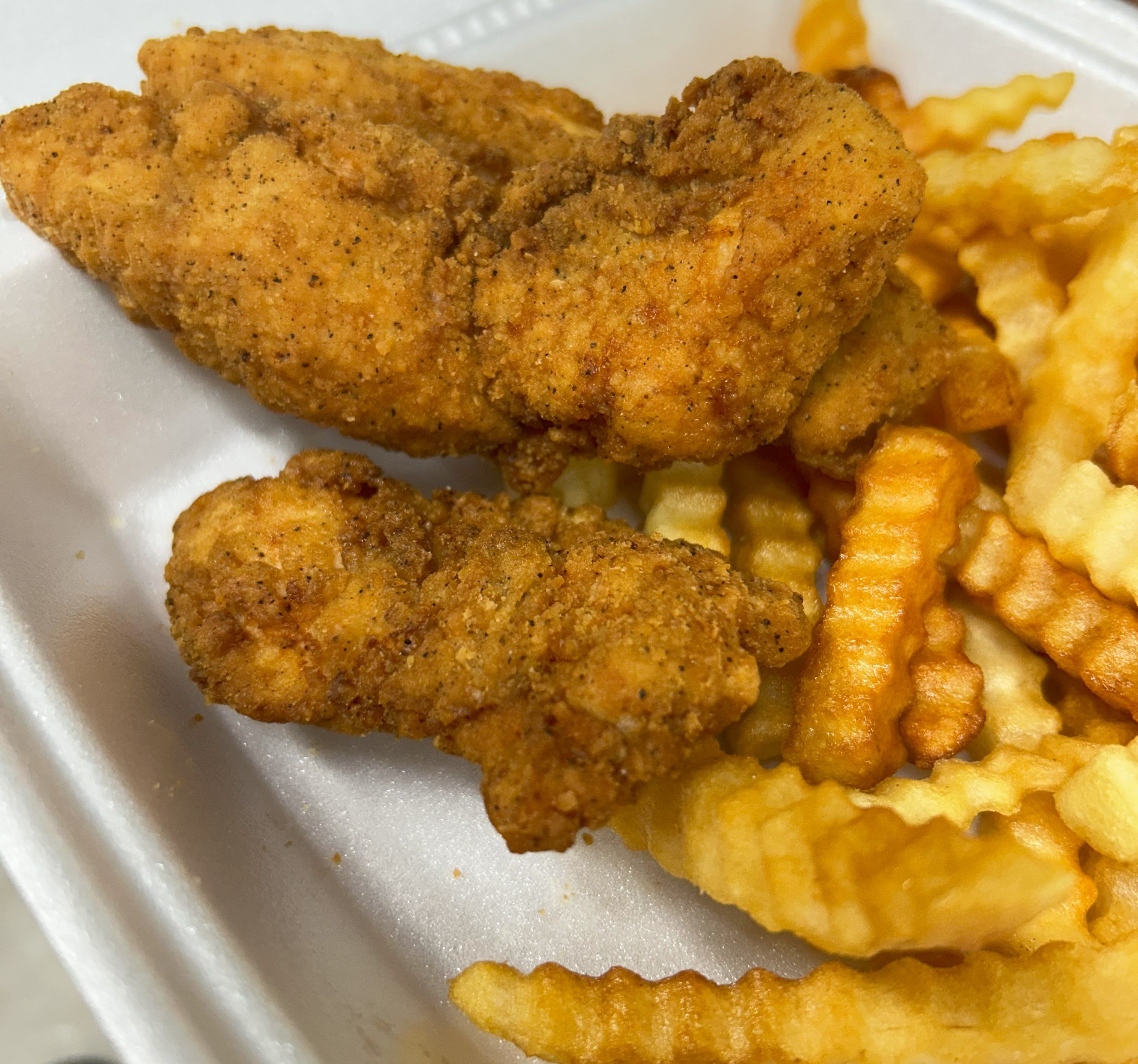
3 pc Chicken Strips
$4.953 Hand‑breaded and fried golden — tender, crunchy, dunkable.
1 customization available
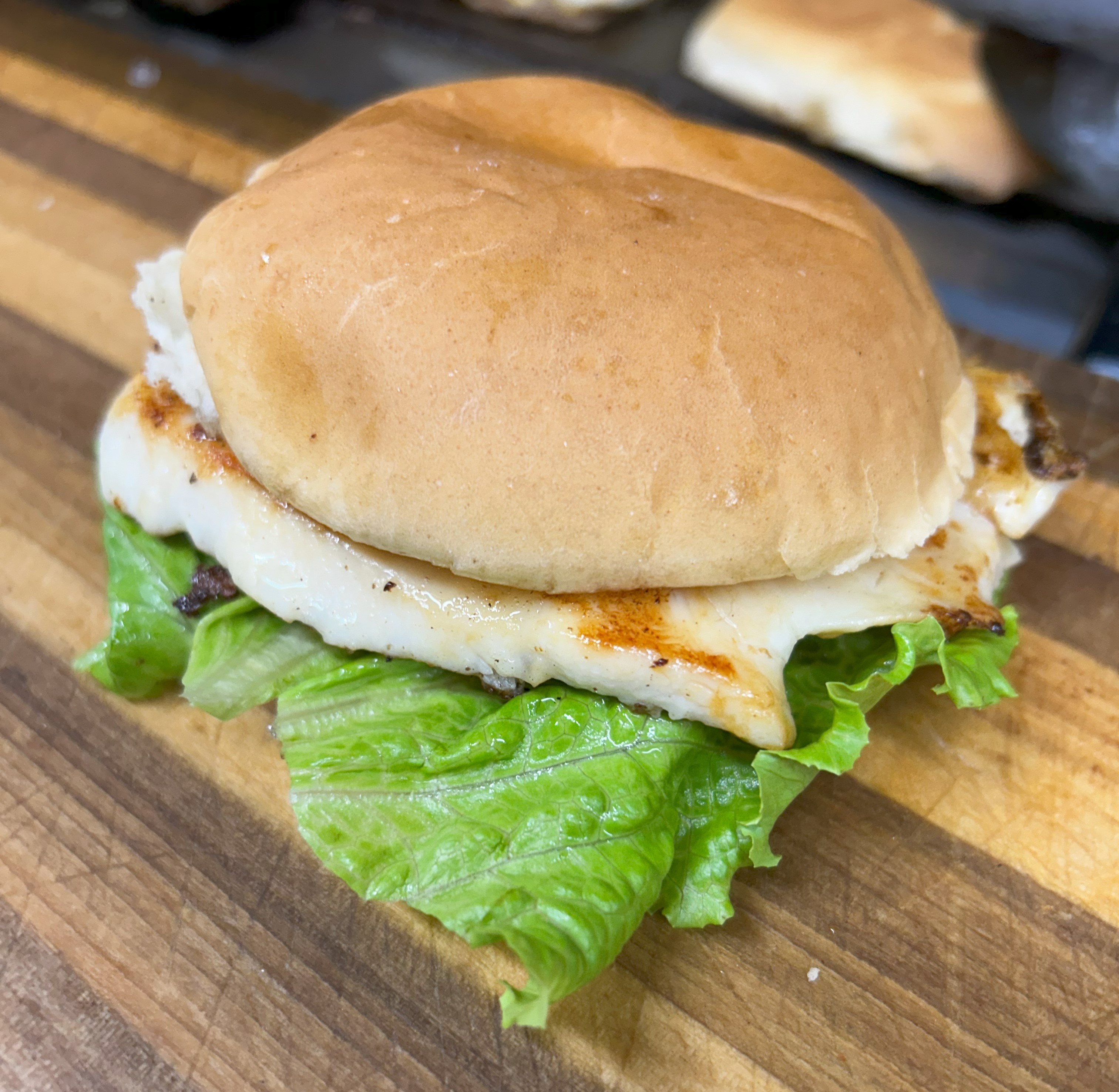
Grilled Chicken Sandwich
$5.99Juicy grilled chicken stacked on a bun — light, clean, filling.
3 customizations available
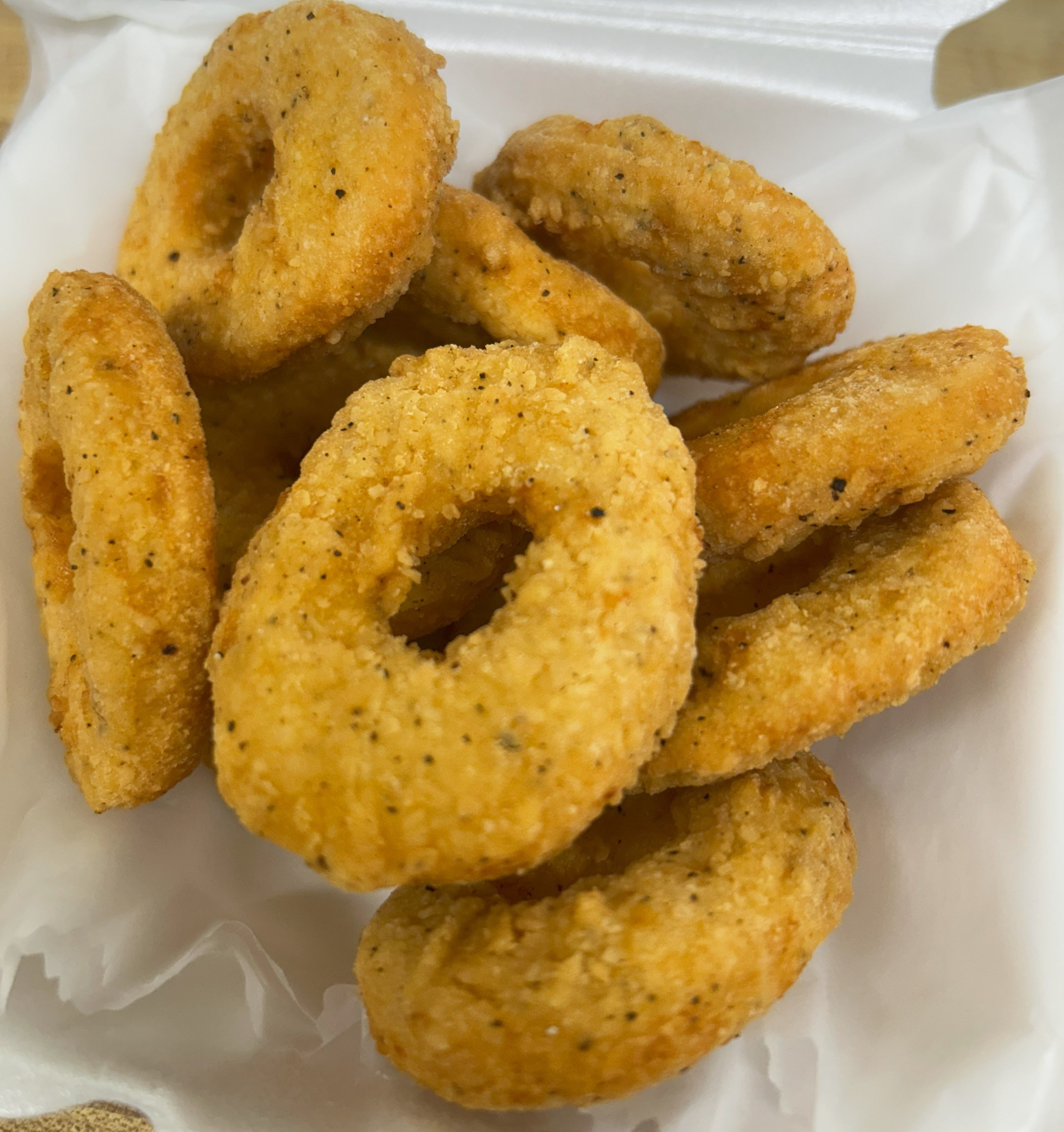
6 pc Chicken Rings
$3.25Bite‑size crispy rings — easy to share, hard to stop.
1 customization available
9 pc Chicken Rings
$4.95Bite‑size crispy rings — easy to share, hard to stop.
1 customization available
Golden Crisp & Savory
4 items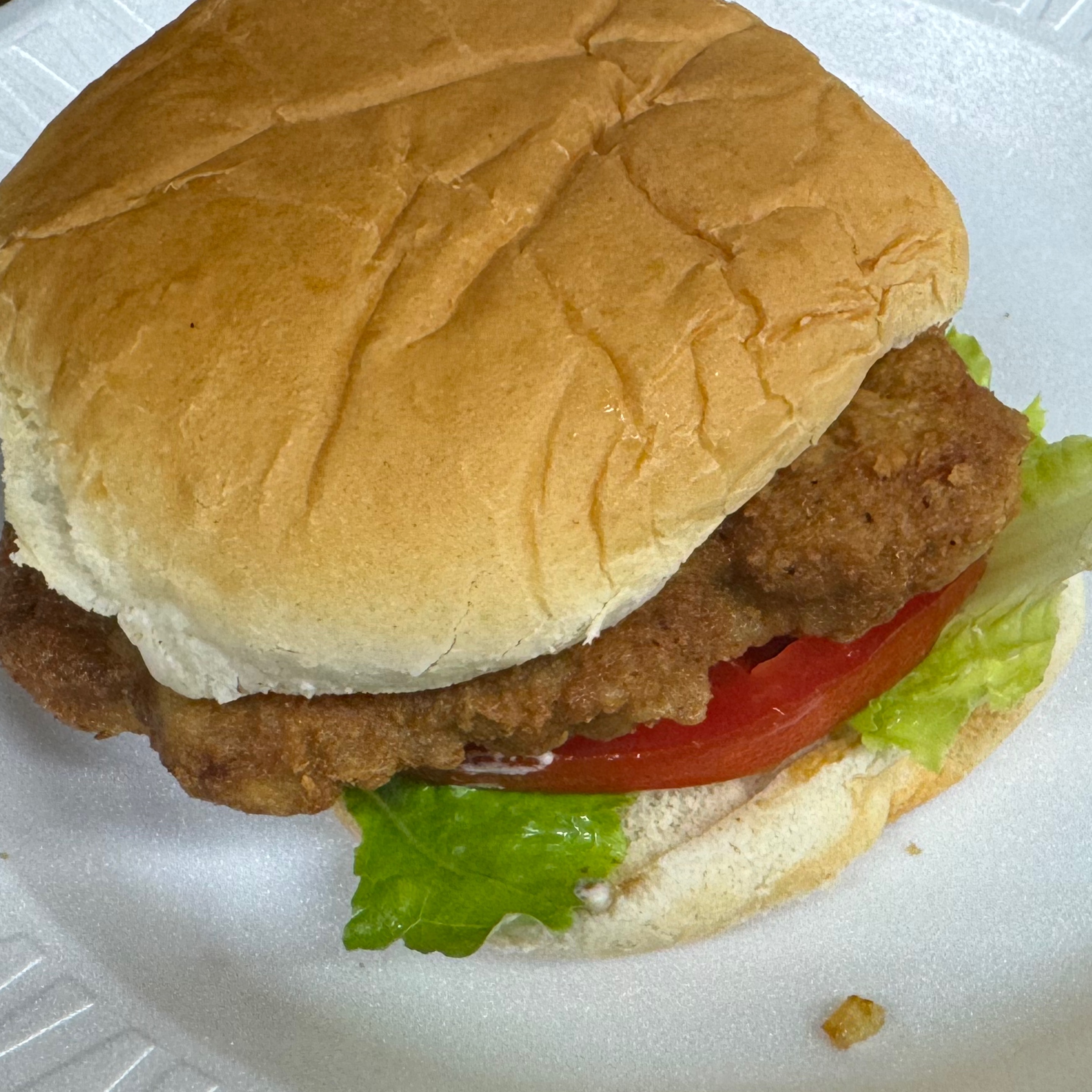
Chuckwagon Sandwich
$5.99Bold beef sandwich stacked on a bun — hearty and satisfying.
3 customizations available
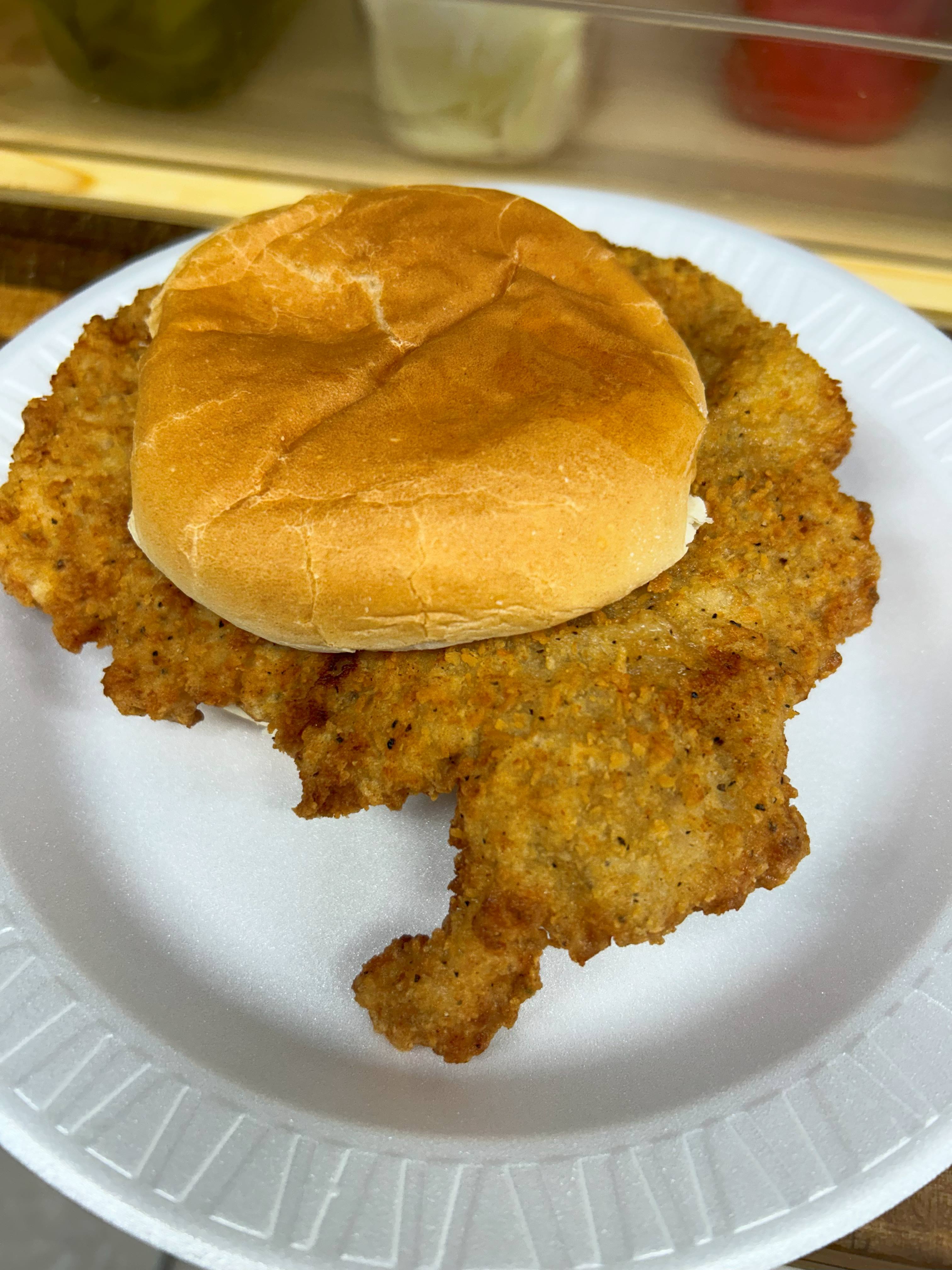
Tenderloin Sandwich
$5.99Golden, hand‑breaded pork tenderloin on a bun — crispy outside, juicy inside.
3 customizations available
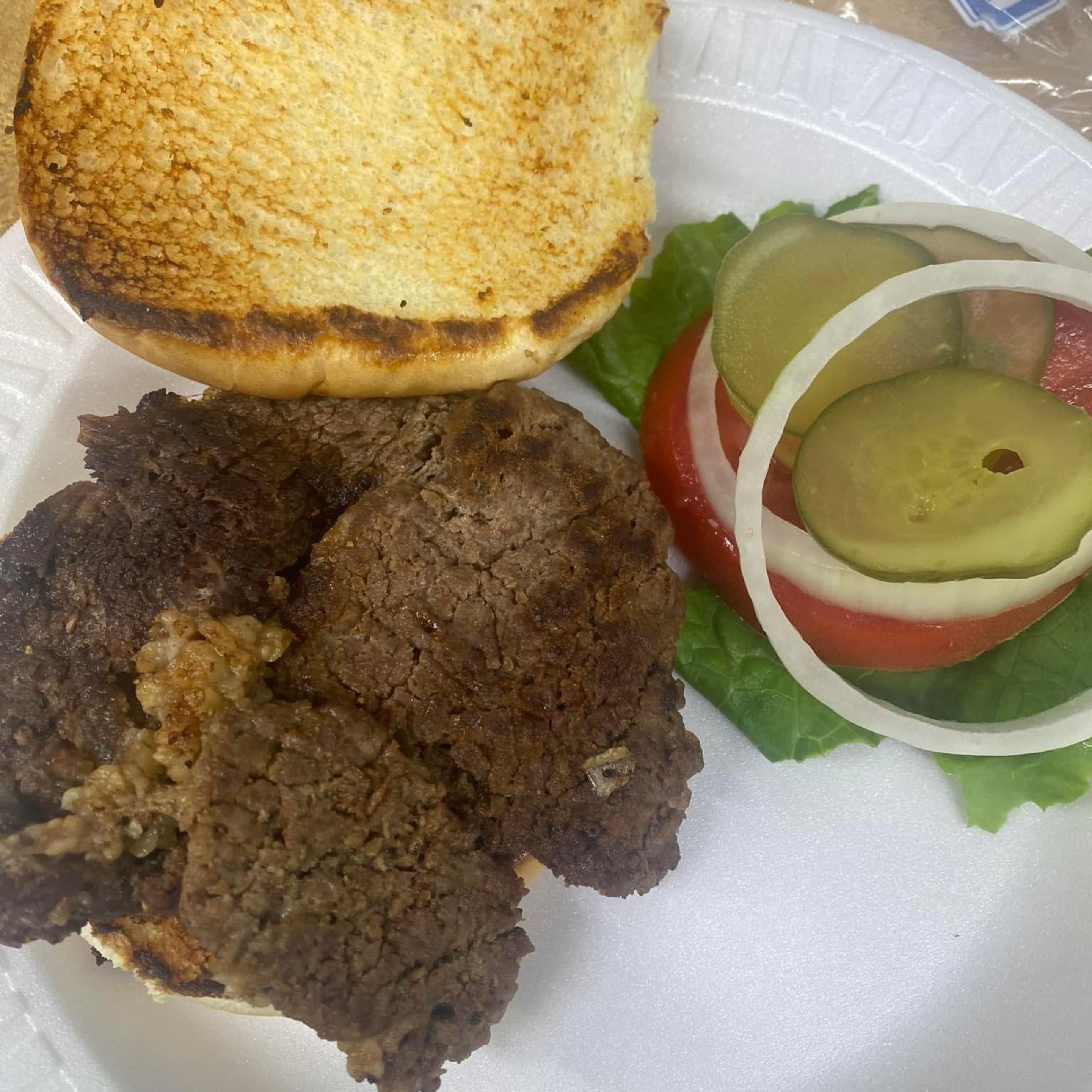
Ribeye Sandwich
$5.99Juicy ribeye steak grilled hot on a toasted bun — premium flavor, big bite energy.
3 customizations available
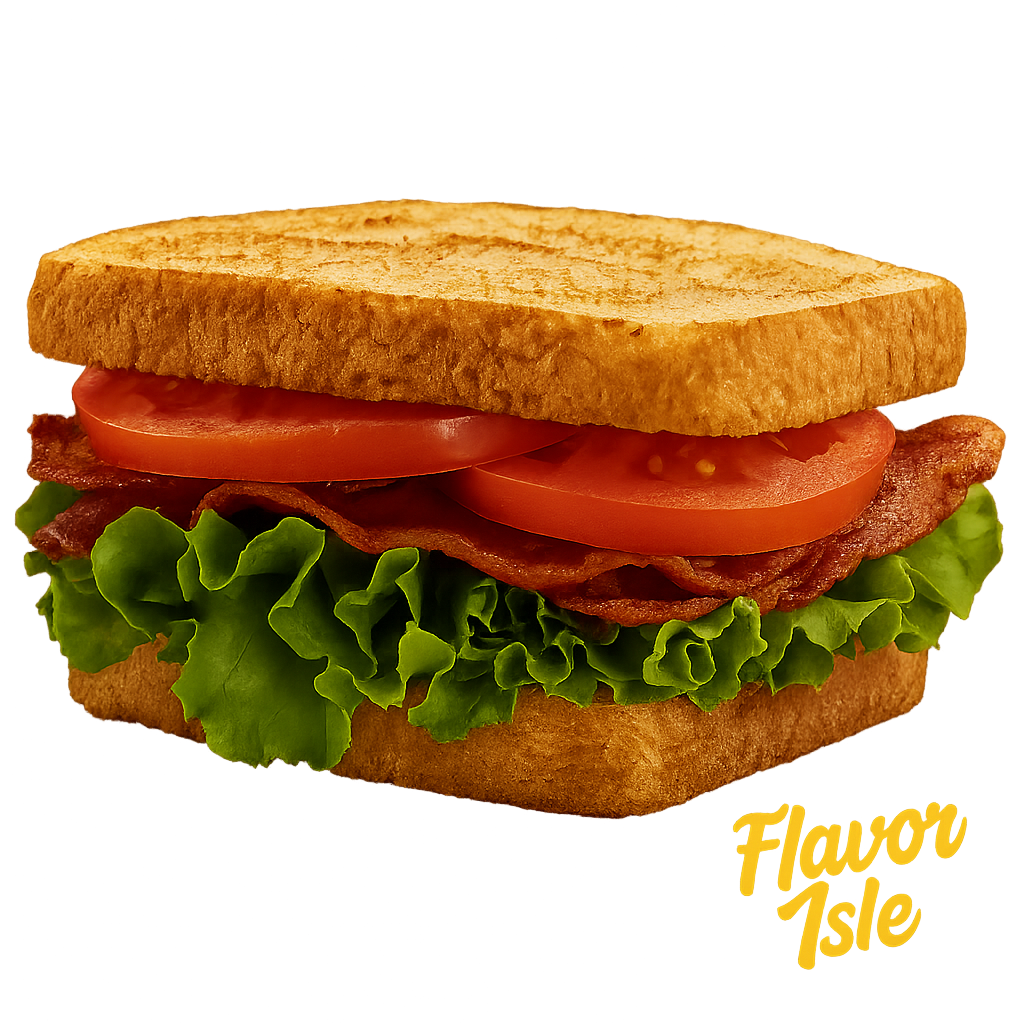
B.L.T.
$5.99Crispy bacon, lettuce, and tomato layered on toasted bread — clean, crunchy, classic.
4 customizations available
Frankly Delicious
4 items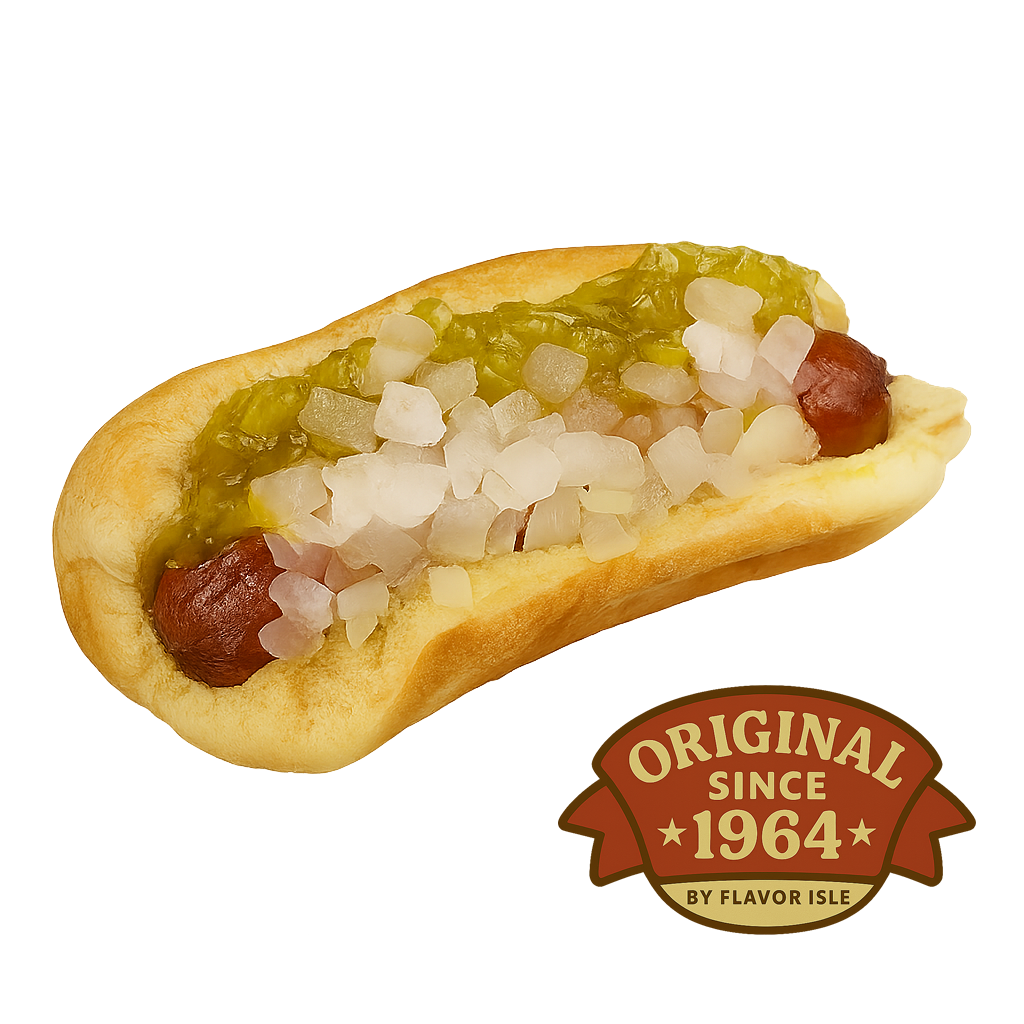
Hot Dog
$2.50The Flavor Isle original — a simple crispy fried hot dog served fresh and unforgettable. Back in 1964, it was just 15¢, and it’s still a heritage staple today.
2 customizations available
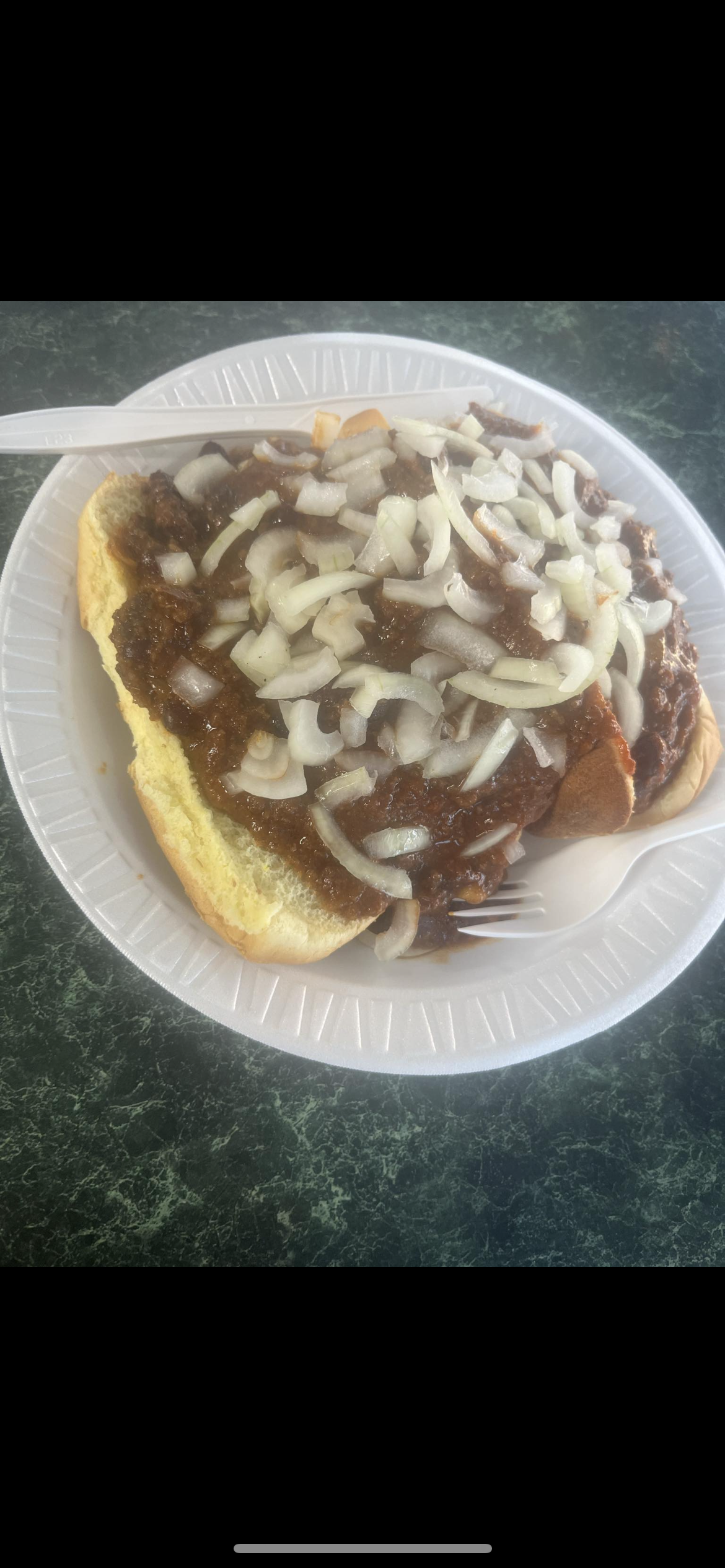
Chili Dog
$3.49A fried hot dog topped with hearty chili — warm, savory, messy in the best way.
2 customizations available
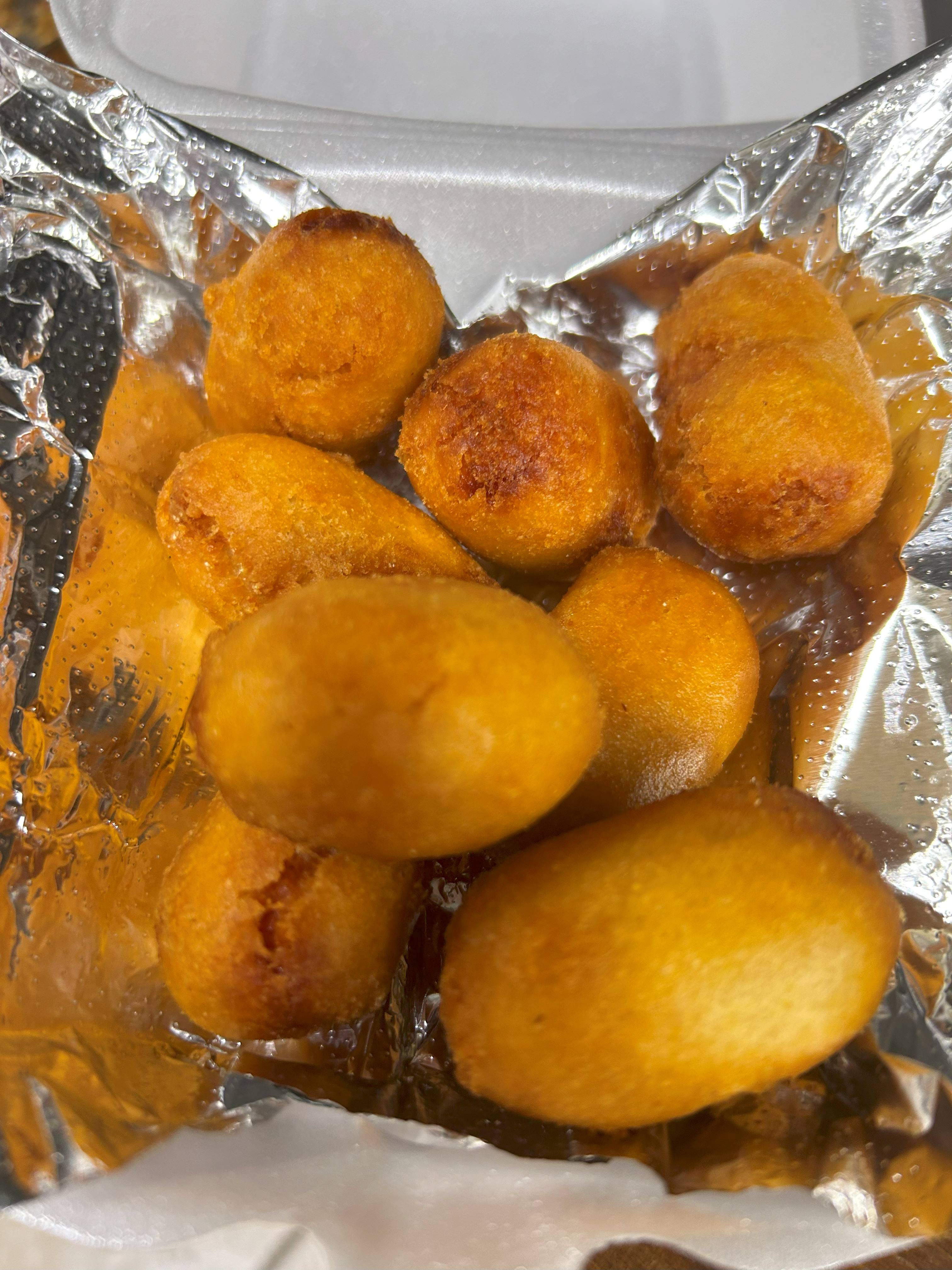
Mini Corndogs
$4.298 Snack‑size fried corn dogs — pop, dip, repeat.
1 customization available
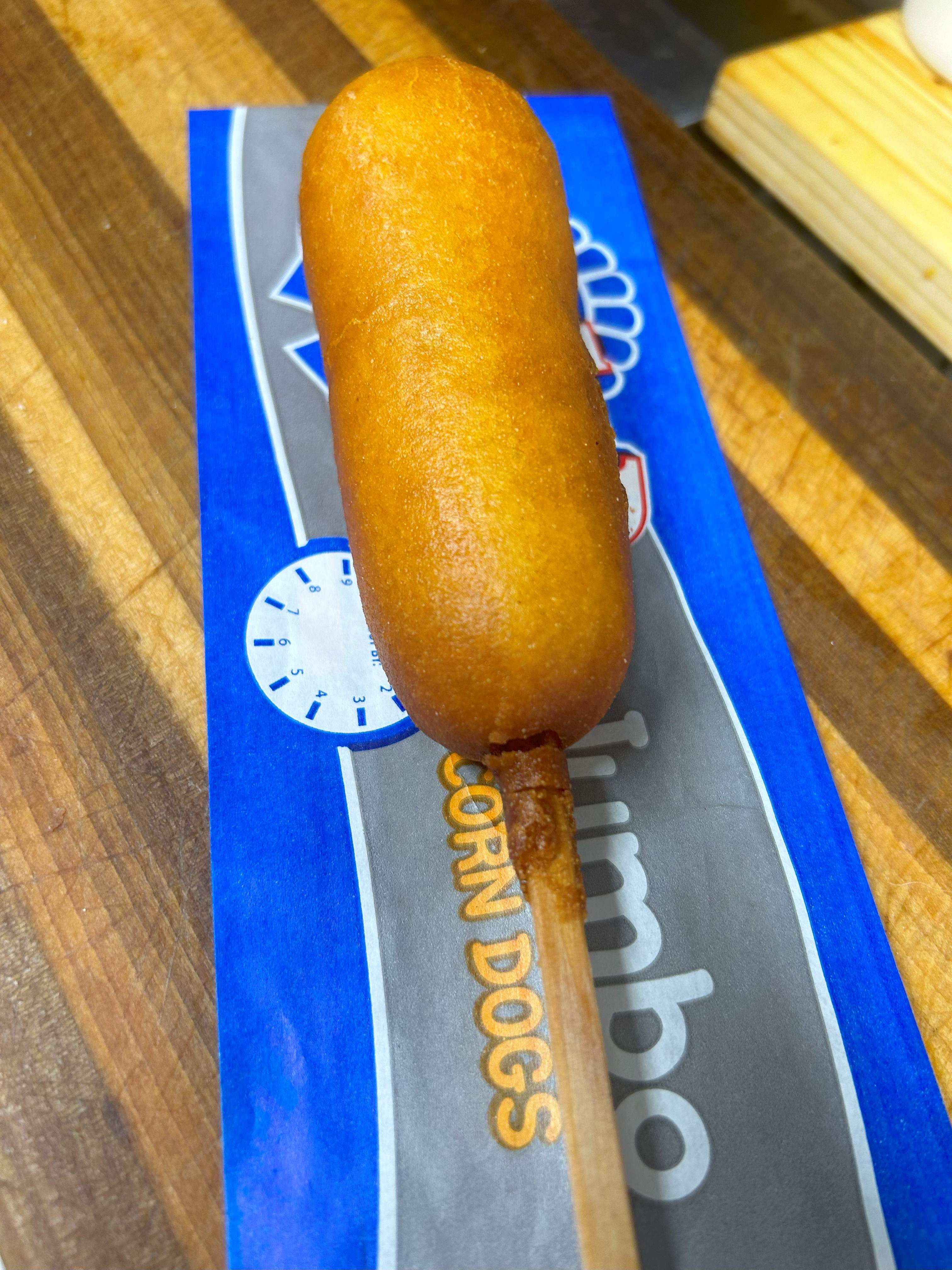
Corn Dog
$4.29Golden‑fried cornmeal wrap around a hot dog — crunchy outside, classic inside.
1 customization available
Grilled & Gooey
5 items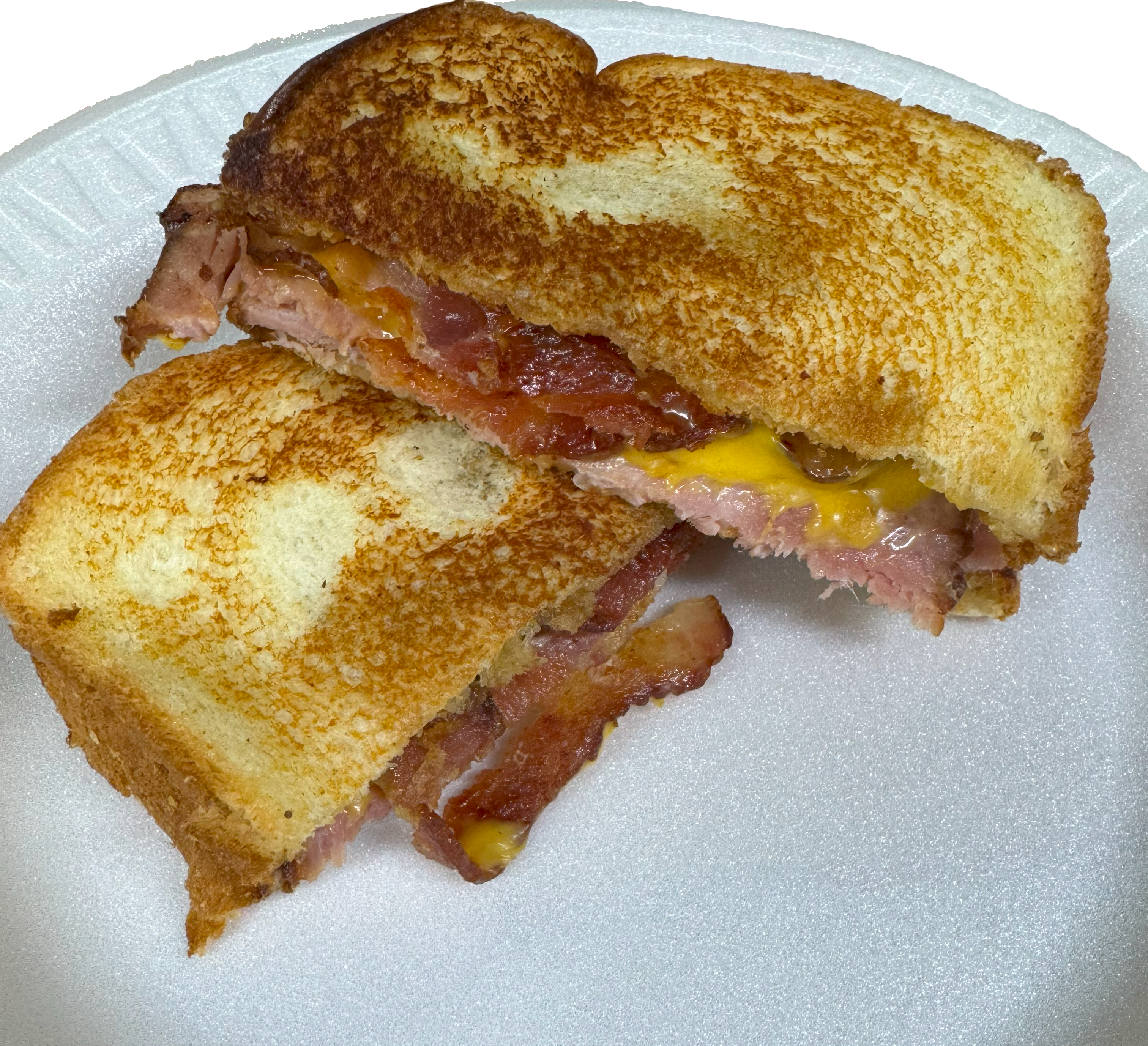
Ham, Bacon, and Cheese Melt
$5.99am and bacon stacked with melted cheese — salty, smoky, melty.
3 customizations available
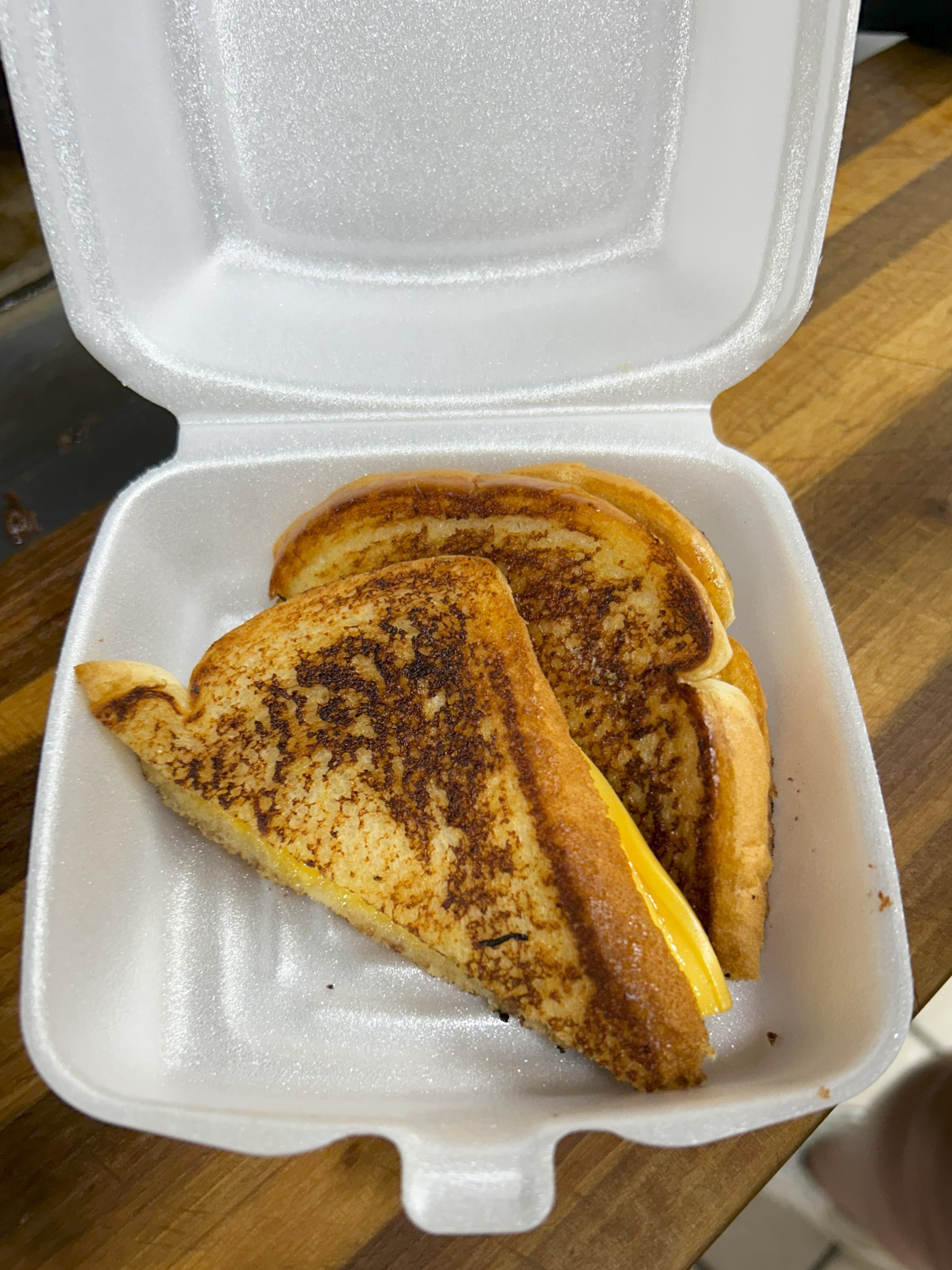
Grilled Cheese Melt
$2.97Golden toast, gooey center — pure comfort.
3 customizations available
Cheeseburger Melt
$6.253 customizations available

Grilled Cheese w/ Bacon Melt
$3.96Classic grilled cheese upgraded with crispy bacon — simple, irresistible.
3 customizations available
Hot Ham and Cheese Sandwich
$4.95Savory ham layered with gooey melted cheese on a toasted bun — simple and crave‑worthy.
3 customizations available
Crunch & Munch
8 itemsFrench Fries
$3.25(Crinkle‑Cut) — Crisp crinkle edges with a fluffy center — the classic fry bite. (Original 1964)
2 customizations available
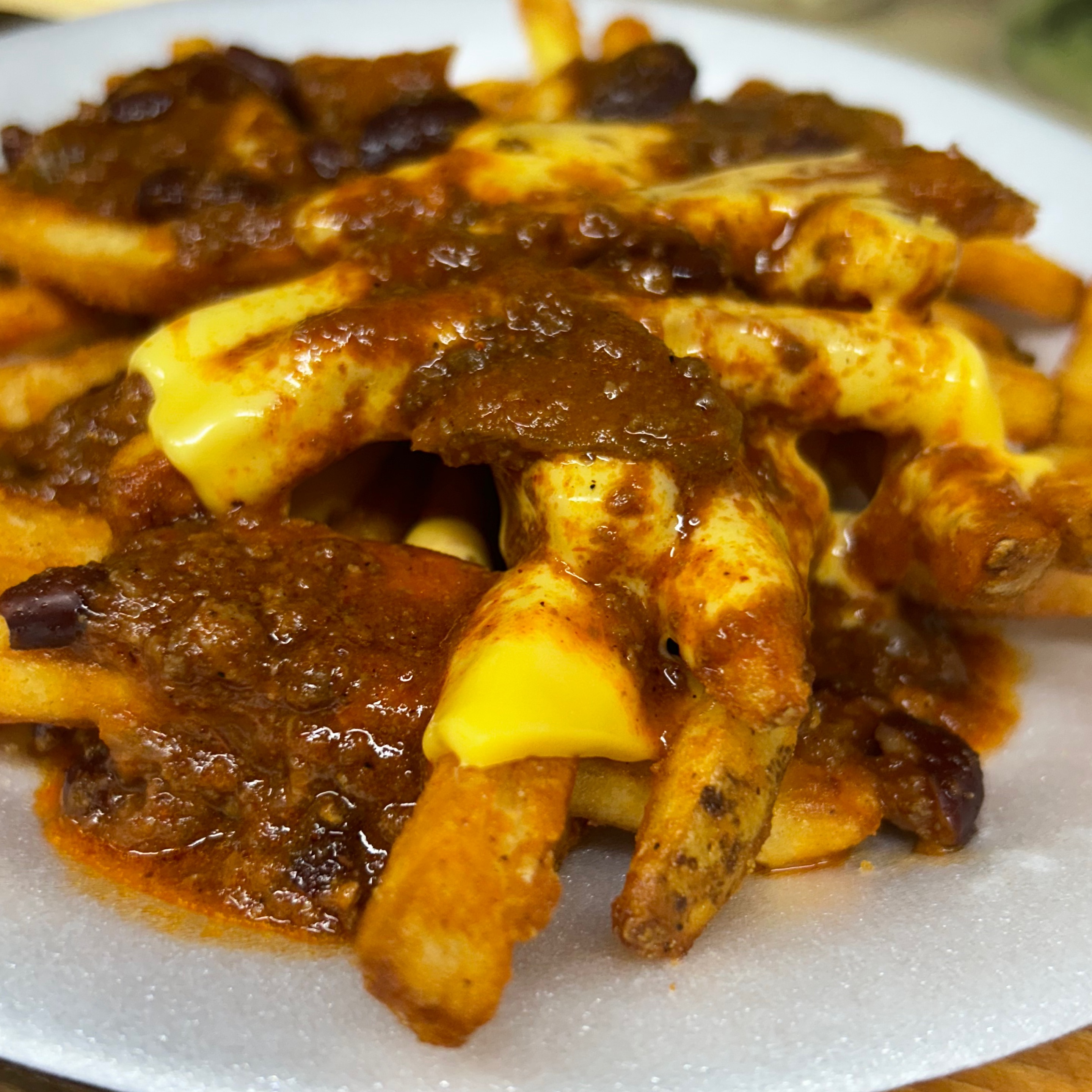
Chili and Cheese Covered Side
$4.95Hearty chili and melted cheese over hot fries of your choice — loaded satisfaction.
3 customizations available
Tater Tots
$3.25Golden potato bites — crisp outside, soft inside.
2 customizations available
Curly Fries
$3.25Golden-fried to perfection, these spiral-cut potatoes are freshly spun when you order, delivering peak crispiness and mouthwatering flavor!
2 customizations available
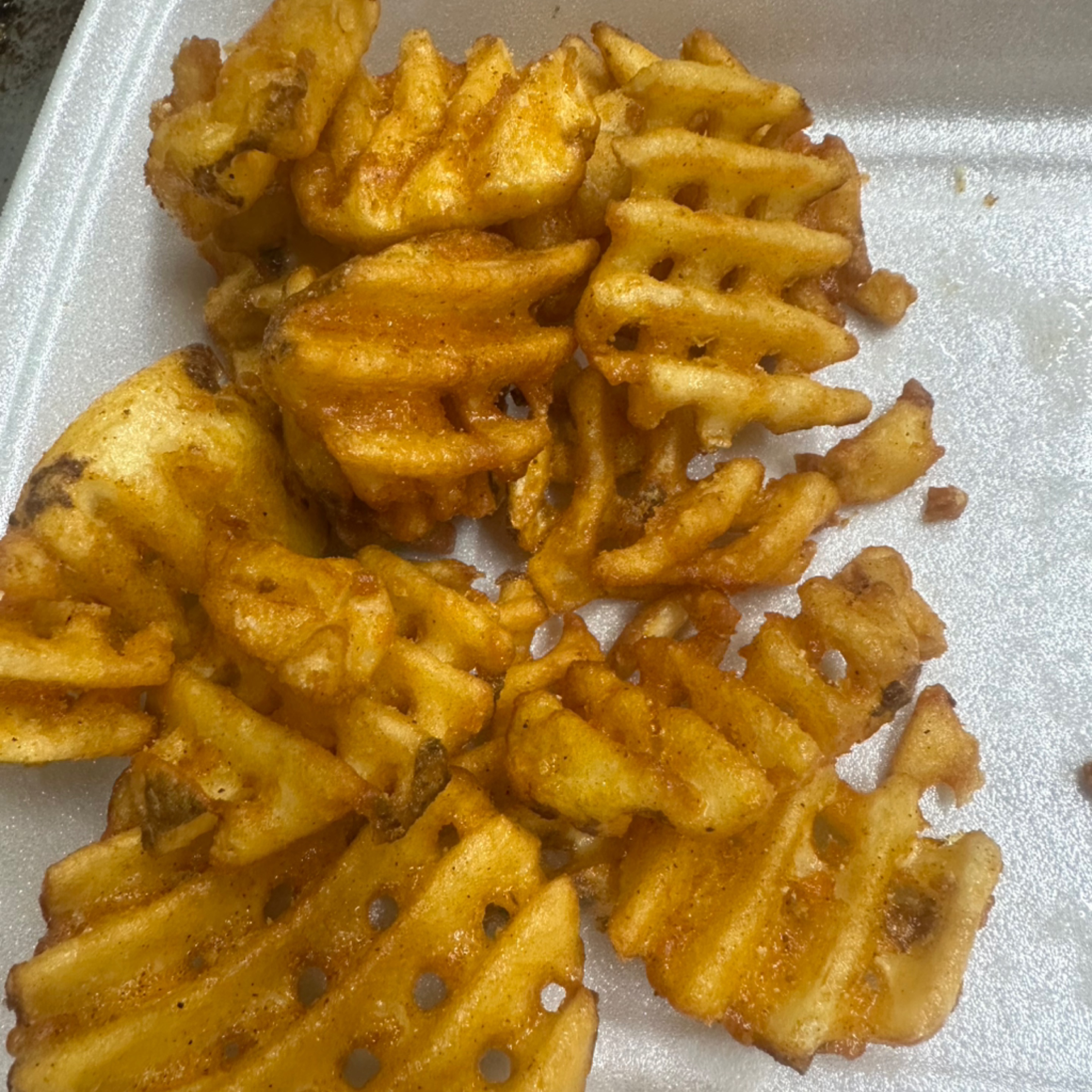
Cajun Waffle Fries
$3.25Bold Cajun seasoning over waffle‑cut crunch — spicy, crispy, addictive.
1 customization available
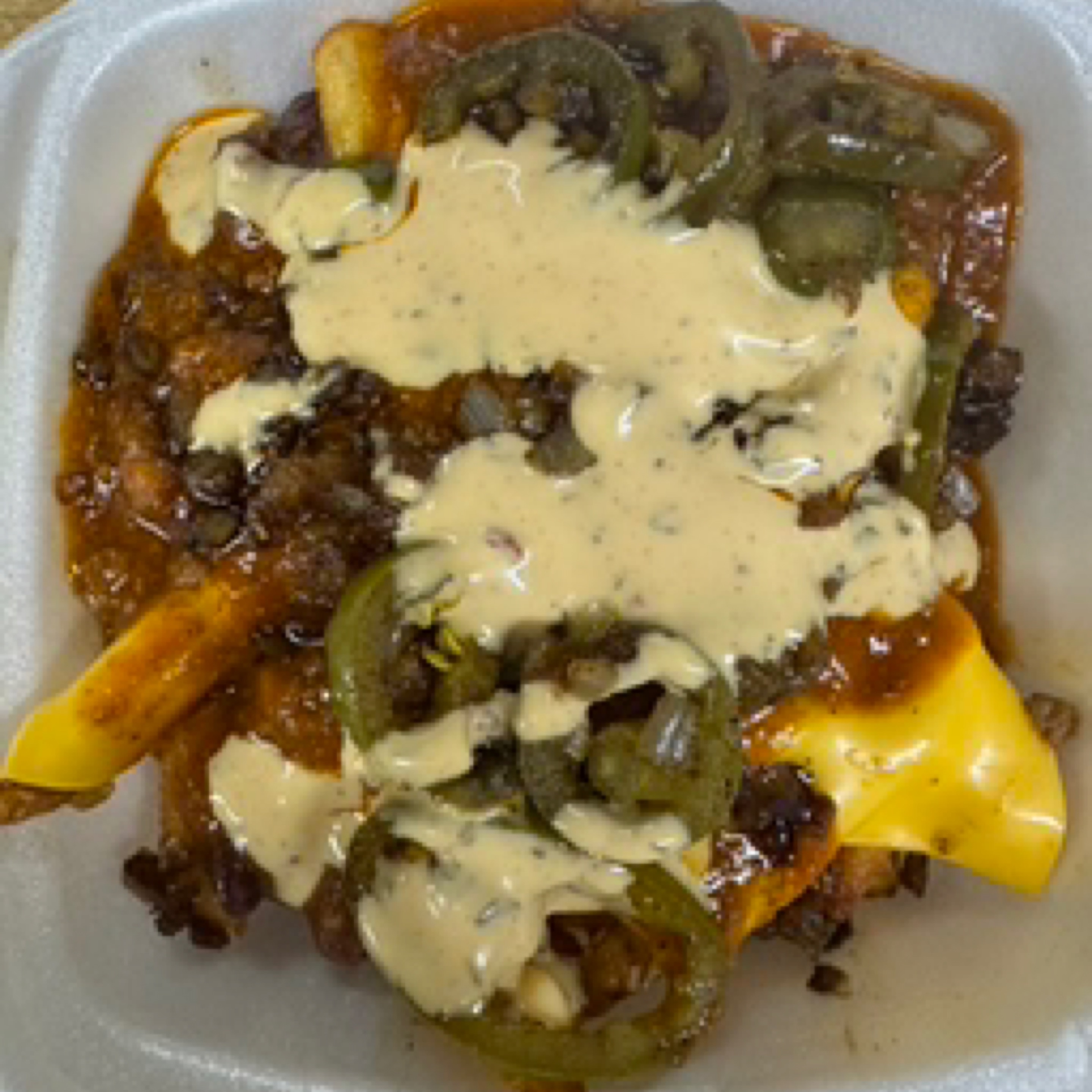
Loaded Cajun Chili Fries
$5.99Cajun fries piled with chili, cheese, jalapeños, onions, and ranch — stacked and saucy.
3 customizations available
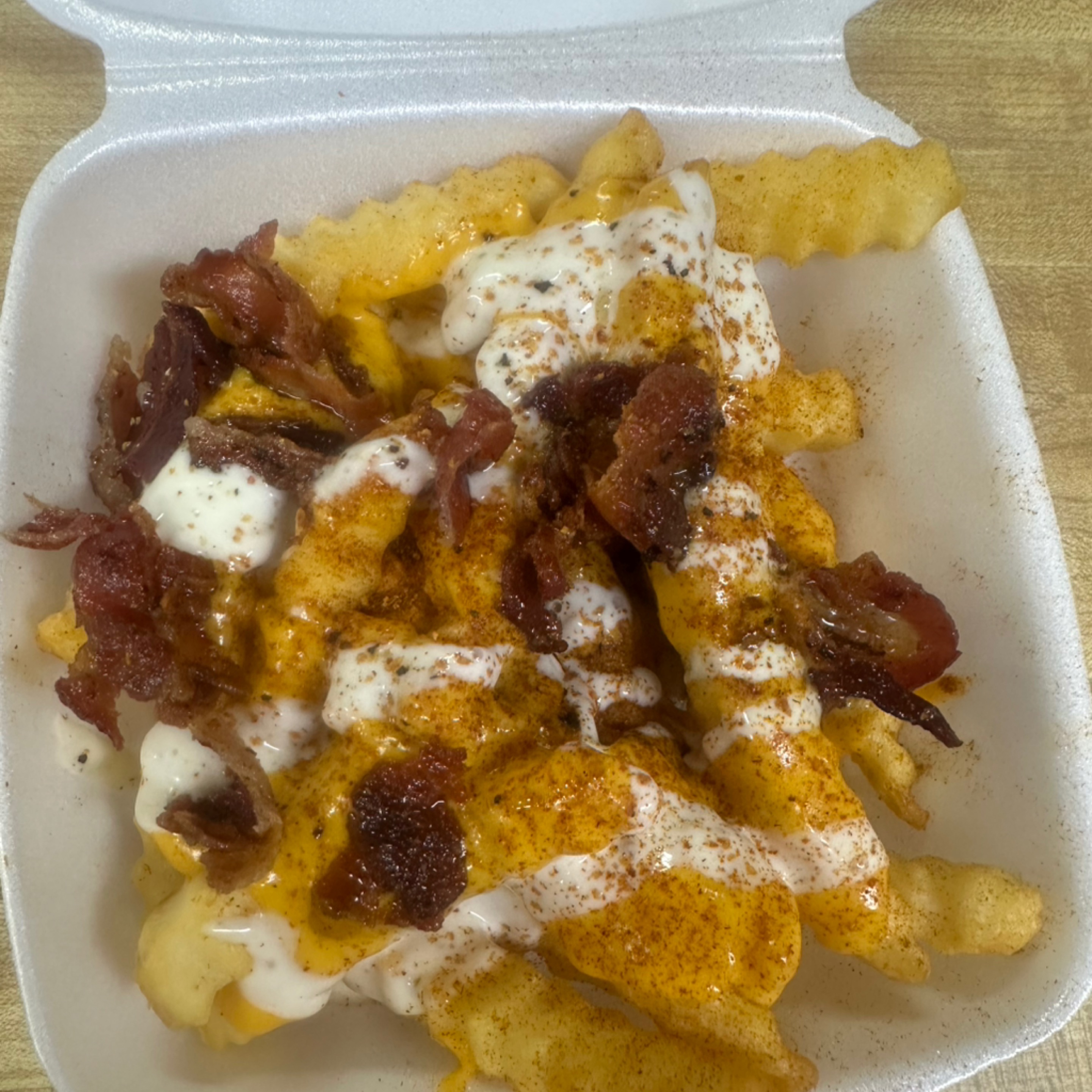
Zesty Bacon Ranch French Fries
$5.99Fries topped with bacon, cheese, and ranch — a flavor bomb.
3 customizations available
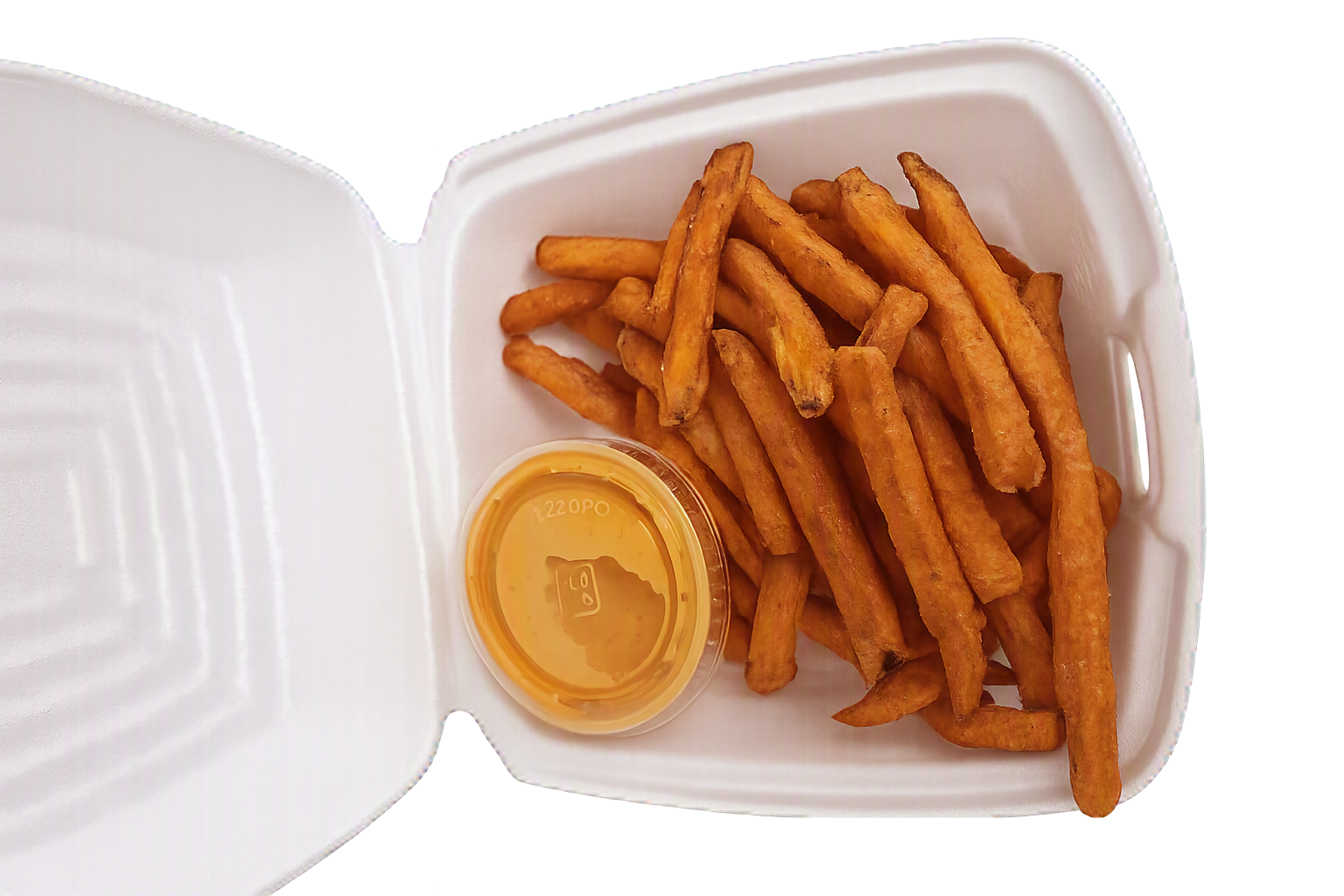
Sweet Potato Fries
$3.25Straight-cut sweet potato fries, perfectly crispy and seasoned to perfection, offering a delightful balance of sweetness and savory notes.
1 customization available
Snack & Munch
7 items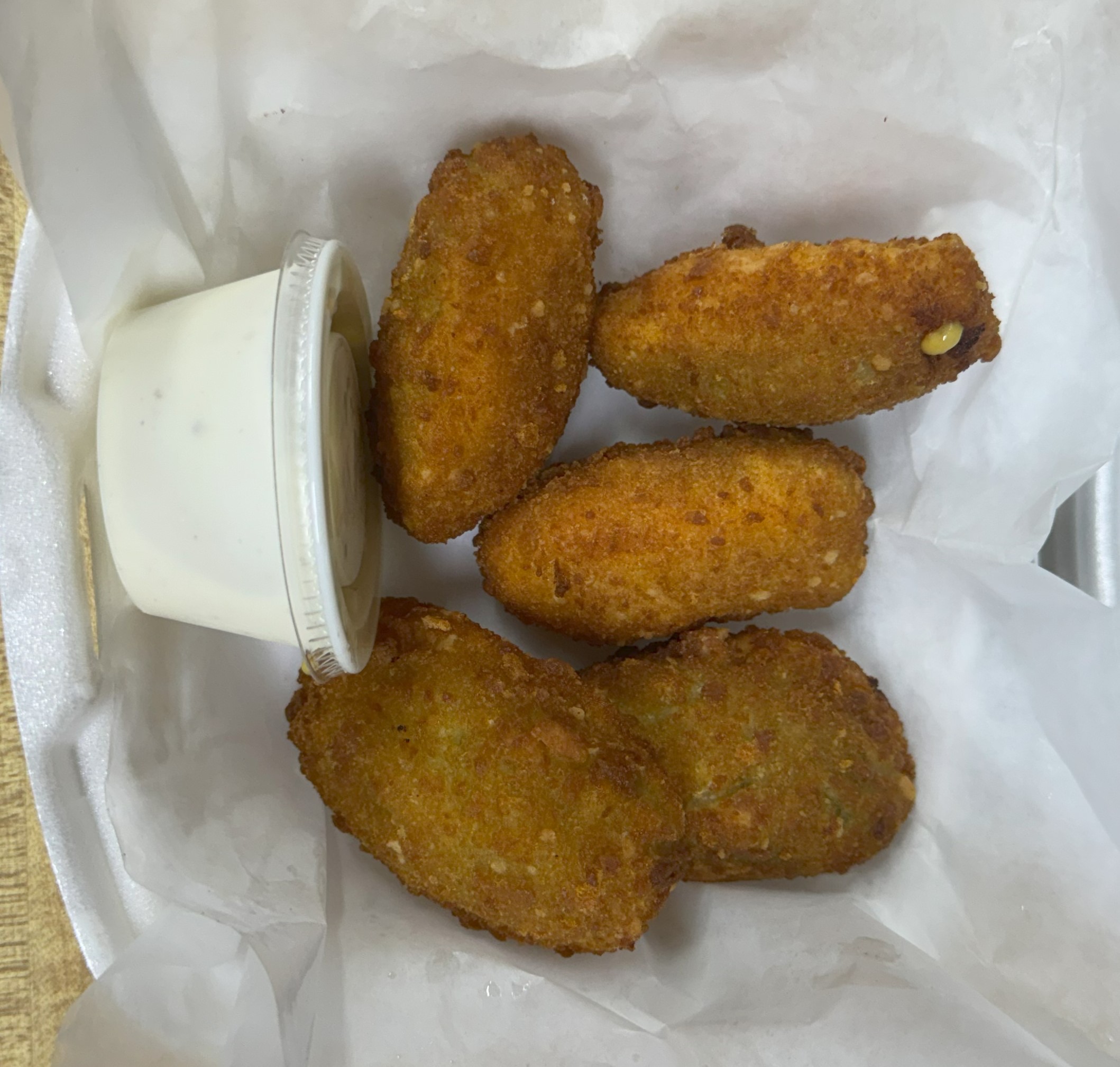
Jalepeño Poppers
$6.60Cheesy stuffed jalapeños — spicy, creamy bite.
1 customization available
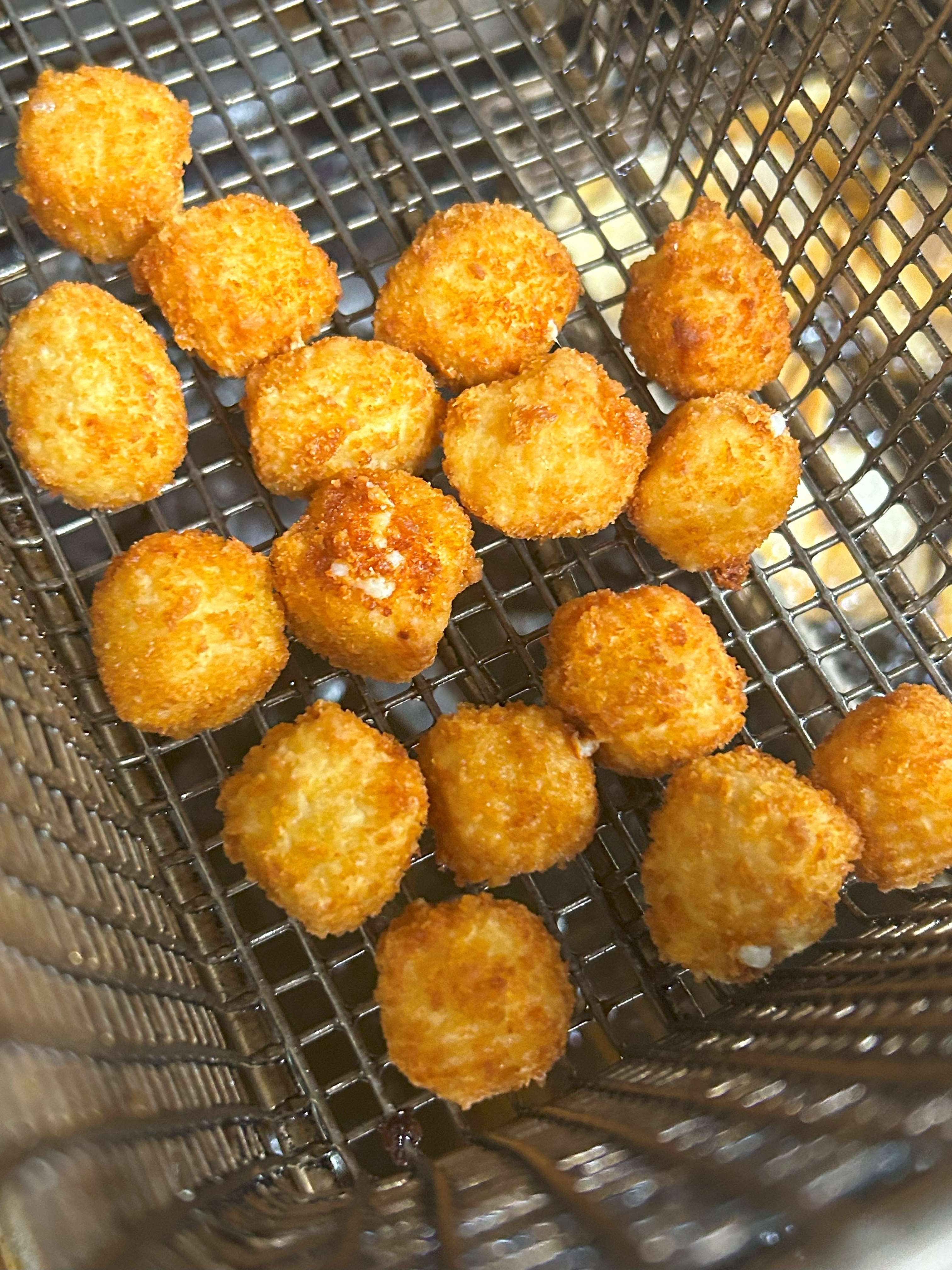
Pepper Jack Bites
$6.60Crispy outside, pepper‑jack kick inside — snappy heat.
1 customization available
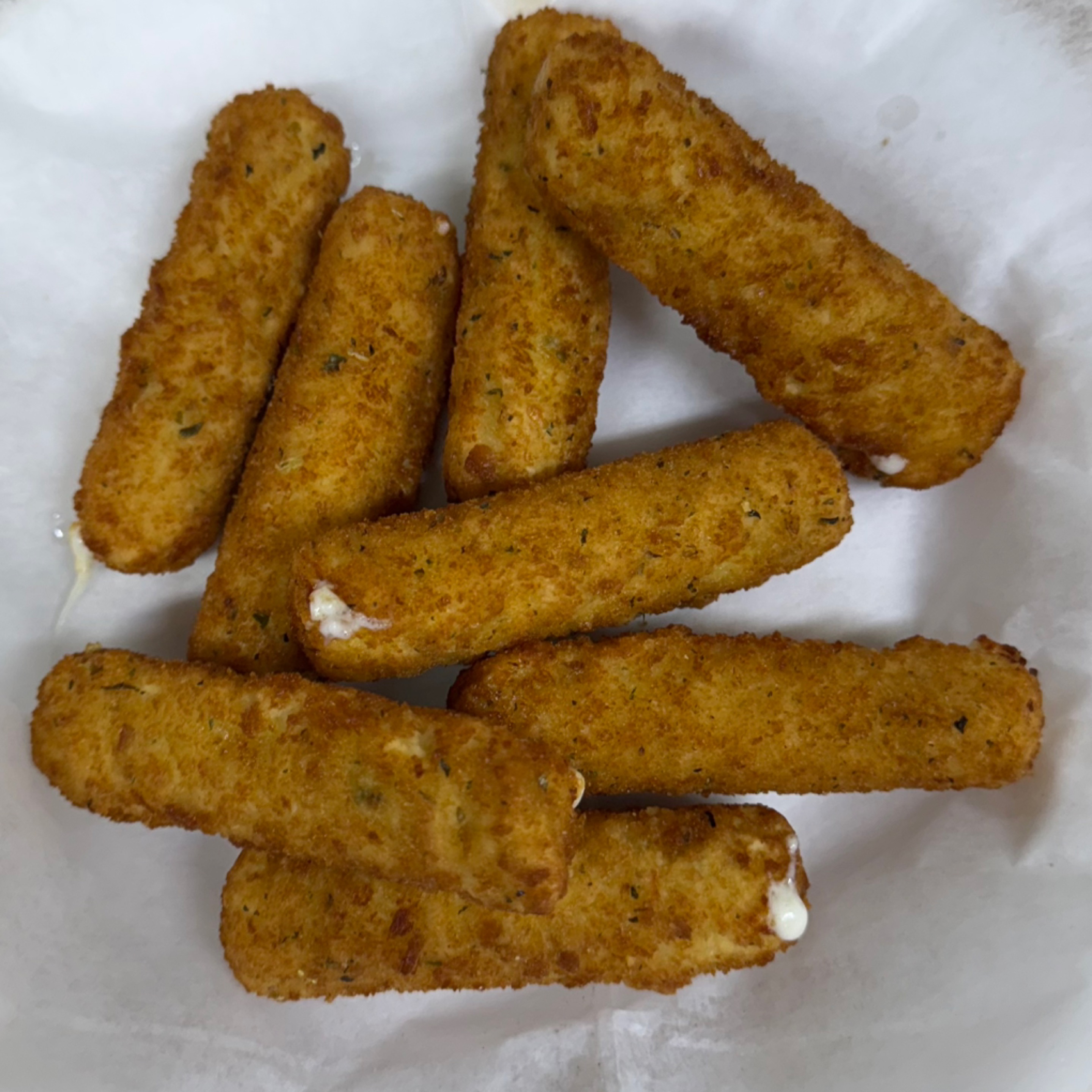
5 pc Mozzarella Sticks
$4.95Breaded and fried mozzarella — stretchy, saucy, sharable
1 customization available
8 pc Mozzarella Sticks
$6.60Breaded and fried mozzarella — stretchy, saucy, sharable
1 customization available
Onion Rings
$3.25Thick‑cut rings fried golden — sweet onion, big crunch.
1 customization available
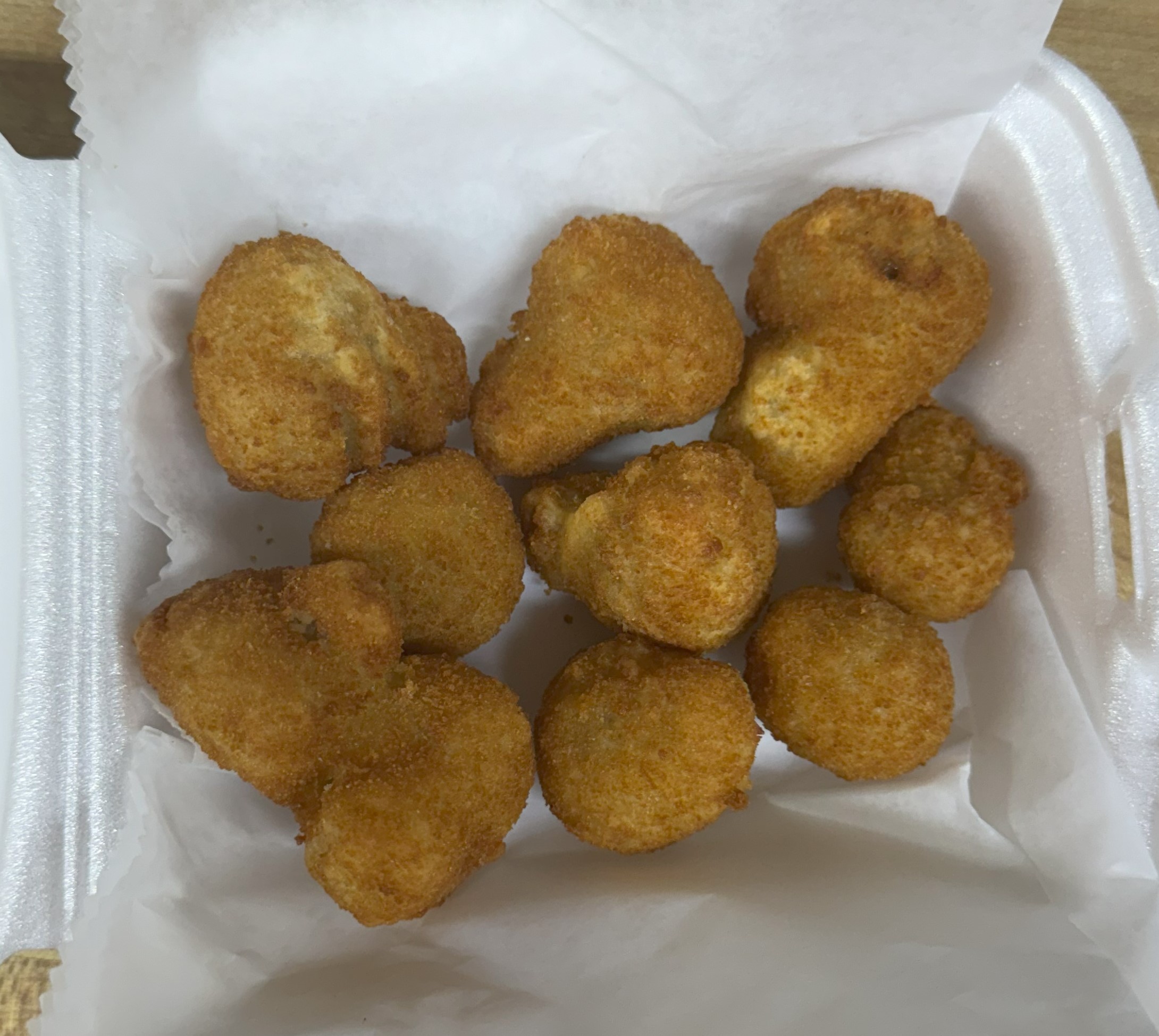
Fried Mushrooms
$6.60Golden mushrooms — earthy crunch, perfect for dipping.
1 customization available
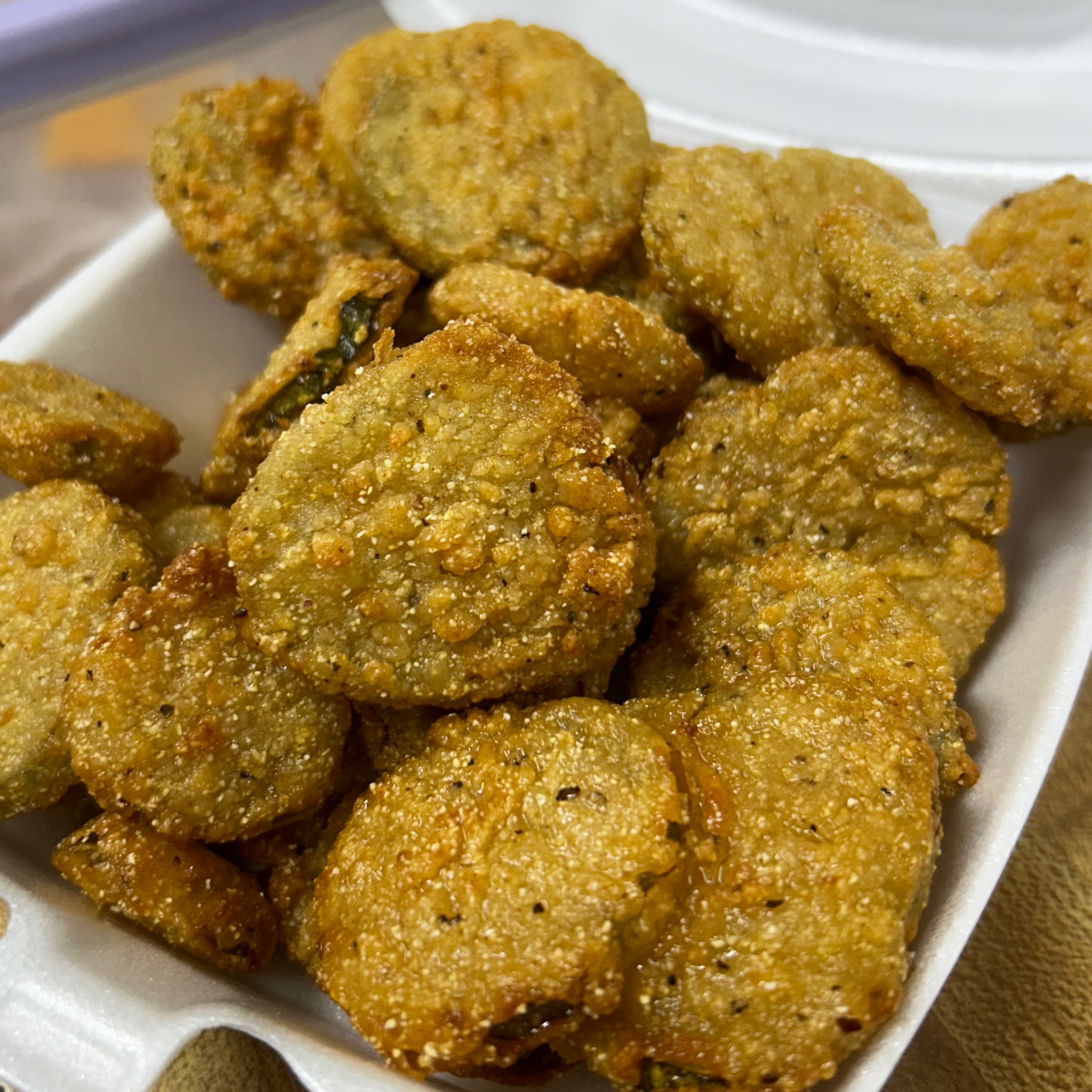
Fried Pickle Chips
$6.60Crispy, tangy pickle chips — bright, salty snap.
1 customization available
Sauces
7 items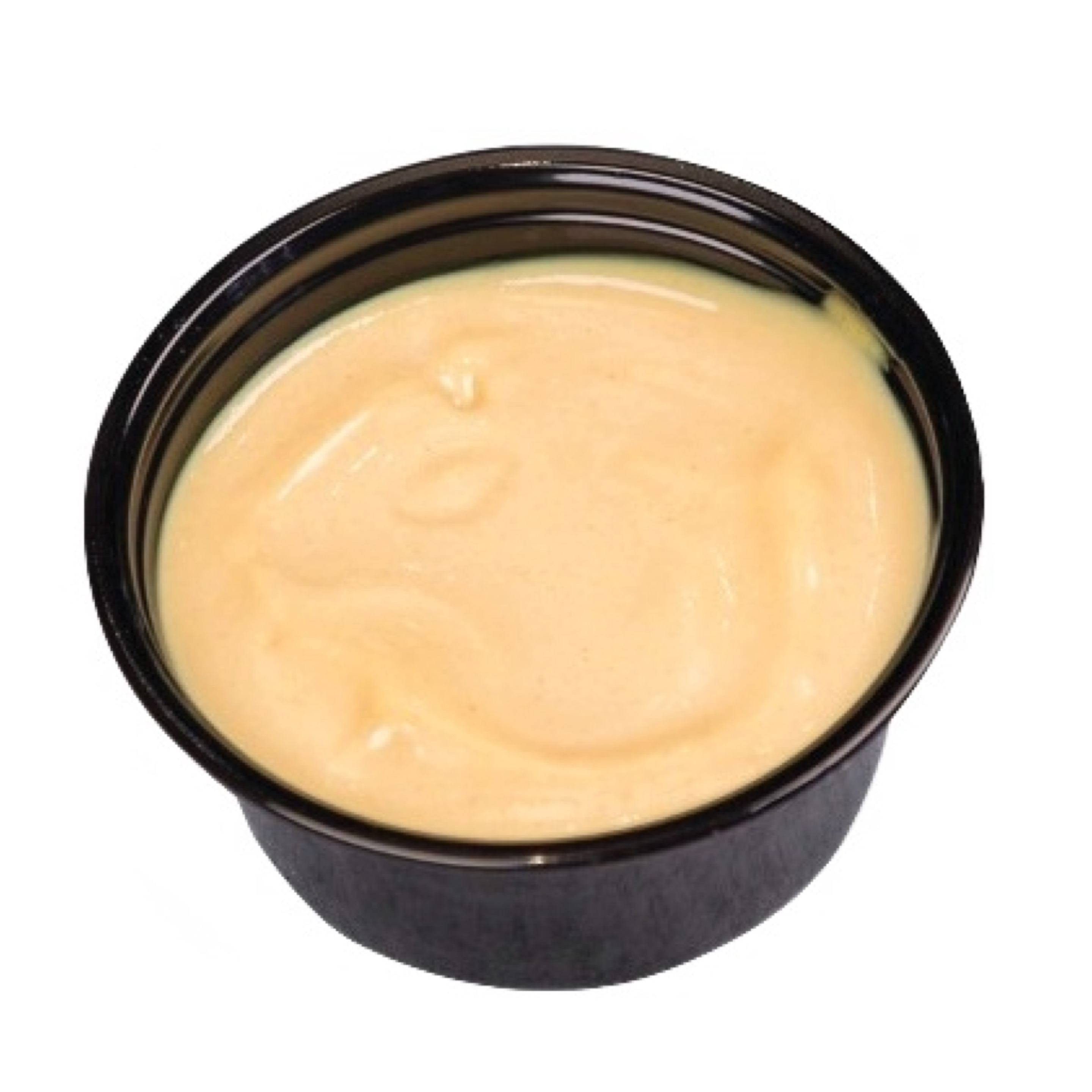
Boom Boom Sauce
$0.522 OZ CUP OF OUR SIGNATURE BOOM BOOM SAUCE PERFECT FOR DIPPING
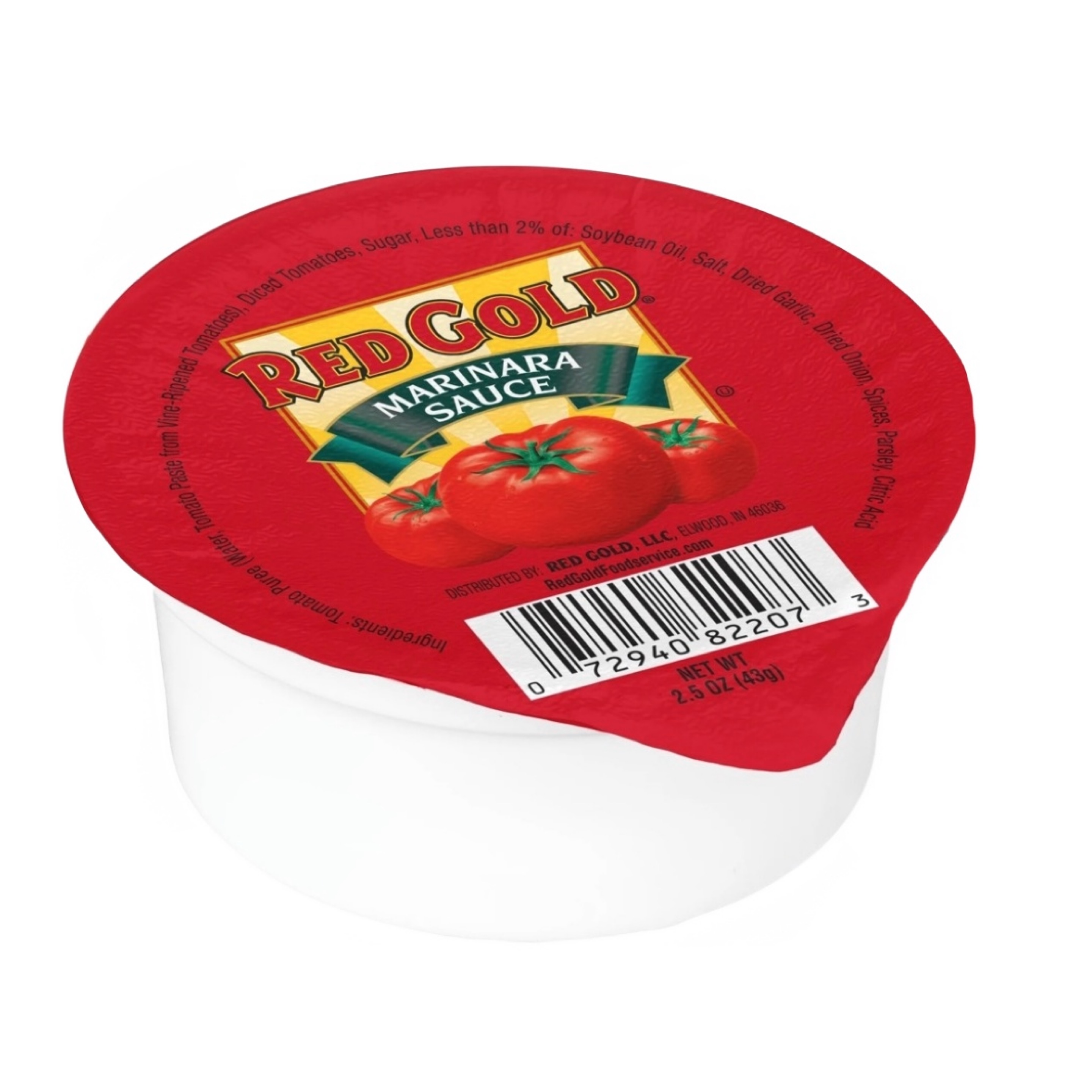
Marinara Sauce
$0.522 OZ CUP OF OUR SIGNATURE MARINARA PERFECT FOR DIPPING
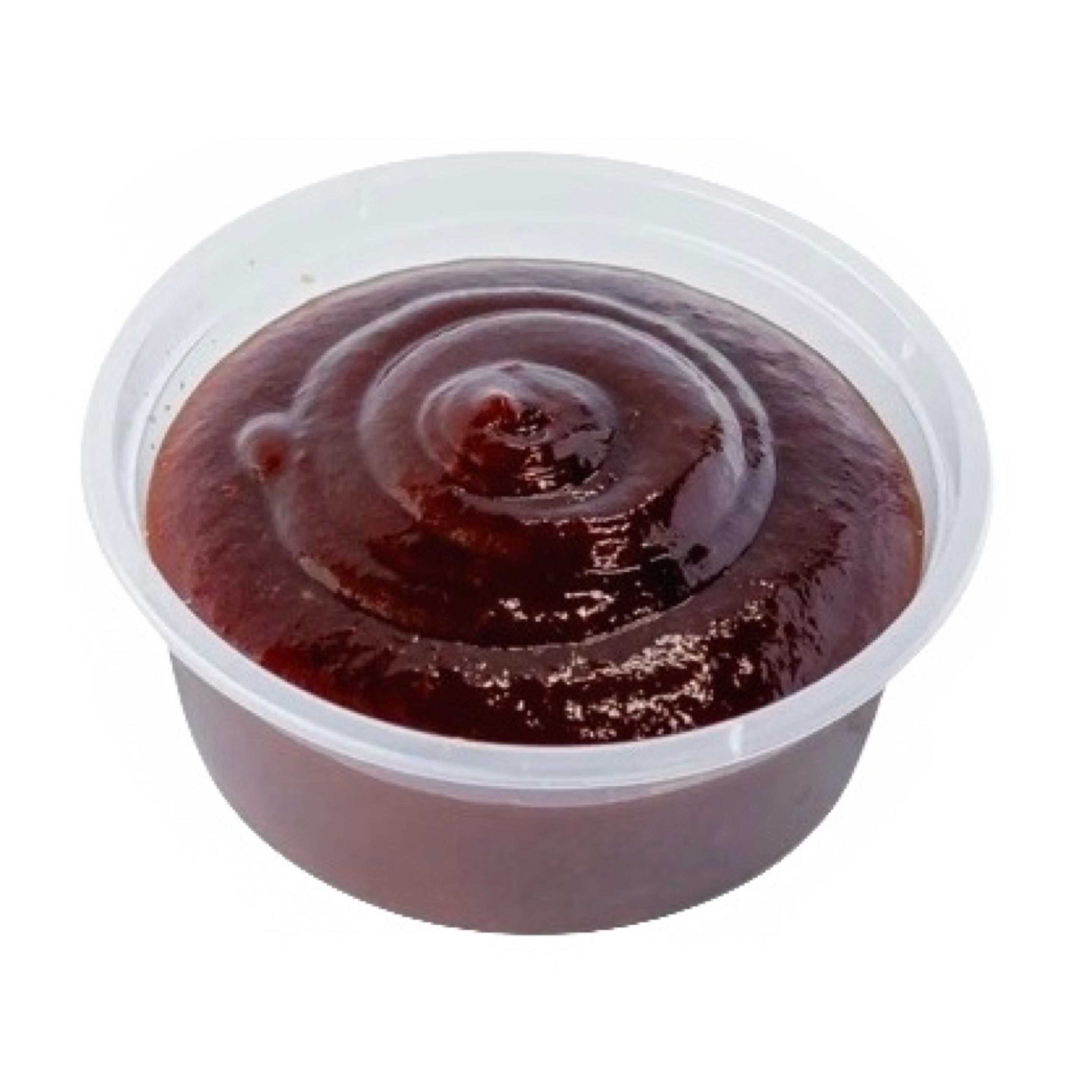
Bar B Que Sauce
$0.522 OZ CUP OF OUR SIGNATURE BAR B QUE SAUCE PERFECT FOR DIPPING
Honey Mustard Sauce
$0.522 OZ CUP OF OUR SIGNATURE HONEY MUSTARD PERFECT FOR DIPPING
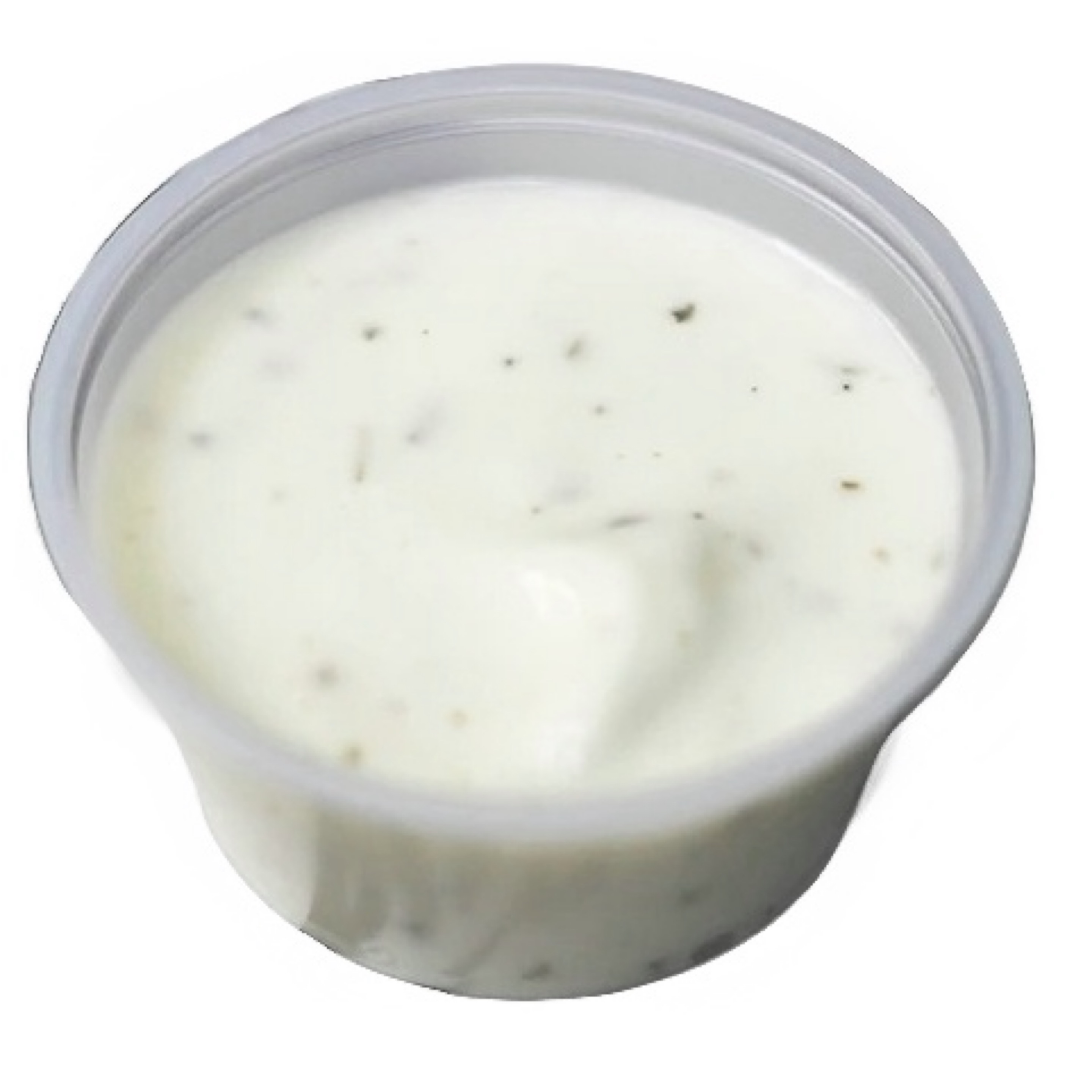
Jalapeño Ranch Sauce
$0.522 OZ CUP OF OUR SIGNATURE JALAPEÑO RANCH PERFECT FOR DIPPING
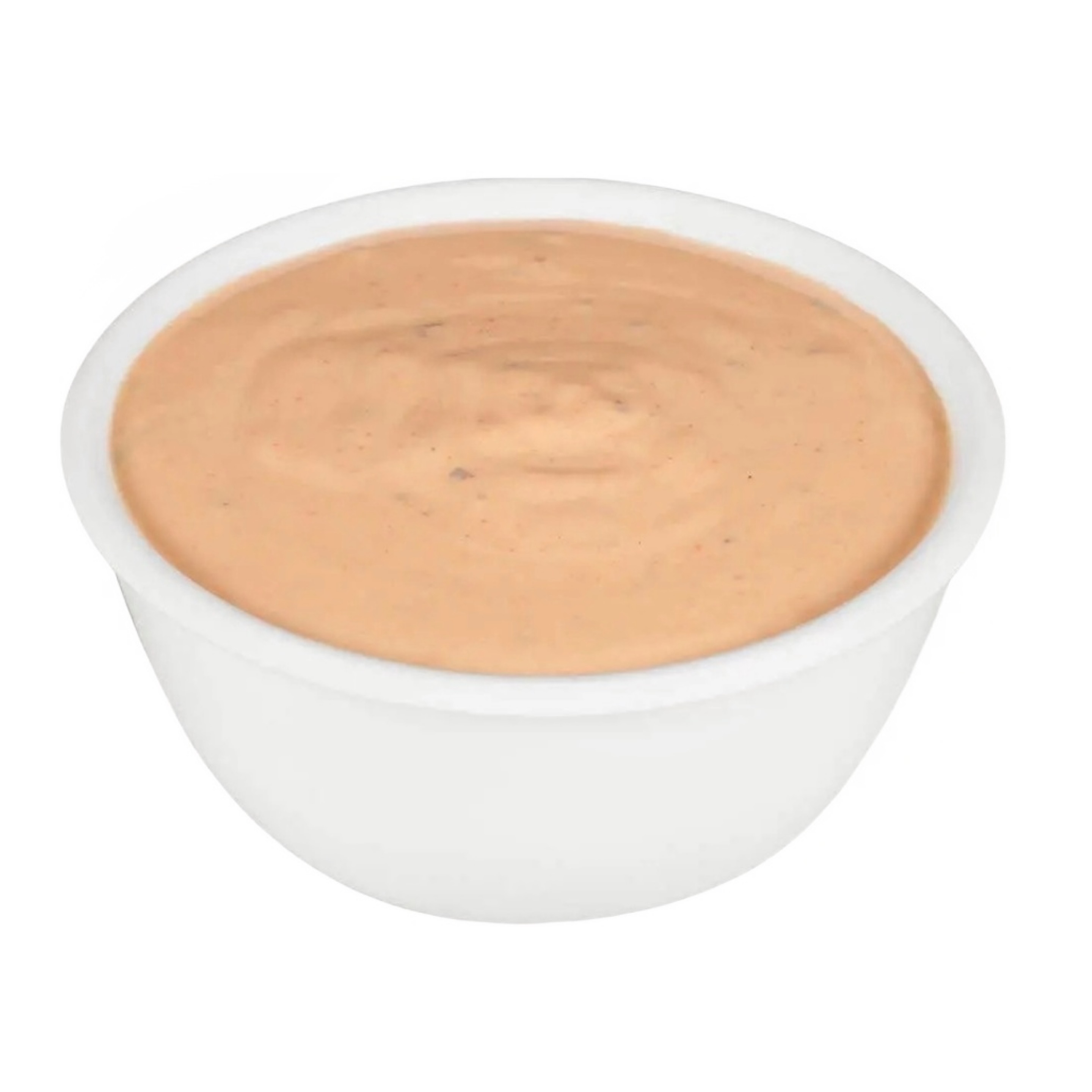
Chipotle Ranch Sauce
$0.522 OZ CUP OF OUR SIGNATURE CHIPOTLE RANCH SAUCE PERFECT FOR DIPPING
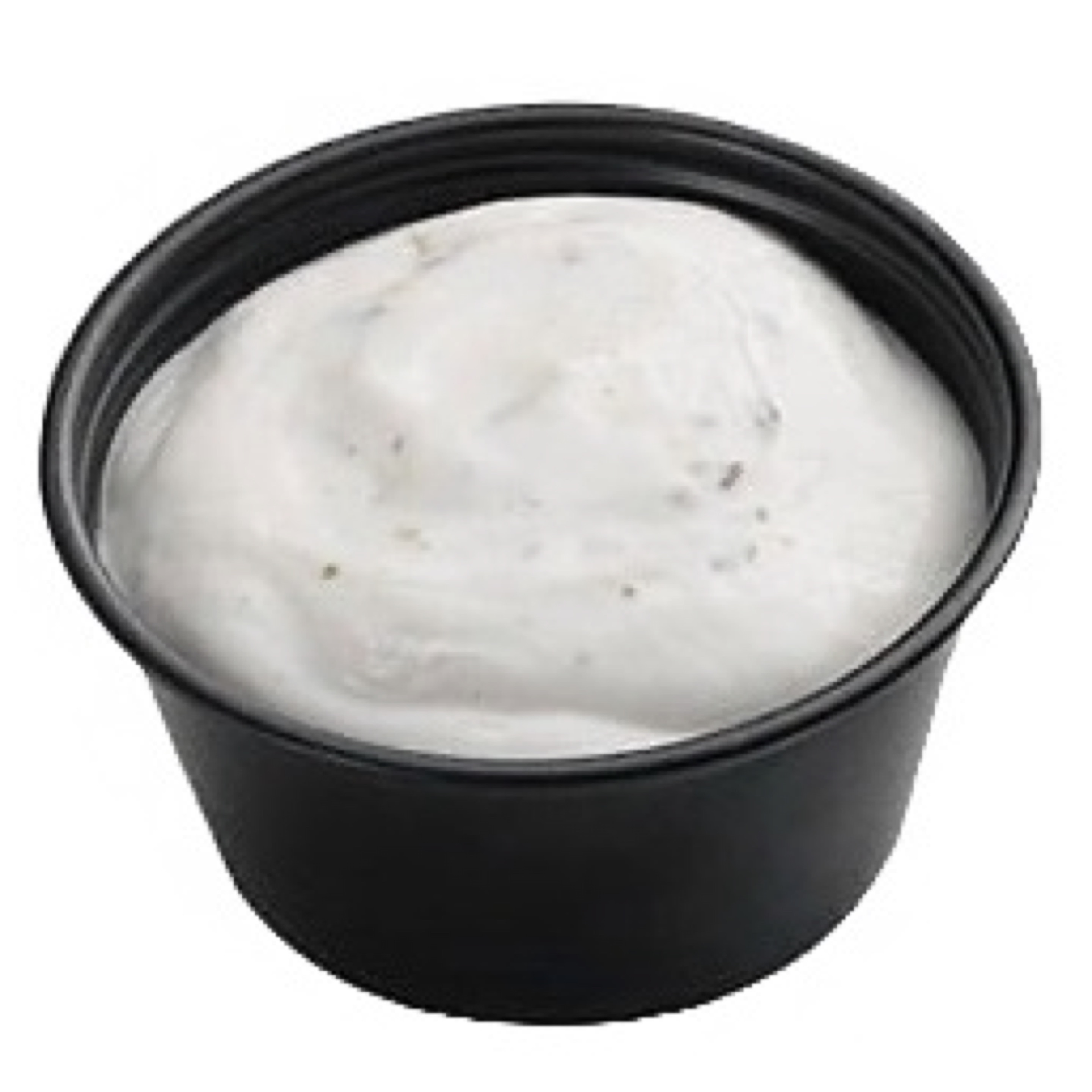
Ranch Sauce
$0.522 OZ CUP OF OUR SIGNATURE RANCH PERFECT FOR DIPPING
Flow & Fizz
2 items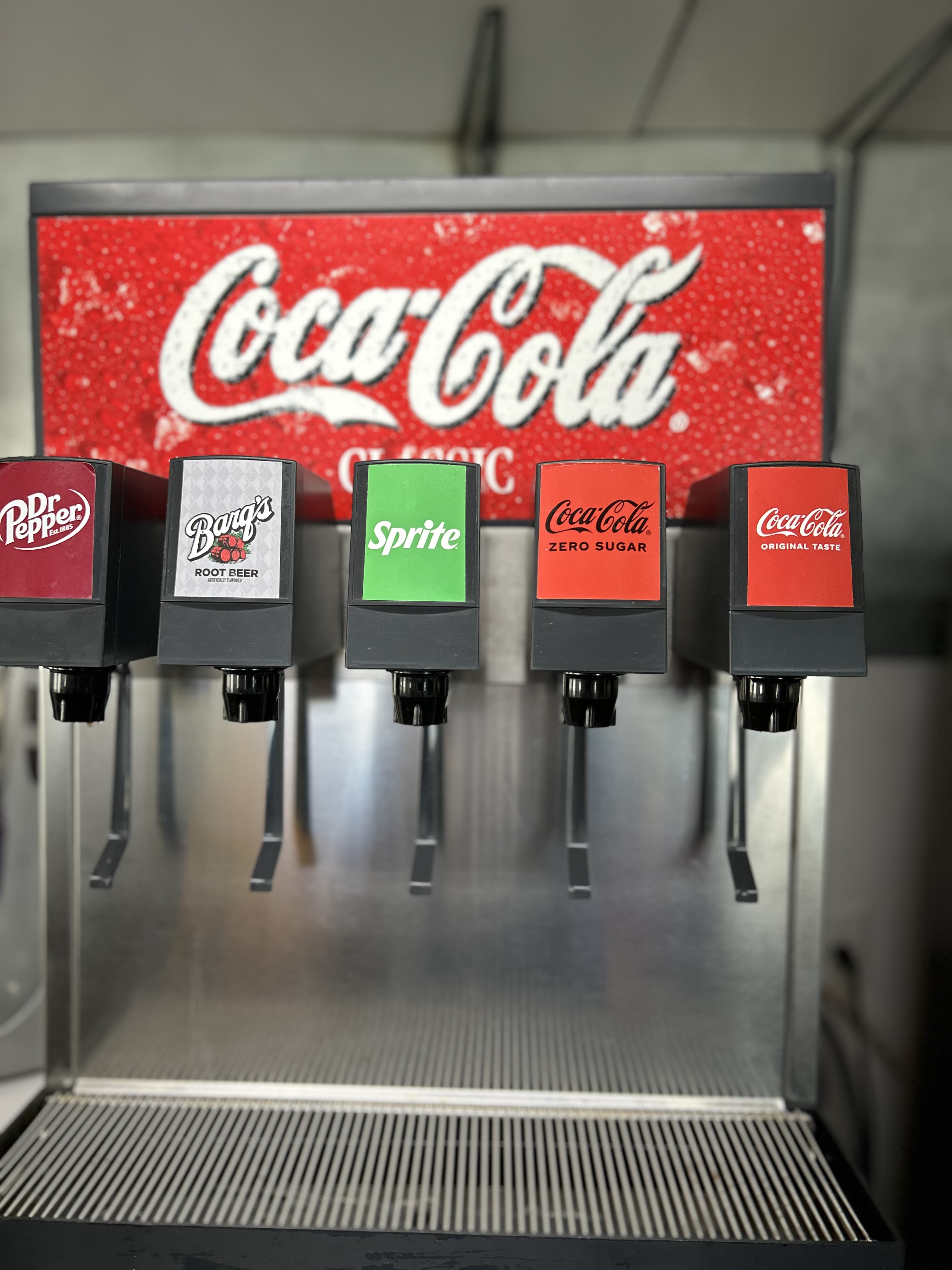
Classic Drinks
Classic sodas and teas — ice‑cold refreshment. First poured in 1964 at 5¢.
2 customizations available
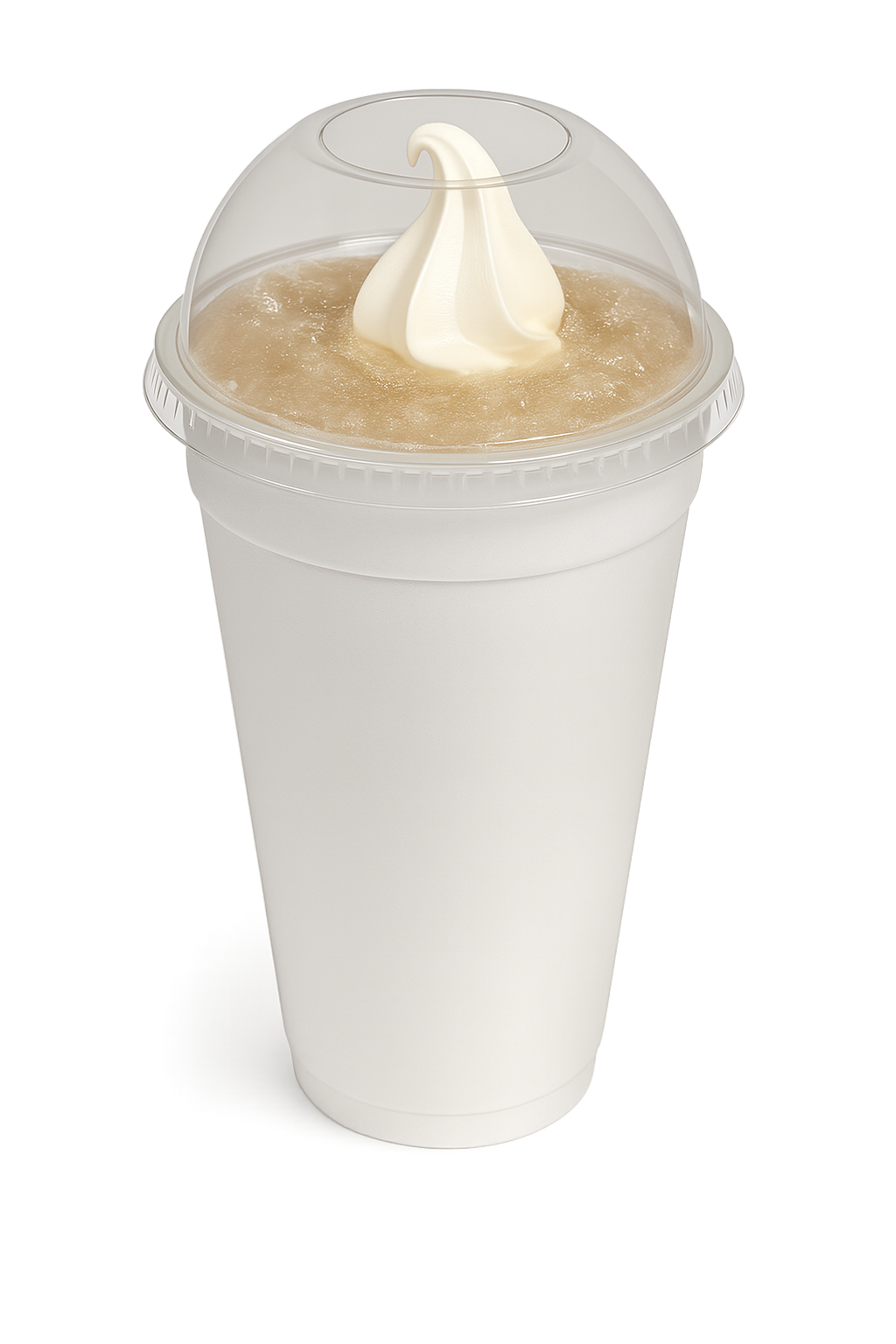
Floats
$5.50Fizzy soda topped with ice cream — sweet, bubbly refreshment.
2 customizations available
Whirl & Twirl
Shake Isle — 22 Flavors
16 originals · 5 premium bliss · malt. Your size & base. From $5.49.
Blend & Bliss
5 items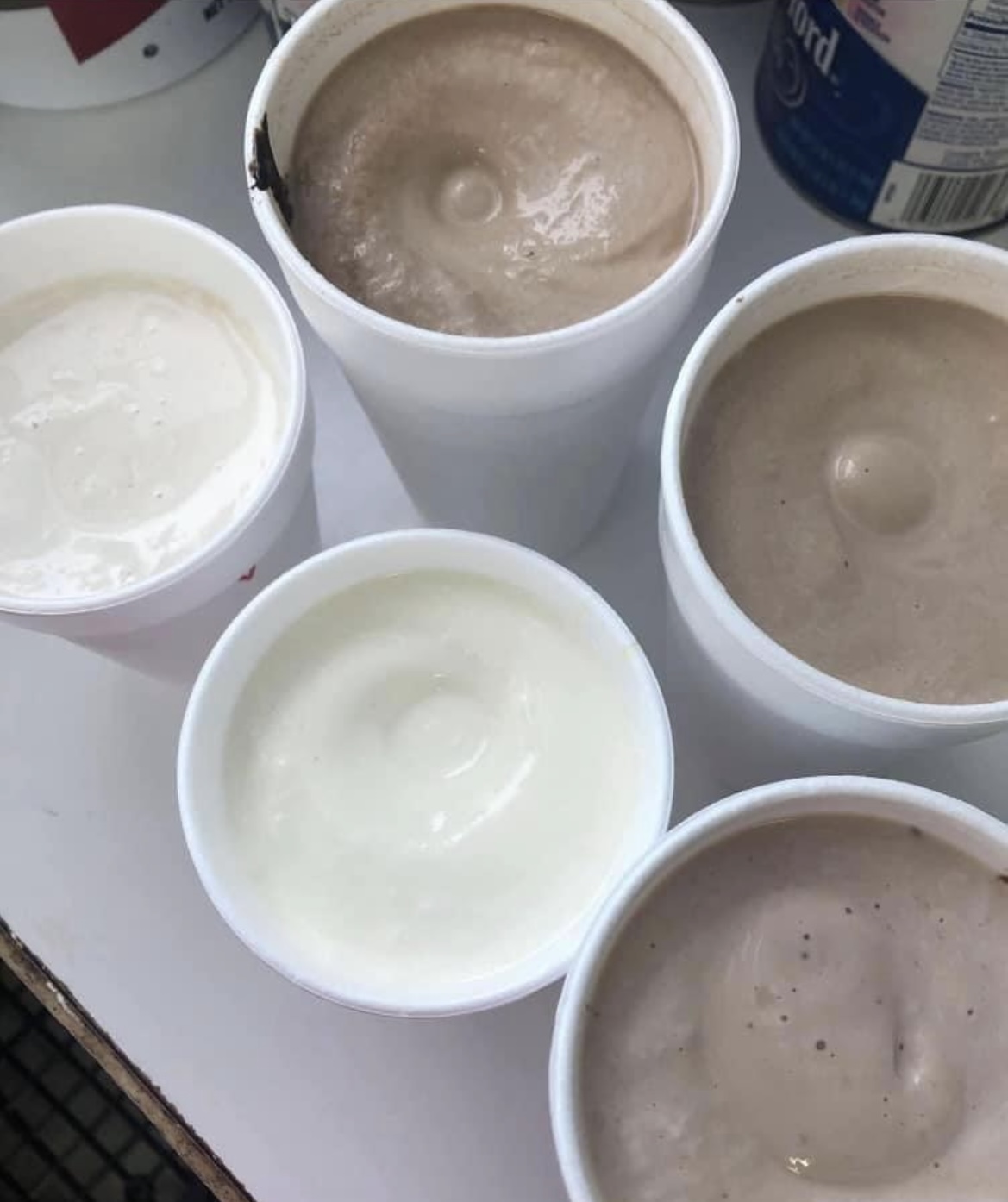
Banana Split Bliss Milkshake
$5.99Banana, pineapple, and cherry blended to creamy bliss — dessert in a cup.
4 customizations available
Banana Pudding Bliss Milkshake
$5.99Banana pudding turned shake — creamy, nostalgic comfort.
1 customization available
Southern Peach Crumble Bliss Milkshake
$5.94Sweet peach with crumble — fruit‑forward indulgence.
3 customizations available
Strawberry Crunch Bliss Milkshake
$5.99This milkshake combines sweet strawberries with a crunchy graham cracker crumble and a rich, creamy marshmallow creme, blended to perfection for a delightful treat.
3 customizations available
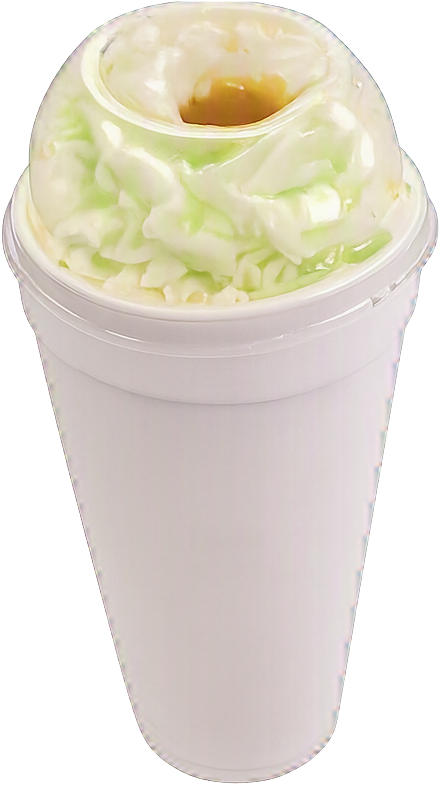
Caramel Apple Bliss Milkshake
$5.99A smooth blend of real vanilla ice cream, rich caramel, and bright green apple flavor that tastes like a fair‑day candied apple in milkshake form. Optional finished with whipped cream and a caramel drizzle. Sweet, creamy, and straight‑up addictive — just pure caramel‑green apple goodness. Available for a limited time.
4 customizations available
Melt & Swirl
4 items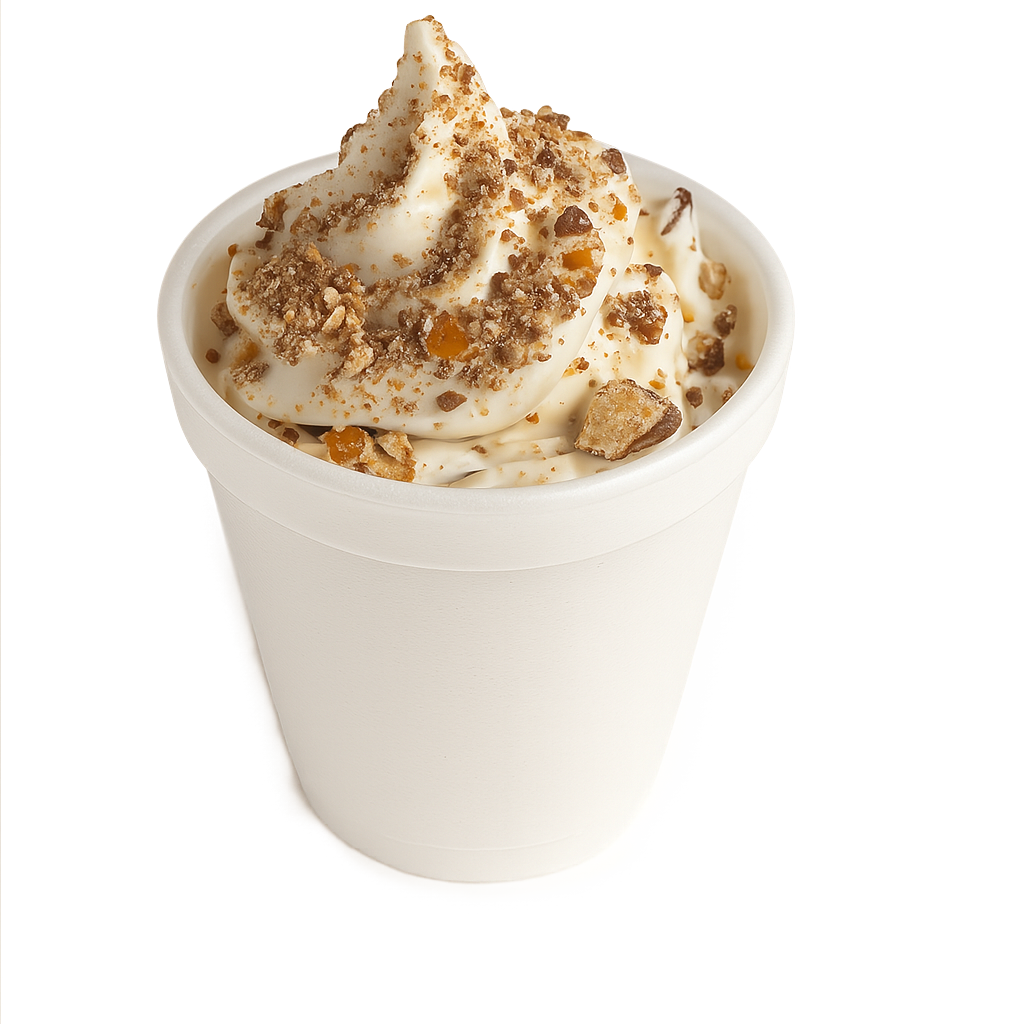
Cravewave
$5.25Vanilla ice cream blended with cookie or candy mix‑ins — custom crunch.
1 customization available
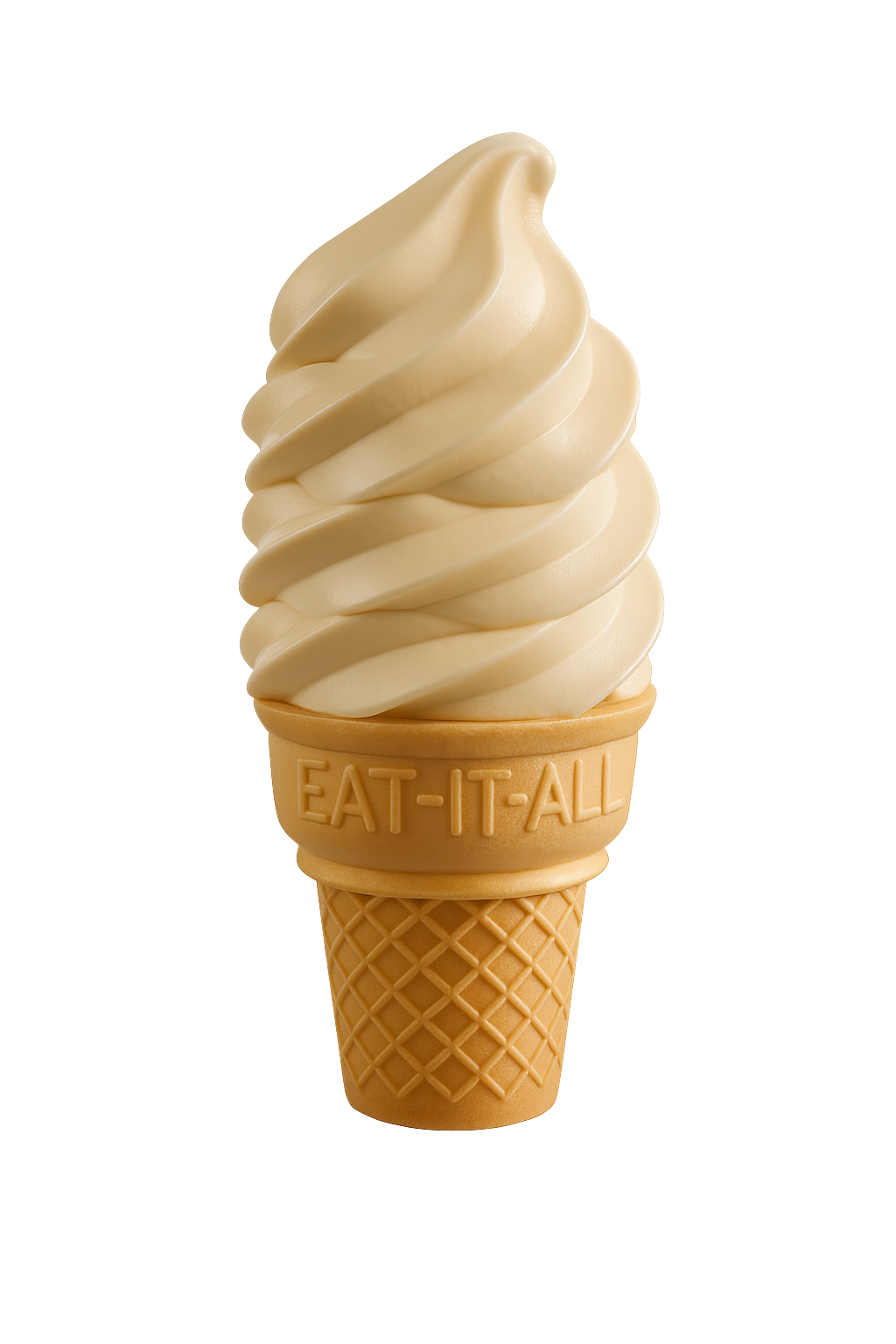
Soft Serve Cone
$2.99An original treat — creamy swirled on a cone, once just 5¢.
2 customizations available
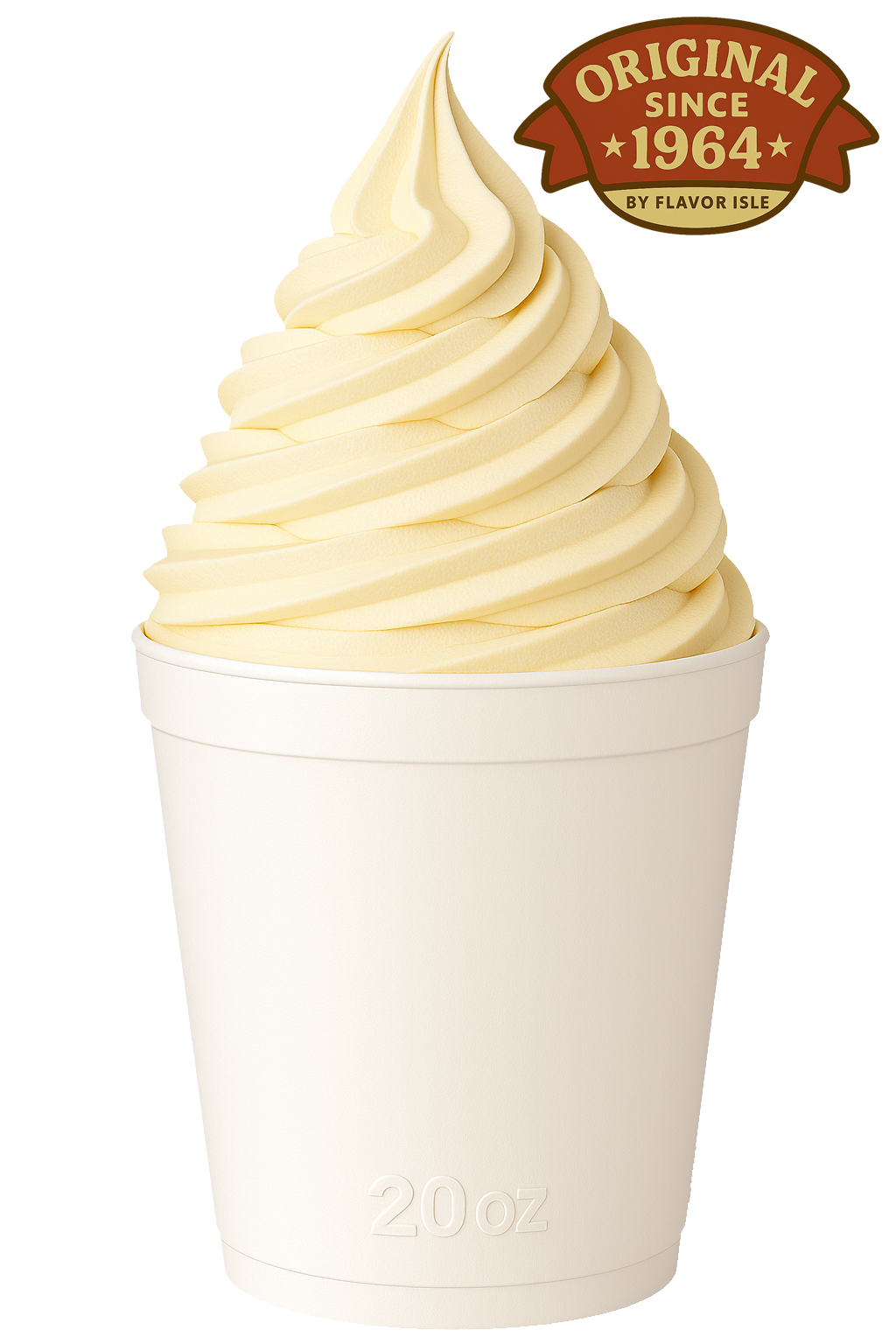
Cup of Ice Cream
$2.99Simple, creamy ice cream — no frills, all flavor.
3 customizations available
Sundae
$3.74Classic ice cream sundae topped with syrup and whipped cream. A heritage treat, still delighting customers for only 25¢ in 1964.
3 customizations available
Sweet & Stacked
6 items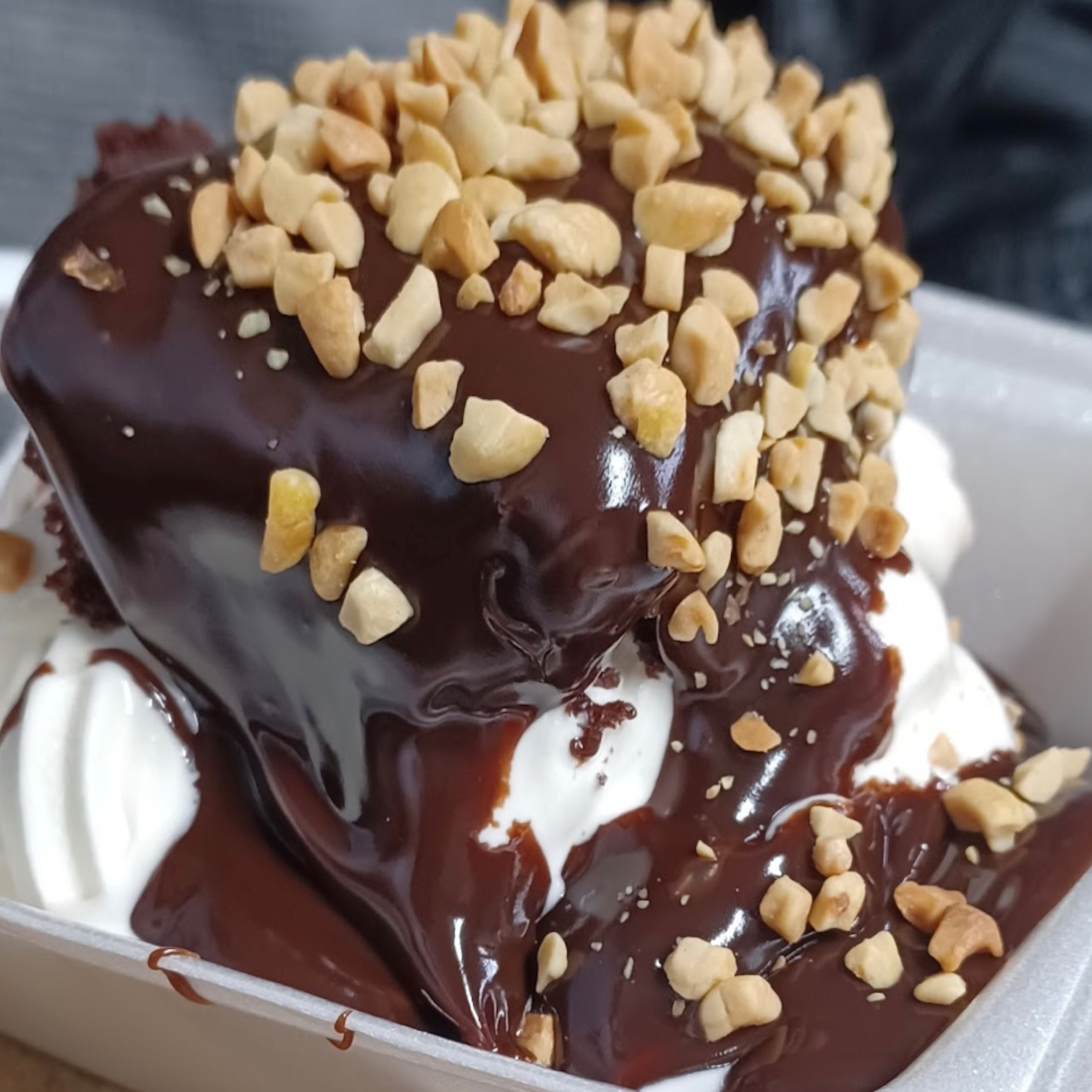
Hot Fudge Cake
$6.99Warm cake under hot fudge and ice cream — rich, gooey, unforgettable.
3 customizations available
Southern Peach Delight
$6.99A warm yellow cake split in half and stacked with a cold layer of vanilla ice cream for that hot‑meets‑cold Flavor Isle hit. We load the top with sweet peach topping, run a caramel drizzle across the whole thing, and finish it with a tall swirl of whipped cream. Rich, Southern, and made to stop traffic on 31W.
2 customizations available
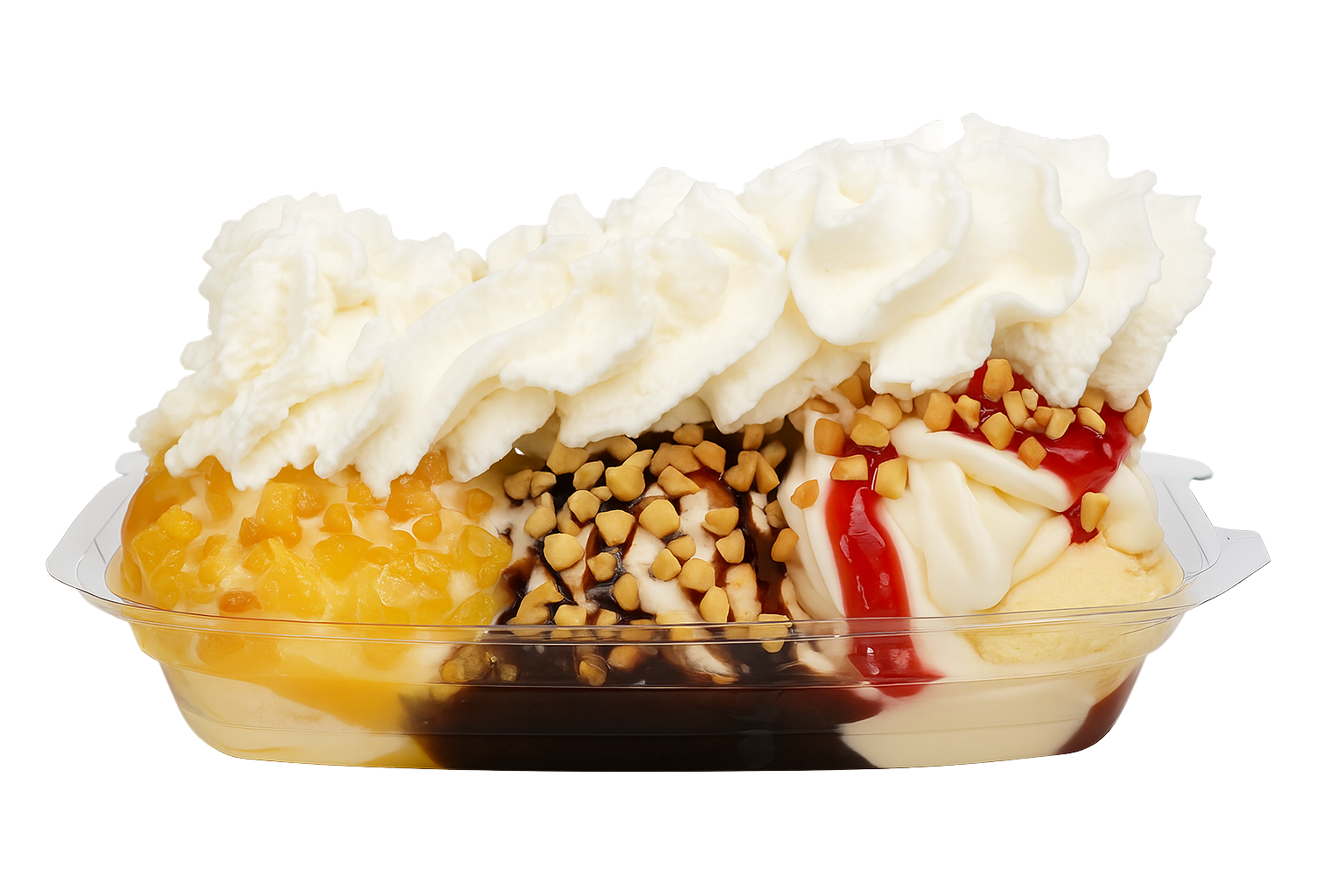
Banana Split
$6.49Ice cream, chocolate syrup, pineapple, cherries over a ripe banana — layered delight. add optional whipped cream and nuts
1 customization available
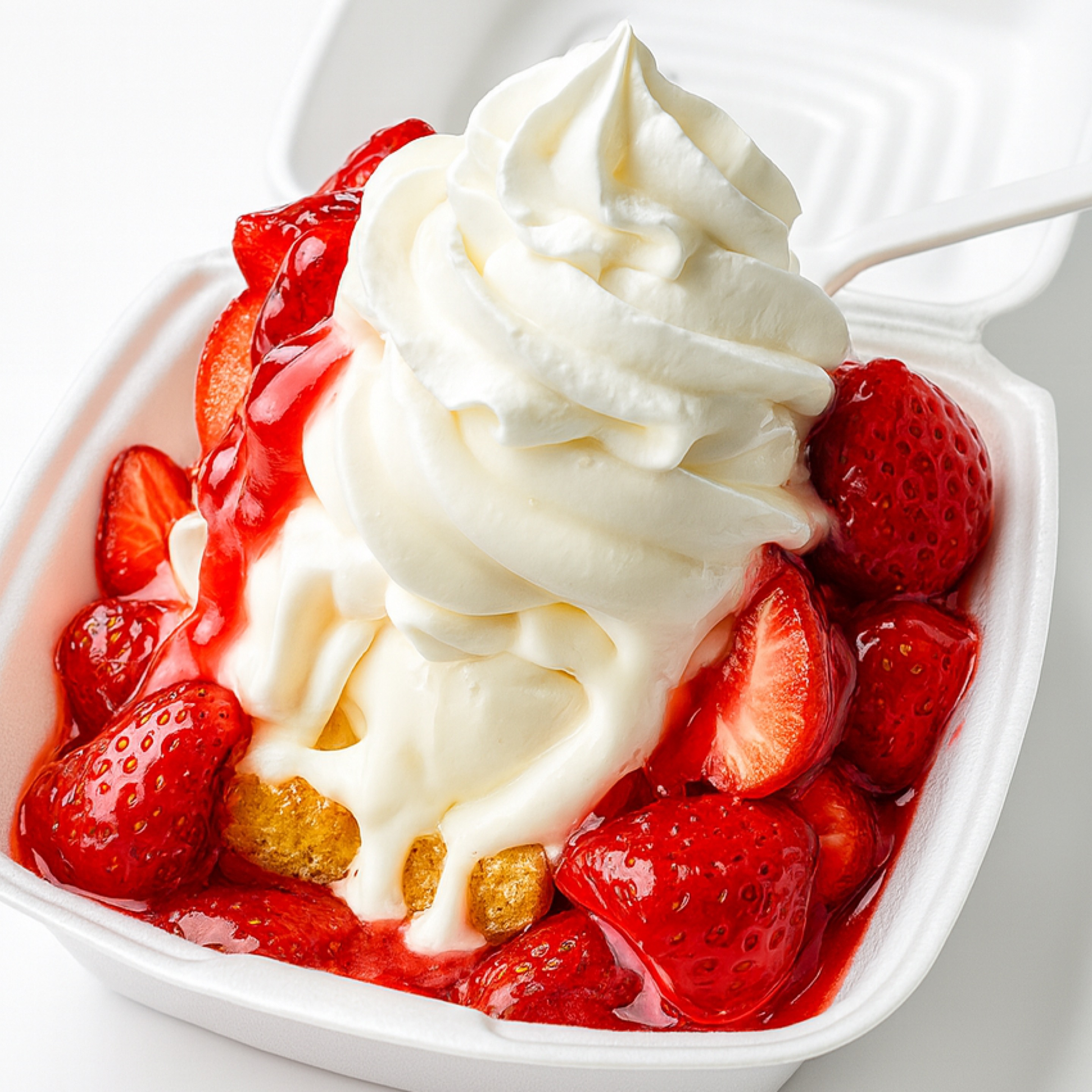
Strawberry Shortcake
$6.99Shortcake, strawberries, and ice cream — fresh, fluffy, classic.
3 customizations available
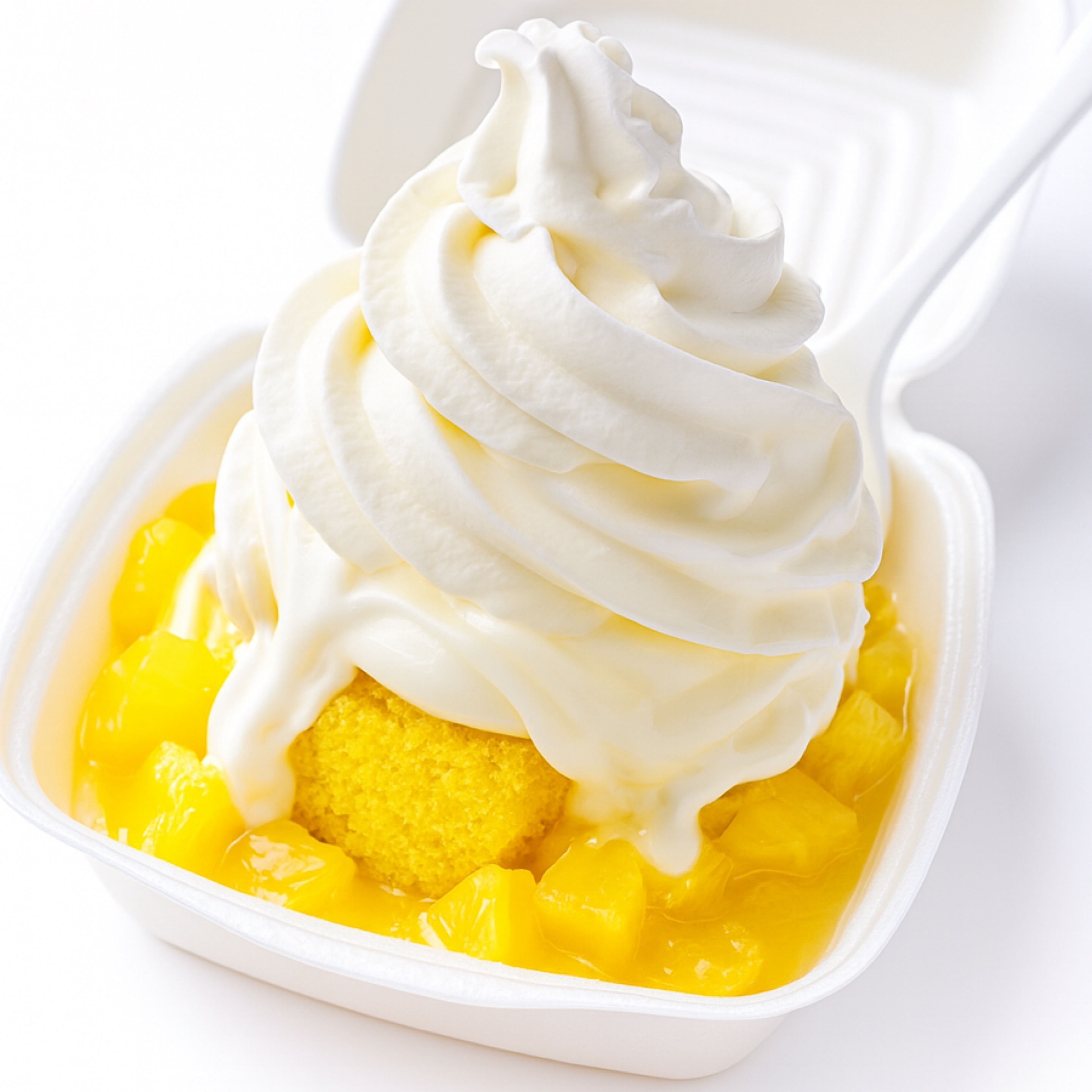
Pineapple Delight Cake
$6.99Soft cake with pineapple and ice cream — bright, sweet slice.
3 customizations available
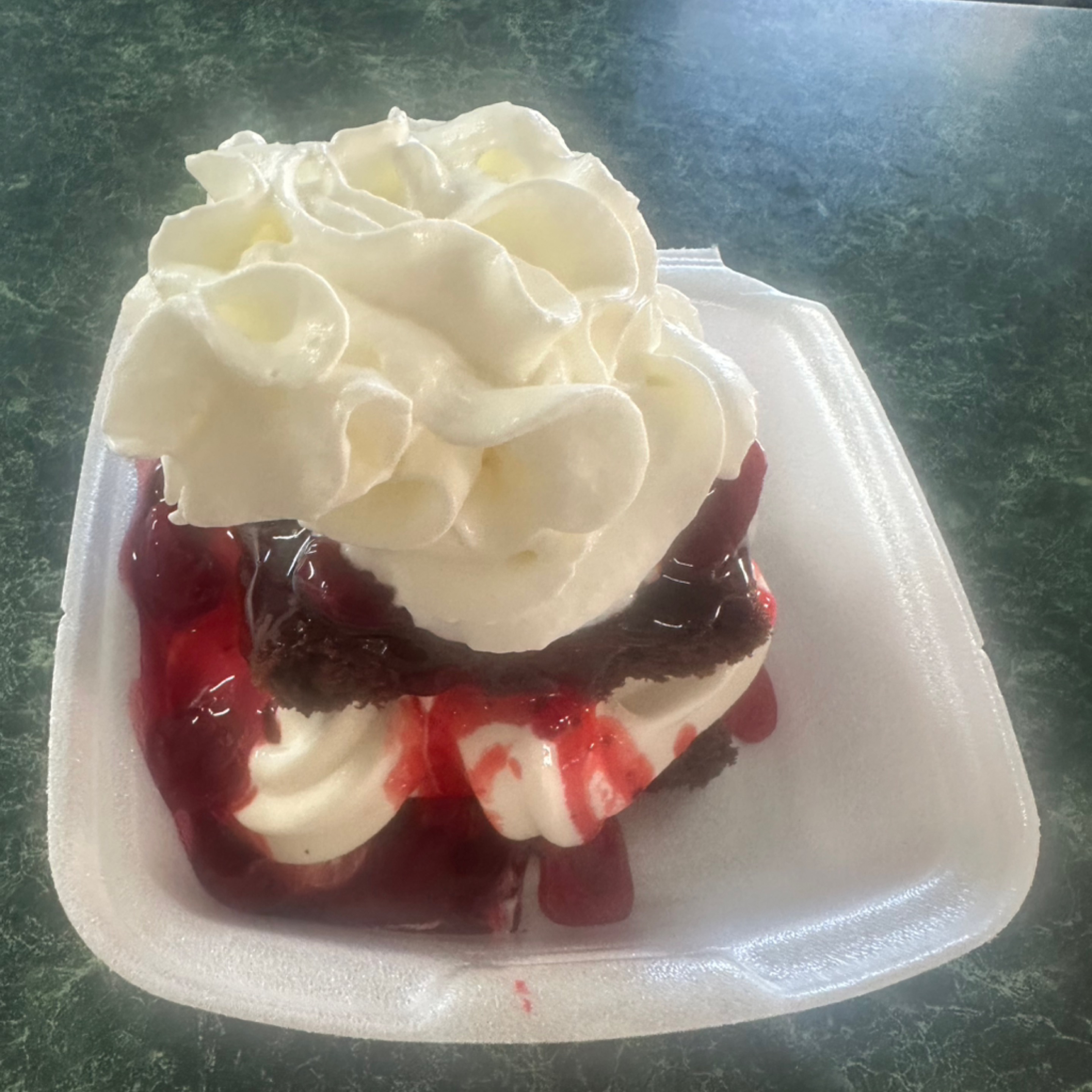
Cherry Delight
$6.99Ice cream inbetween a chocolate cake and smothered in cherries
2 customizations available
Seasonal & Supreme
3 itemsMac & Cheese Bites
$2.991 customization available
Fish Sandwich
$4.99Crispy fish fillet topped with fresh lettuce and tangy tartar sauce on a soft bun — a flavorful and quick meal option.
Backyard BBQ Burger
$6.99Smashed beef patty slathered in smoky-sweet house BBQ sauce with melted cheese and crispy onions on a toasted bun.
MADE FRESH, EVERY SINGLE TIME
"No heat lamps. No frozen patties. No shortcuts."
At Flavor Isle, we believe great food takes time — and it's worth the wait. Every order is cooked fresh, right when you place it. That's how it's always been. That's how it always will be.
Delivery is temporarily limited to a 5‑mile radius until winter. Pickup and dine‑in remain available.
Running Smooth · ≈ 16 min
What to expect?
Wear the flavor. Tees, cups, and gear printed on demand and shipped straight to your door.
How it works
Every Tasty Threads piece is made to order — no warehouse, no waste.
You order
Pick your tee, cup, or gear and check out.
We print
Your item goes into production within 2–7 business days.
It ships
Tracking emailed to you, delivered in 2–5 more business days.
20 products
Kids
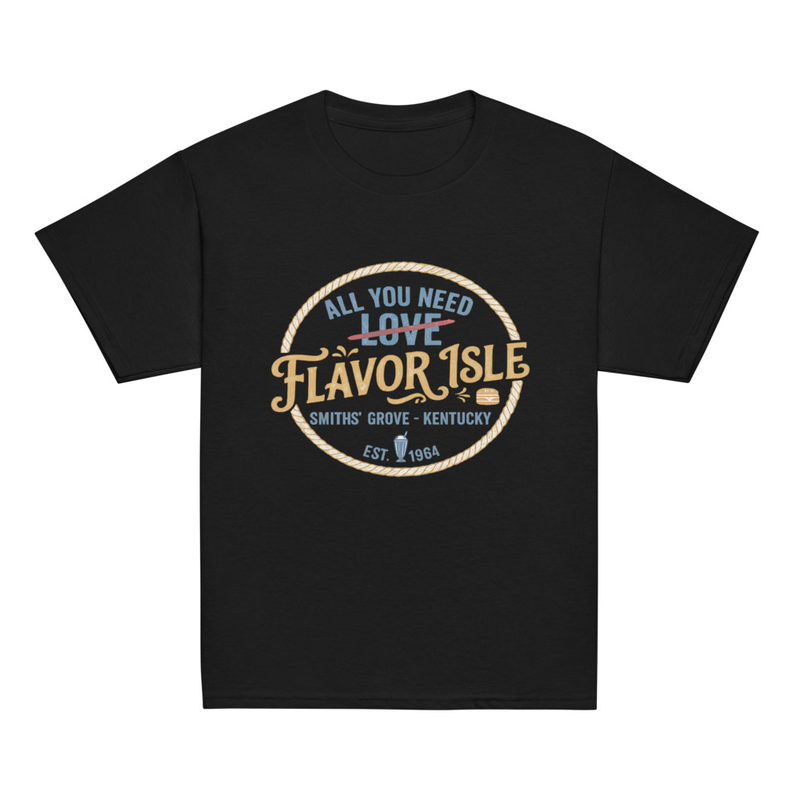 from $14.99Made to order
Kids All You Need is Flavor Isle Classic tee
Adult
Tees
from $24.99Made to orderSmiths Grove Landmark Tee
 from $19.99Made to order
Leaves Change Shakes Stays Legendary
 from $19.99Made to order
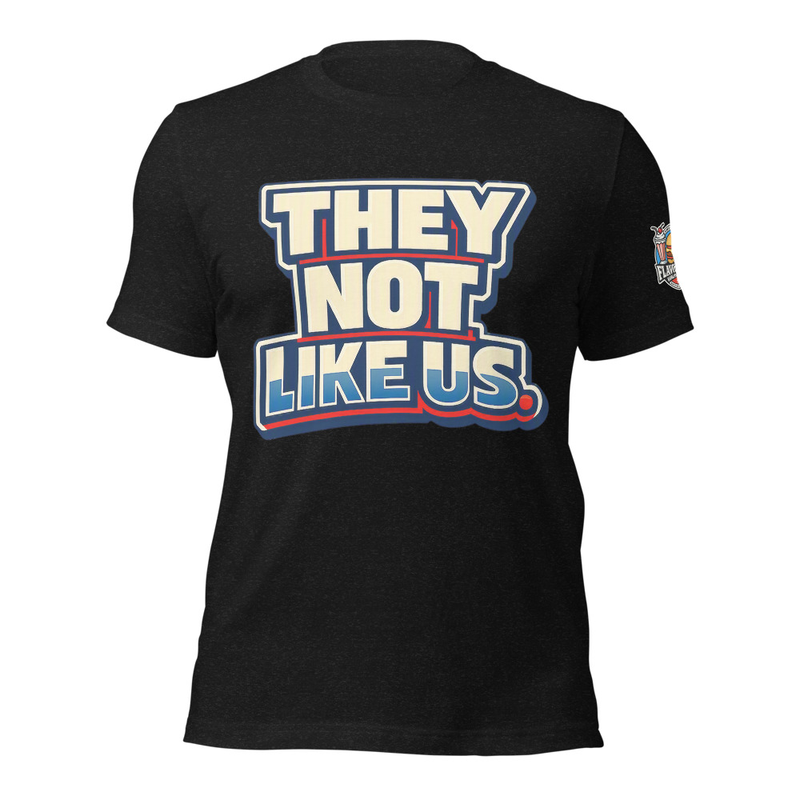
They Not Like Us
 from $19.99Made to order
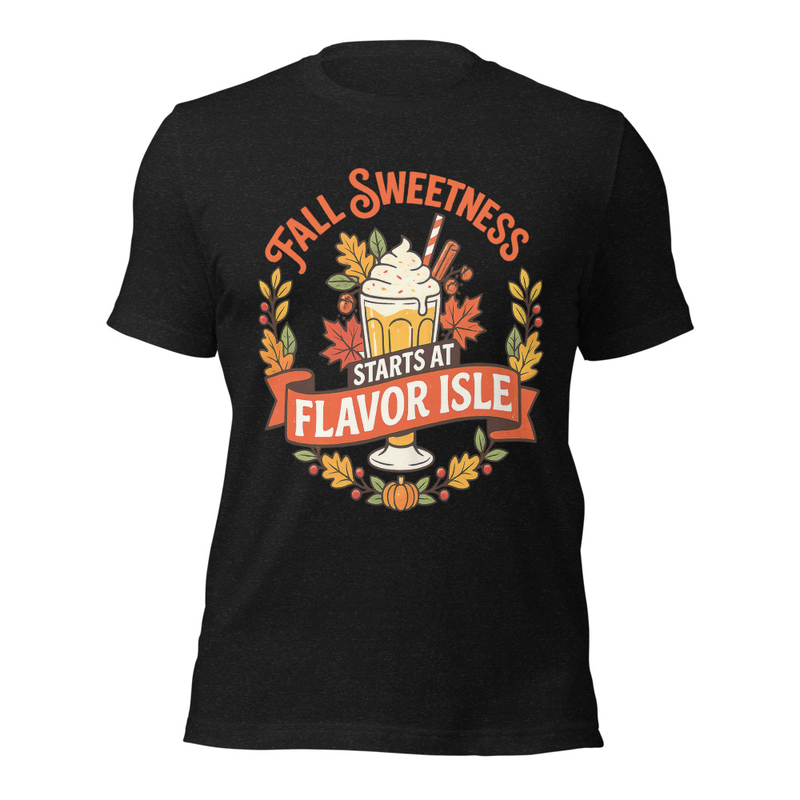
Fall Sweetness Starts at Flavor Isle
 from $19.99Made to order
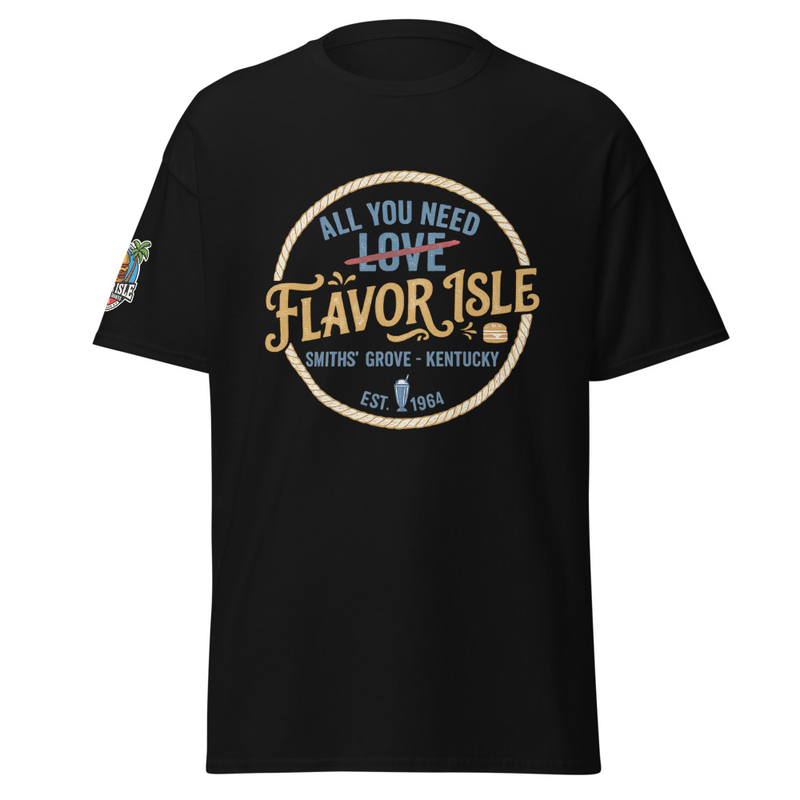
All You Need is Flavor Isle
 from $19.99Made to order
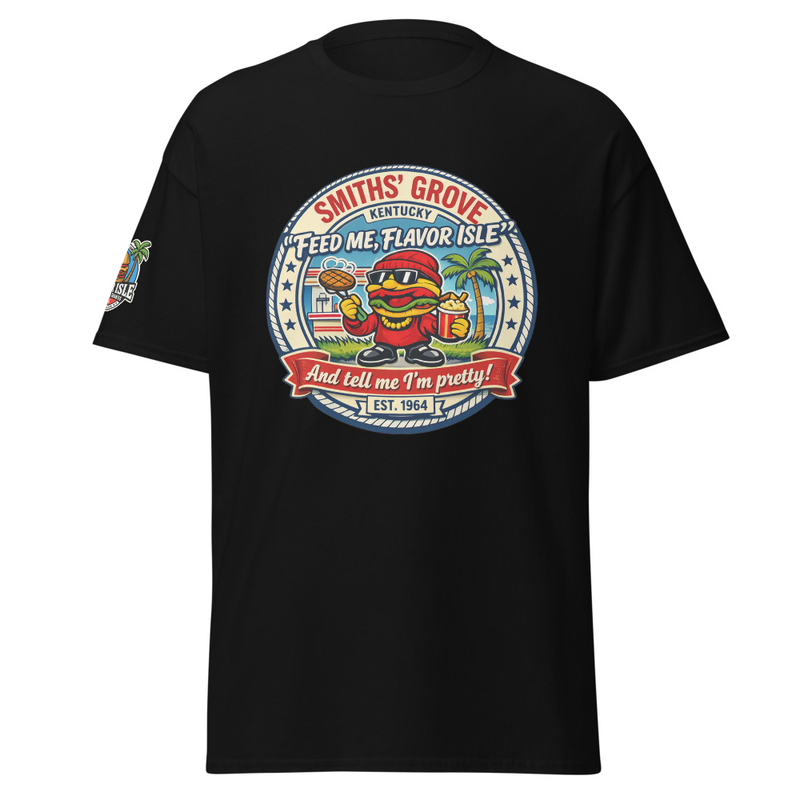
Feed me Flavor Isle and tell me im pretty
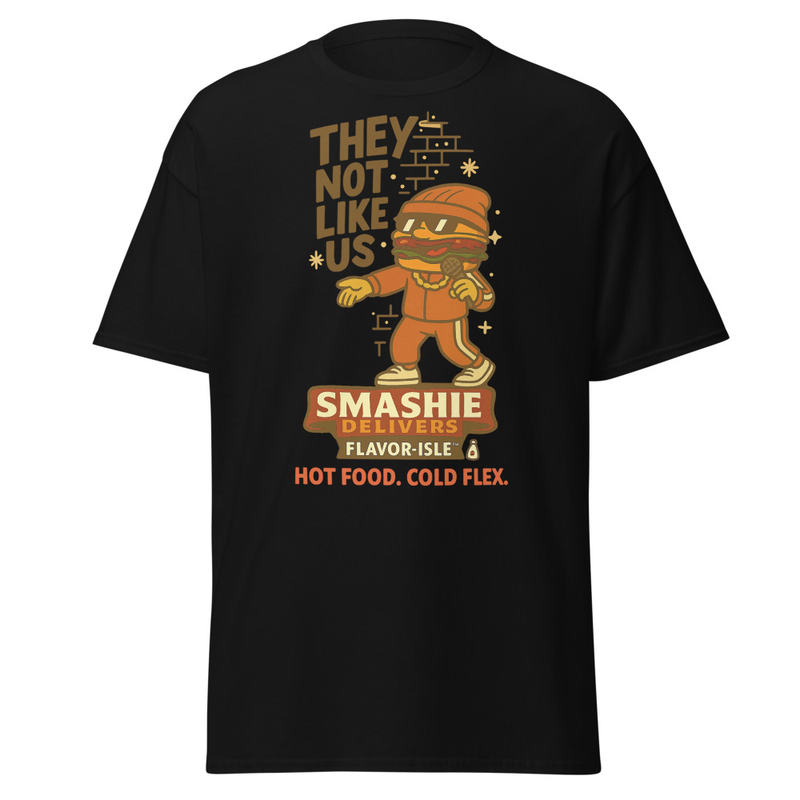 from $24.99Made to order
Smashie Rapping They Not Like Us
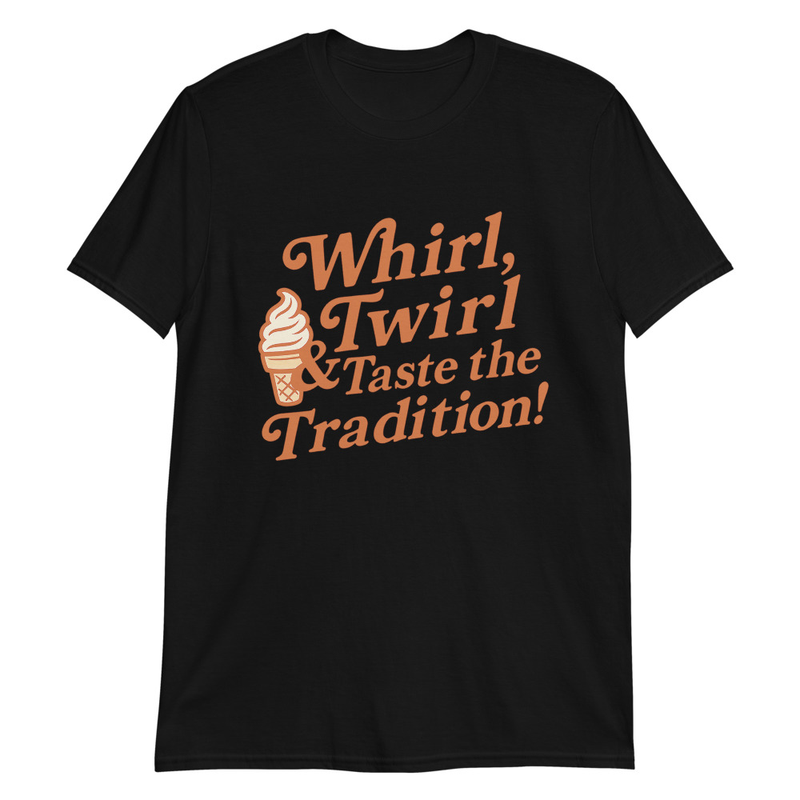 from $24.99Made to order
Whirl Twirl & Taste the Tradition
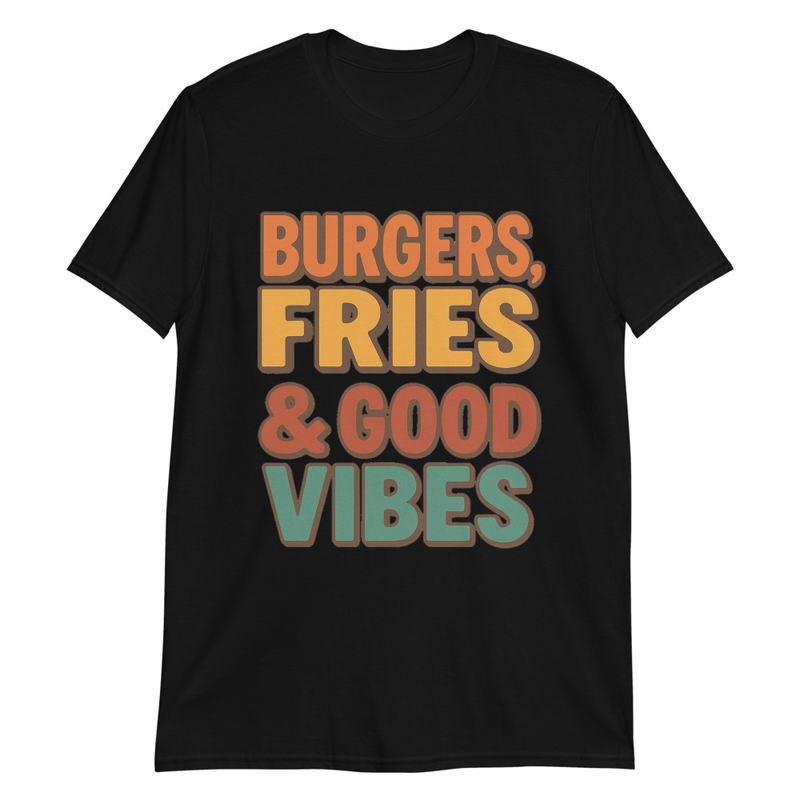 from $24.99Made to order
Burgers, Fries & Good Vibes
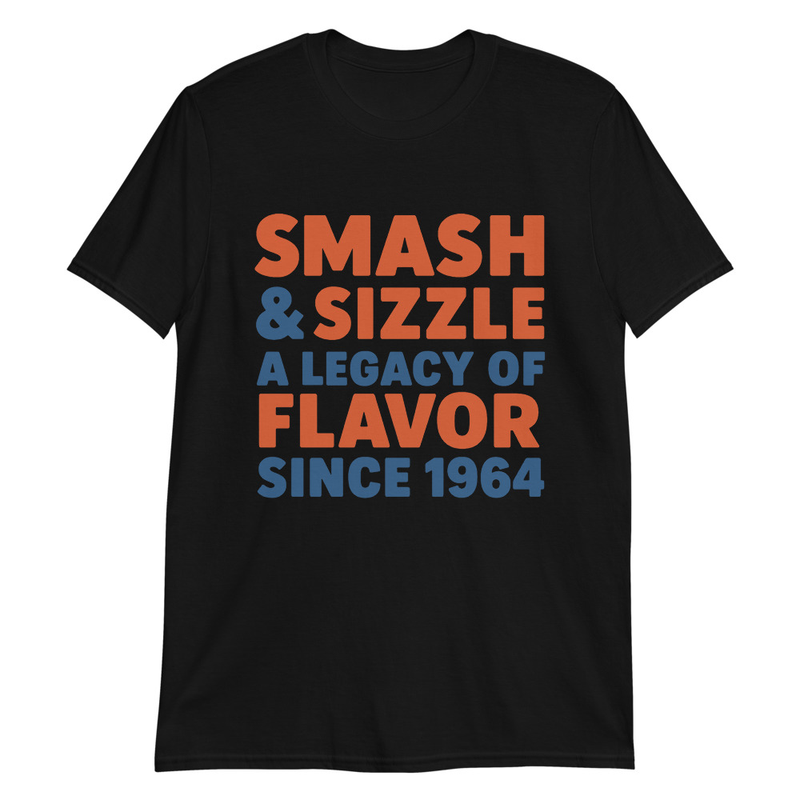 from $24.99Made to order
SMASH & SIZZLE
 from $24.99Made to order
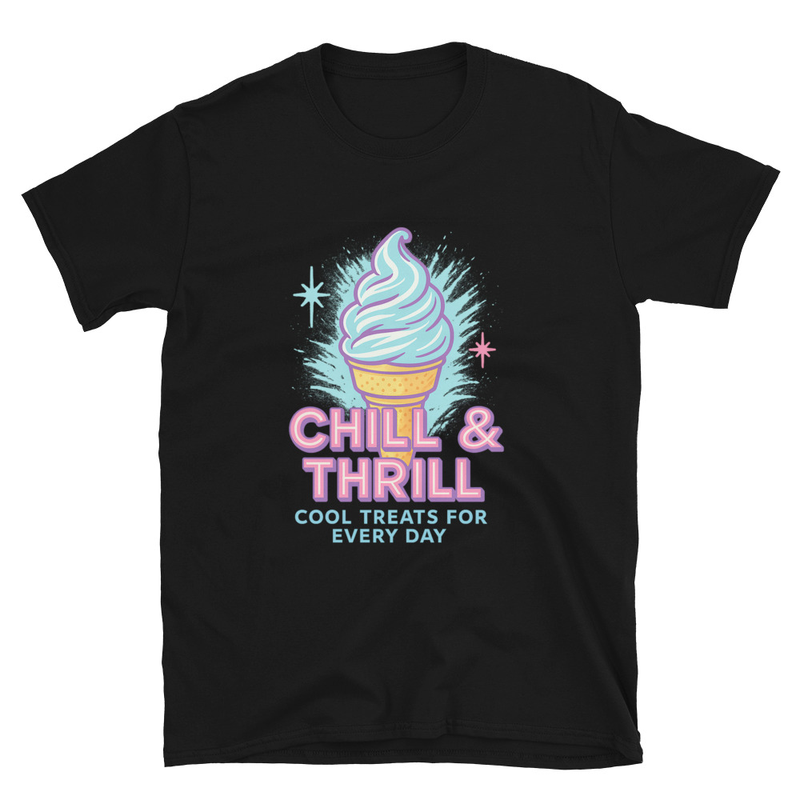
CHILL & THRILL
 from $18.00Made to order
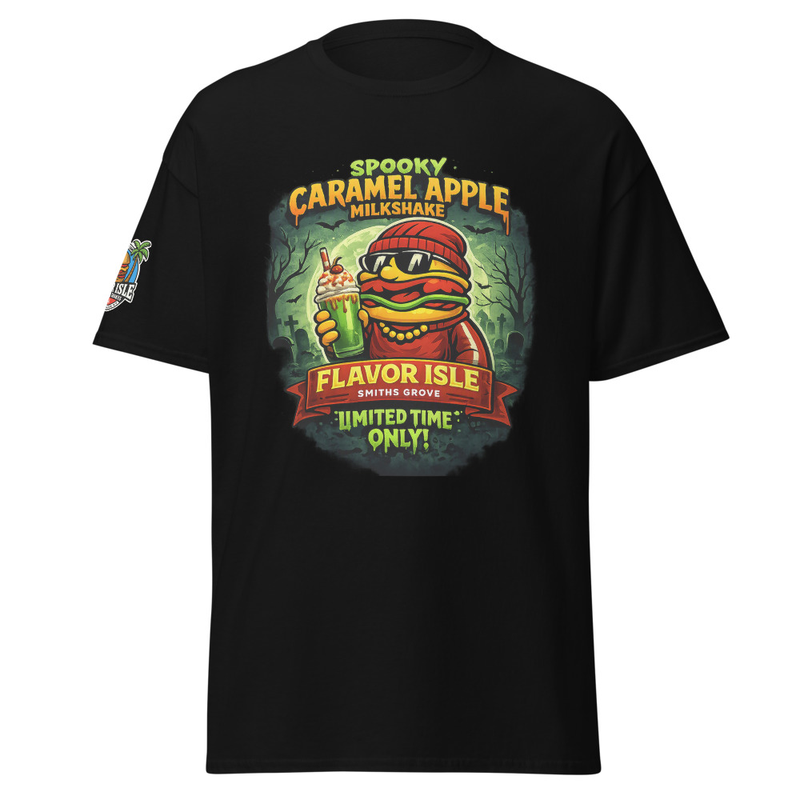
Caramel Apple
 from $19.99Made to order
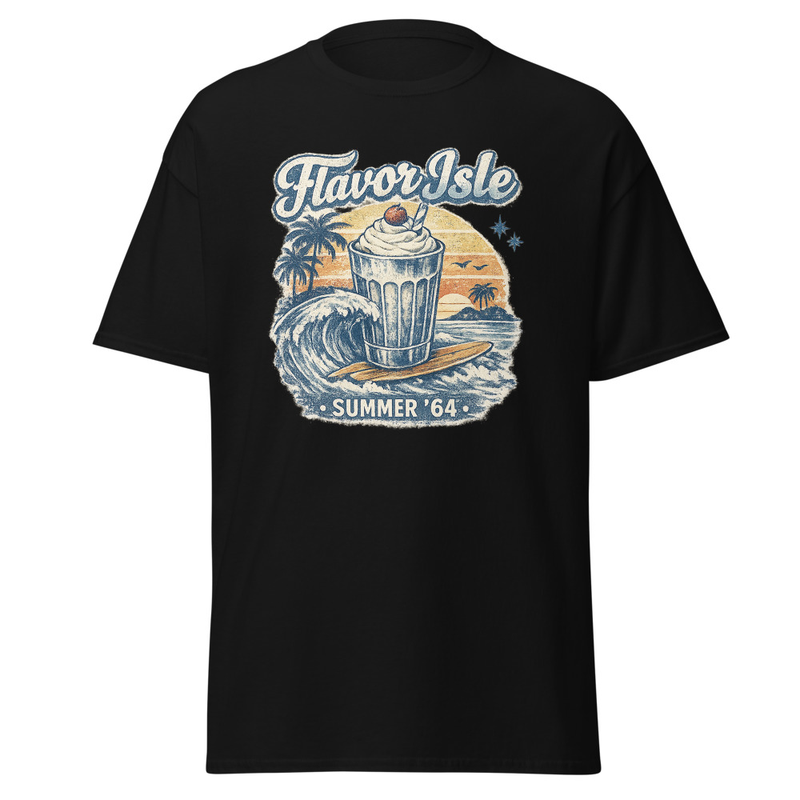
Summer 64 Surf Throwback
 from $19.99Made to order
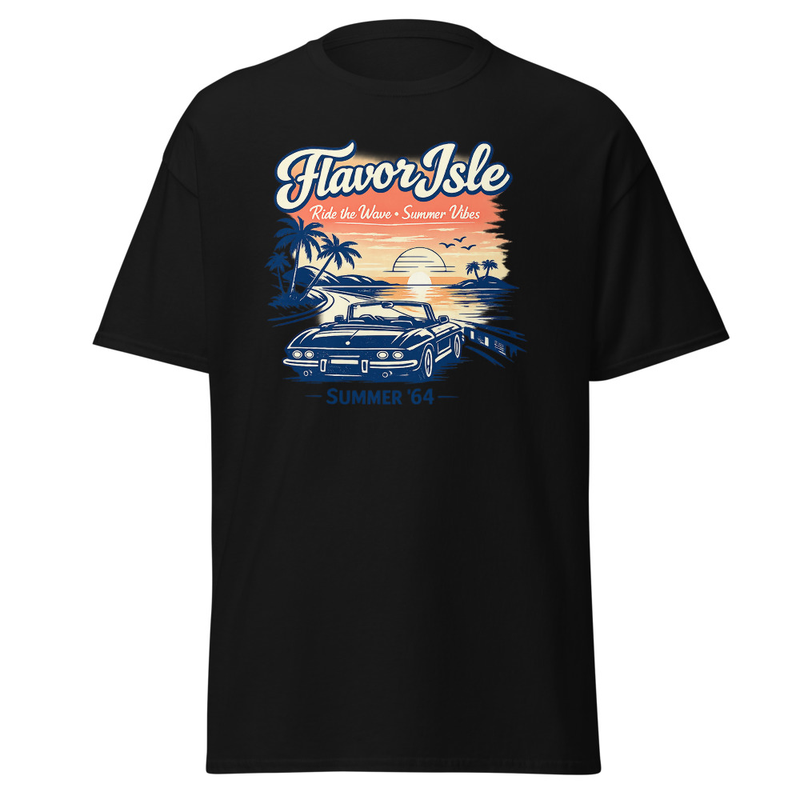
Summer 64 Throwback
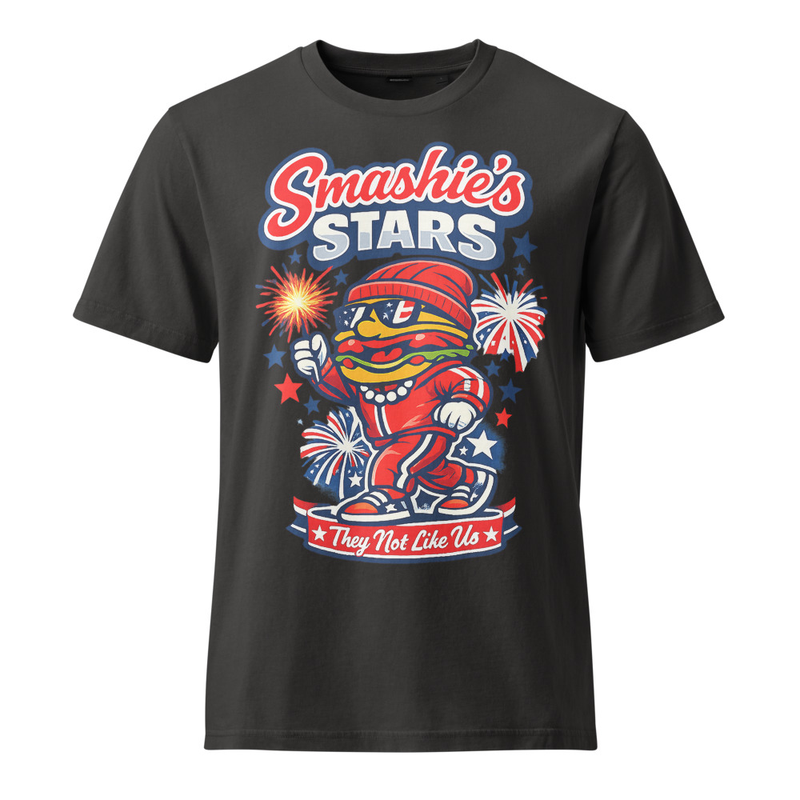 from $24.99Made to order
Smashie Stars
Hats
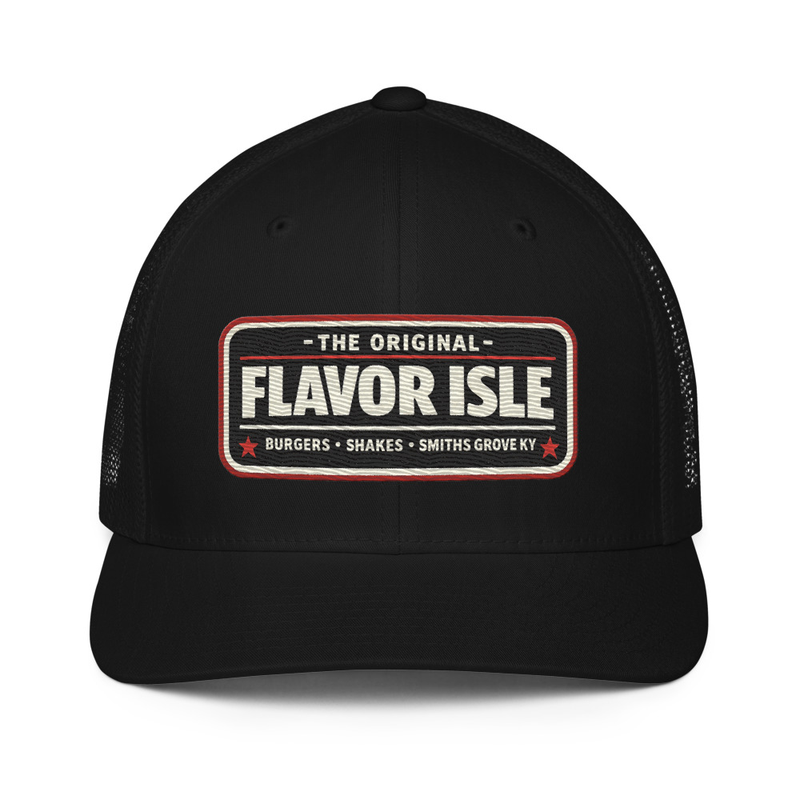 from $28.99Made to order
The Original Flavor Isle Cap
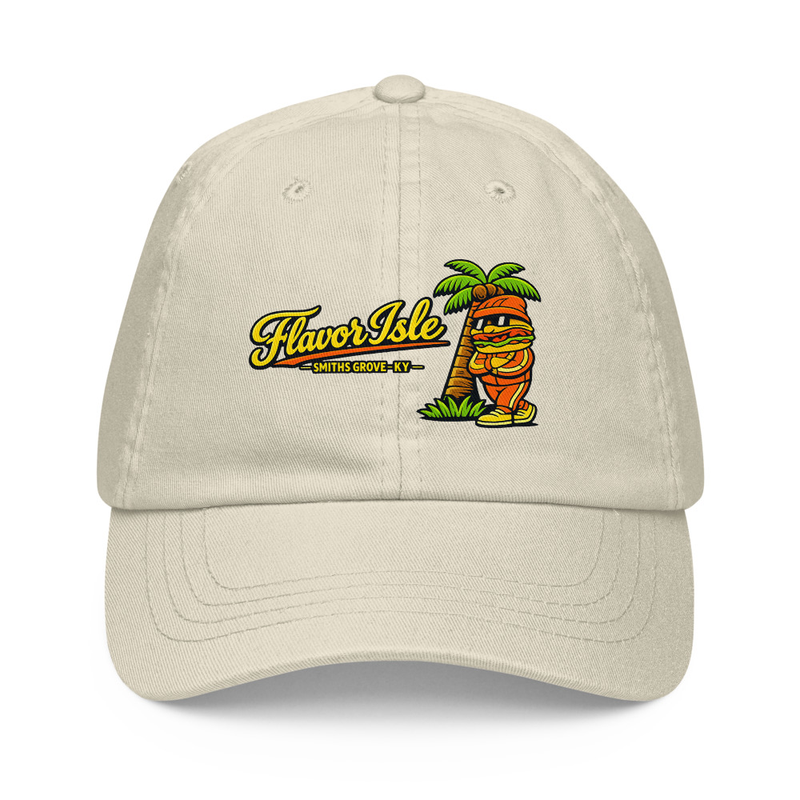 from $22.50Made to order
Flavor Isle Smashie Hat
Hoodies
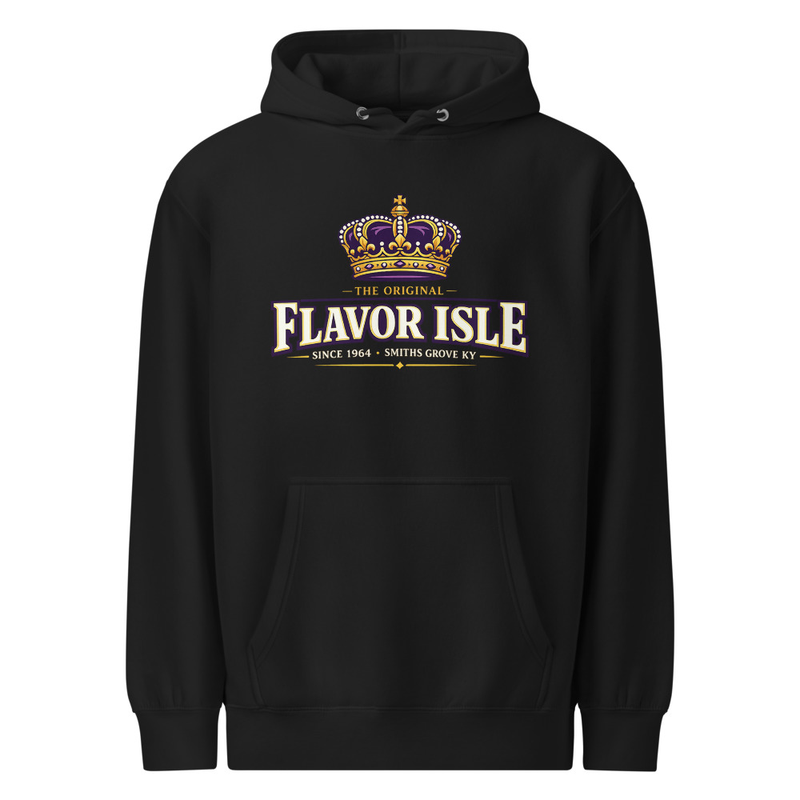 from $30.50Made to order
The Original Flavor Isle
Other
from $19.99Made to orderI'm a side chick
Delivery is temporarily limited to a 5‑mile radius until winter. Pickup and dine‑in remain available.
Running Smooth · ≈ 16 min
What to expect?My Account
Sign in to track orders, save preferences, and reorder your favorites.
Delivery is temporarily limited to a 5‑mile radius until winter. Pickup and dine‑in remain available.
Running Smooth · ≈ 16 min
What to expect?FLAVOR ISLE
Connect an AI Assistant
Plug Flavor Isle into your favorite AI tool so it can look up our menu, hours, and live kitchen status for you. Copy the address below and follow the steps for your app.
Your MCP server address
https://taste-isle-express.base44.app/api/mcpThis is a public, read-only connection — the assistant can browse our menu and store info, but can't place orders or change anything.
Claude (Desktop & Web)
- 1
Open Connectors
In Claude, click your profile menu (top-right) → Settings → Connectors.
- 2
Add a custom connector
Click "Add custom connector".
- 3
Name it
Give it a name like "Flavor Isle".
- 4
Paste the address
Paste the MCP server address you copied above into the URL field.
- 5
Add it
Click Add. Claude will confirm the connection is live.
Refresh after we ship changes
AI assistants cache the tool list. If we add new menu items or capabilities and your assistant isn't seeing them, refresh or re-add the connector so it pulls the latest tools.
We use cookies to improve your experience, analyze traffic, and serve relevant ads. See our Privacy Policy.